




Most plumbers nowadays are very hardworking and smart; they know how to manage workflows and billing methods on job sites. But what about new plumbers and plumbing businesses who’ve just started their plumbing business.
They are totally new to this field, and I’ve seen that no one told them about how to use plumbing invoicing software at first.
But don’t worry, Fieldified is here to solve the beginner’s problem.
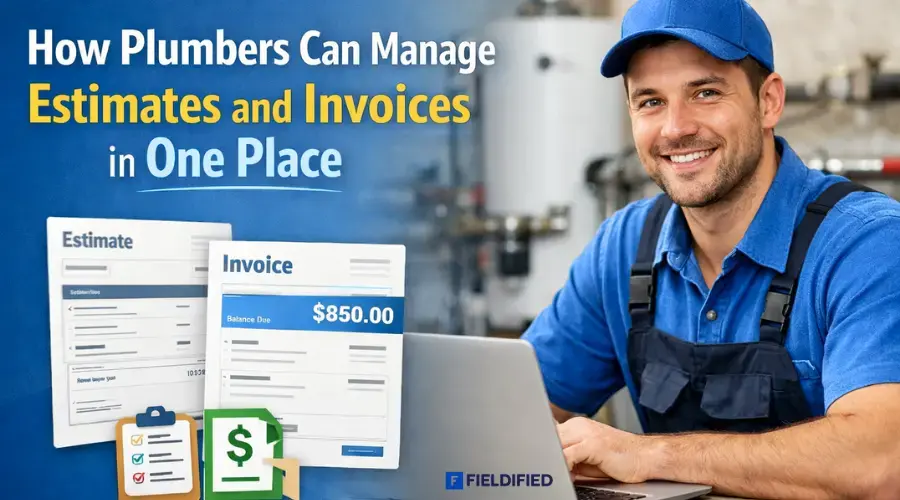
Here you’ll learn about how plumbers can manage estimates and invoices in one tool, in one CRM software. And also, you’ll find the best software for small businesses that helps them to smooth the daily workflow.
First, we should look at
The Problems that Plumbers Face
Plumbers face many problems in the workplace, especially when it comes to managing daily tasks and paperwork. Some common problems are:
- Writing estimates and invoices manually takes a lot of time.
- Mistakes happen in calculations and pricing.
- Hard to track pending payments from customers
- Paper bills can be lost or damaged easily.
- No proper record of past jobs and customers
- Difficult to manage work while being on-site
These problems slow down the work and affect the daily productivity of plumbers. But don’t worry, you can easily get rid of these problems with these.
Smart Hacks that Solve Plumbers’ Work Problems
1. Use Plumbing Invoicing Software
Plumbing CRM software helps plumbers manage billing easily. It allows them to create estimates, generate invoices, and send them to customers in one place. This reduces manual work and saves a lot of time.
2. Manage Estimates and Invoices
Managing estimates and invoices in one place keeps all records organized. Plumbers can quickly convert estimates into invoices without extra effort. This makes daily work smooth and stress-free.
3. Go Paperless with Digital Tools
Digital billing tools help plumbers avoid paperwork and confusion. All documents are stored safely online and can be accessed anytime. This reduces the risk of losing bills or records.
4. Track Payments Easily
Plumbing software helps plumbers track paid and unpaid invoices clearly. It shows pending payments and customer details in one dashboard. This improves cash flow and payment follow-ups.
5. Use Mobile-Friendly Apps
Mobile-friendly plumbing apps allow plumbers to work from anywhere. They can create invoices directly from the job site using their phone. This improves productivity and work speed.
Plumbers can use these hacks and save time by managing estimates properly.
But the challenge is ….
Most plumbing businesses, especially those that have recently started, do not know how to use tools and software at first. It’s not because they are unskilled or careless, but because no one guides them properly in the beginning.
This is a simple, point-to-point guide for beginner plumbers who want to apply these hacks and start using plumbing invoicing software in the right way.
How Plumbers Can Manage Estimates and Invoices in One Tool
Managing can be difficult sometimes, especially for beginner plumbers. They have to handle jobs, customers, payments, and paperwork at the same time. 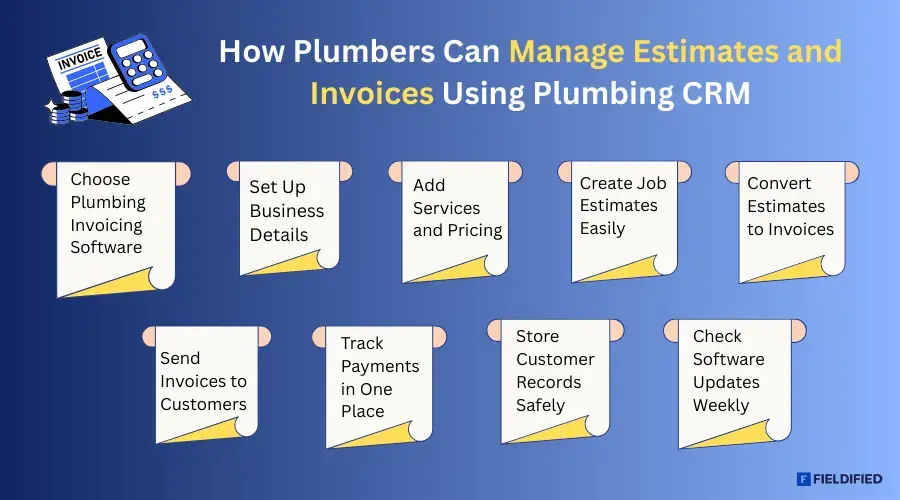 So when you first move to plumbing software to manage your daily work, your first step would be:
Step 1: Choose the Right Plumbing Invoicing Software
Start by choosing a good plumbing invoicing software that is simple and easy to use. A software that is made for small teams or beginner plumbing businesses. Make sure the software allows you to create estimates, generate invoices, track payments easily without any extra effort and manage customers in one dashboard without extra technical knowledge. A reliable plumbing CRM software can help your business to grow.
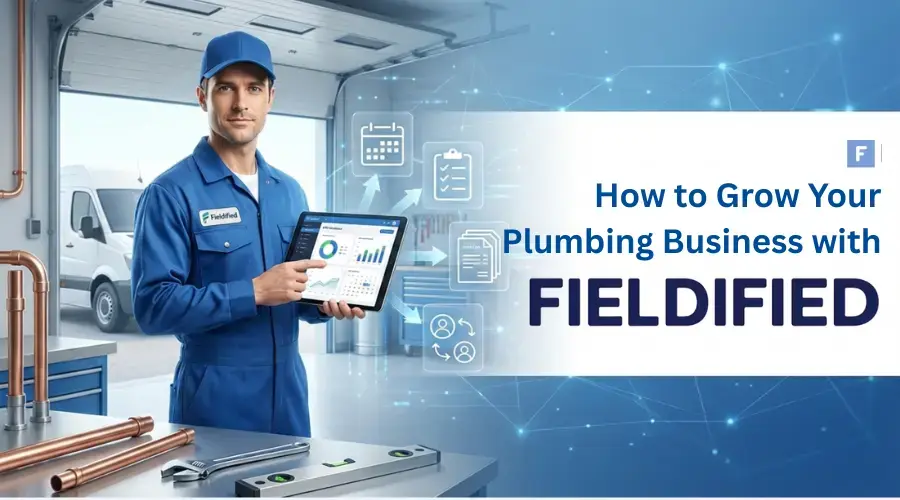
To know how? Check this > grow your plumbing business with Fieldified.
Step 2: Set Up Your Business Details
After selecting the software, add your business details:
- Business Name
- Phone Number
- Email Address
- Business Logo
Adding details helps you to create professional estimates and invoices for your business. It also builds trust with customers and makes your brand look more reliable and organized.
Step 3: Add Your Services and Pricing
Enter all plumbing services that you offer along with their prices in the software like: labor charges, material costs, and extra services.
Adding prices in advance helps avoid calculation errors and saves time so you can create estimates for new plumbing jobs.
Step 4: Create Your First Estimate
Use the software to create an estimate for your customer before starting the job. Add job details, services, and total cost clearly.
A clear estimate helps customers understand pricing and approve work faster, reducing confusion and payment-related issues later.
Step 5: Convert into an Invoice
Once the customer approves the estimate, convert it into an invoice using the same software. This avoids rewriting information again. It saves time, reduces mistakes, and ensures the final bill matches the approved estimate exactly.
Step 6: Send Invoice to your Customer
Send the invoice directly to your customer through email or WhatsApp message using the software. Quick invoice sharing helps customers pay faster. It also looks professional and reduces delays caused by manual billing or paper invoices.
Step 7: Track Payments Easily
Use plumbing invoicing software to track which invoices are paid and which are pending. This helps you know who needs payment follow-up.
Clear payment tracking improves cash flow and avoids confusion about unpaid or overdue bills.
Step 8: Keep Records for Future Use
Store all estimates, invoices, and customer information safely in one place. These records help in future jobs, repeat customers, and tax purposes.
Having organized records also helps plumbers understand business growth and plan better.
Step 9: Check the Software Daily for Updates and Issues
Make it a habit to check your plumbing software weekly. Look for updates, errors, or technical issues, and also maintain the customer database daily.
Regular checking avoids problems during work and ensures the software runs smoothly without affecting estimates or invoices.
These 8 steps are for beginners to help them, but if you want to read from scratch, then read this guide of getting started with CRM
Best Plumbing Invoicing Software for Easy Billing
There are many CRM and invoicing software available in the market that work smoothly and offer many features, but most of them are very costly. This can be difficult for small plumbing businesses or beginners who have a limited budget.
That’s why, before choosing any invoicing software, you should first understand your own business needs, team size, and daily work.
Every plumbing business is different. Some plumbers work alone, while others have a small team. Some handle a few jobs per day, while others manage many customers daily.
That’s why choosing software without checking these things can lead to wasted money. Before selecting a good invoicing CRM software, look at the following points:
Business Size: This is the second time I repeat, check if you’re a solo plumber or run a small plumbing business. Choose software that fits your team size and workload.
Team Members: See how many people will use the software because some tools charge extra for each user.
Daily Jobs: Count how many estimates and invoices you create daily. Simple software is enough for fewer jobs.
Budget: Look at your budget and decide how much you can afford for monthly or yearly plans without stress.
Ease of Use: Look for the software that is easy to use if you’re a beginner.
Mobile Access: Check for mobile access; also, the software must work well on mobile devices.
Required Features: Focus on important features like estimates, invoices, payment tracking, and client database.
Choosing the right software based on your needs helps save money, time, and effort while growing your plumbing business smoothly.
Last but not least
If you’re still confused about choosing the right CRm for your business. Then check out this blog where you explore top CRMs that are affordable and easy to use for small plumbing businesses.
FAQs
Q1: How can plumbers manage estimates and invoices?
Plumbers can manage estimates and invoices by using plumbing invoicing software in one place. It helps them create estimates, convert them into invoices, send bills, and track payments easily.
Q 2: What are smart hacks that solve plumber’s problems?
Smart hacks that solve plumber’s problems include using plumbing invoicing software, managing estimates and invoices in one tool, going paperless, tracking payments digitally, and using mobile-friendly apps to save time and reduce errors.
Q3. What is the invoice software for plumbers?
Invoice software for plumbers is a digital tool that helps create estimates, generate invoices, send bills, and track payments in one place, making billing fast and easy.
Q4. How do plumbers invoice?
Plumbers create an estimate, convert it into an invoice after job approval, and send it to the customer through email or WhatsApp using invoicing software.
Q 5: What is the best plumbing invoicing software for small businesses?
The best plumbing invoicing software for small businesses is Fieldified. It’s affordable, easy to use, and made for beginners. It should support estimates, invoices, payment tracking, and a client database.