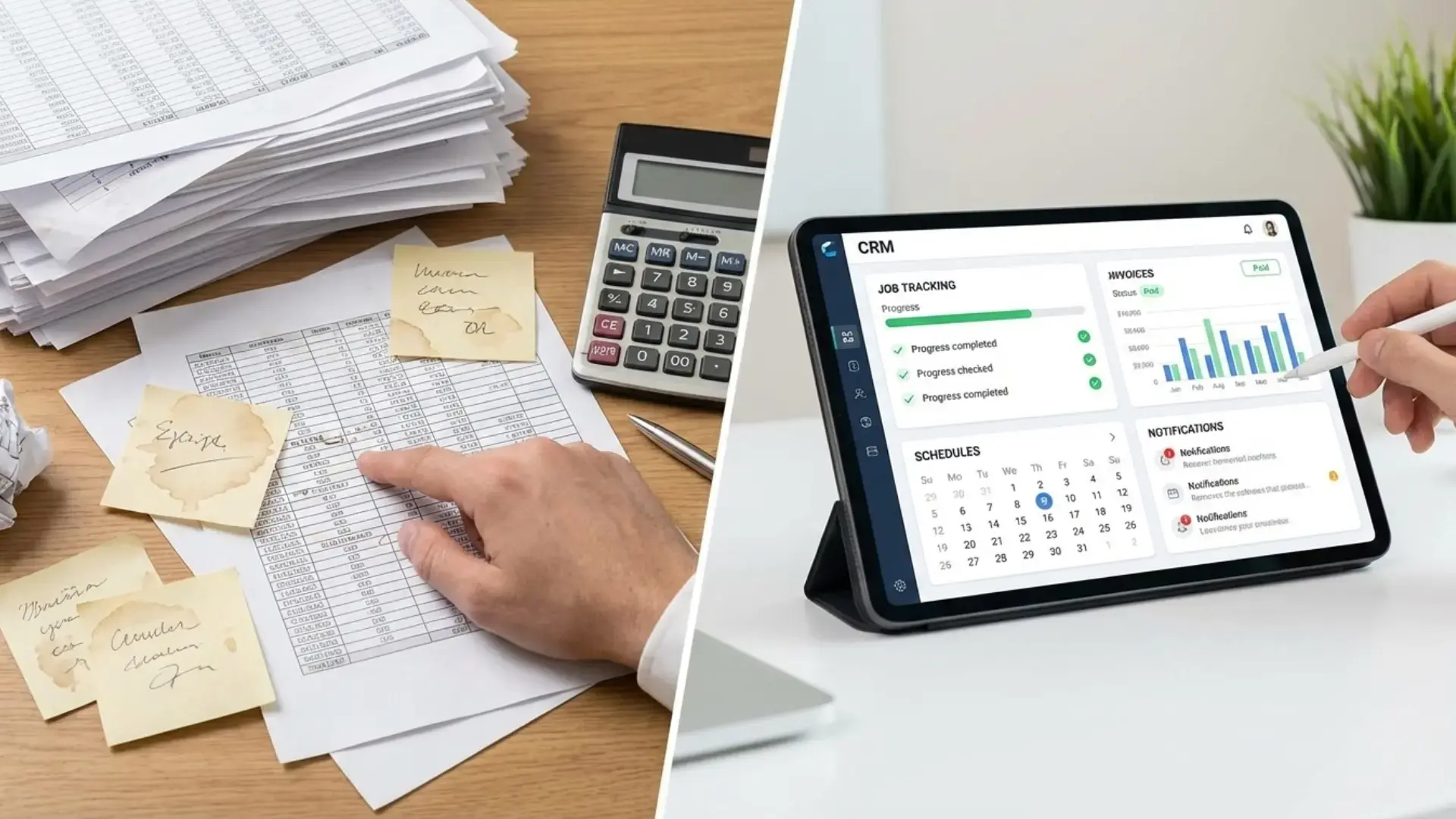





Spreadsheets often feel like the easiest way to run a contracting business in the early days. They’re familiar, flexible, and inexpensive. But as teams grow and job volume increases, cracks start to show. This is where a CRM for contractors becomes less of a “nice to have” and more of a practical necessity.
Missed updates, delayed invoices, double bookings, and messy records aren’t signs of poor management. There are signs that spreadsheets are being pushed beyond their limits.
In this guide, we’ll break down the most common warning signs, explain why they happen, and explore what growing contractors should consider next.
Why Do Spreadsheets Stop Working as Contracting Businesses Grow?
Spreadsheets are designed for static data, not dynamic operations. As workload and data volume grow, contractors increasingly benefit from structured CRM workflows, which help organize customer interactions and automate follow-ups - boosting service consistency and operational clarity. Contracting businesses deal with moving parts every day - jobs, technicians, schedules, customers, invoices, and follow-ups. As volume increases, manual tracking creates gaps.
Here’s why spreadsheets struggle at scale:
- No real-time updates
- No automation for follow-ups or billing
- High risk of human error
- Limited visibility across teams
- No centralised system of record
At a certain point, growth demands structure. That’s where proper field service management tools begin to matter.
Sign 1: Are Jobs Falling Through the Cracks?
If jobs are being missed, delayed, or duplicated, spreadsheets are likely the cause.
Many contractors use separate sheets for schedules, job notes, and customer details. When updates don’t sync instantly, teams work with outdated information. A technician shows up late. A customer doesn’t get notified. A follow-up never happens.
This is one of the clearest signs that job tracking for contractors needs more than rows and columns. A centralised job management system helps teams track job status, updates, and technician activity in real time, reducing missed work and miscommunication.
What’s really happening: Manual tracking can’t keep pace with real-world job changes.
Sign 2: Is Scheduling Becoming Stressful and Error-Prone?
Scheduling is one of the first things to break as workload increases.
With spreadsheets, updating schedules means constant edits. One change can trigger multiple mistakes. Overbooked technicians. Missed appointments. Conflicting time slots.
A systemized approach allows schedules to update in real time and stay visible across teams.
Manual vs systemized scheduling:
- Manual: Reactive, inconsistent, easy to break
- Systemized: Live updates, shared visibility, fewer conflicts
Sign 3: Are You Spending Too Much Time on Admin Work?
If evenings are spent updating sheets, chasing invoices, or correcting entries, the problem isn’t time management. It’s tooling.
Spreadsheets require repetitive manual work:
- Copying job details
- Updating statuses
- Creating invoices
- Tracking payments
This admin load grows faster than revenue. A structured CRM for contractors reduces repetitive tasks and frees time for higher-value work.
According to productivity research from Harvard Business Review, excessive manual admin directly reduces operational efficiency and employee focus.
Sign 4: Is Financial Tracking Getting Messy?
Many contractors rely on spreadsheets to track invoices, payments, and expenses. It works - until it doesn’t.
Common issues include:
- Forgotten invoices
- Unclear payment status
- Duplicate entries
- Difficulty reconciling records
Without automation, financial visibility suffers. This impacts cash flow and planning.
A connected system ties jobs directly to invoices and payments. No guessing. No backtracking.
For a clear explanation of why manual financial tracking becomes risky, Investopedia outlines the limits of spreadsheet-based accounting well.
Sign 5: Do Customers Feel the Inconsistency?
Customers notice delays. They notice missed updates. They notice unclear invoices.
Spreadsheets don’t support consistent communication. Follow-ups depend on memory. Reminders get skipped. Service feels uneven.
As competition increases, experience matters as much as price.
Structured contractor software helps ensure every customer receives the same level of clarity and communication - without relying on manual effort.
How Does a CRM for Contractors Solve These Problems?
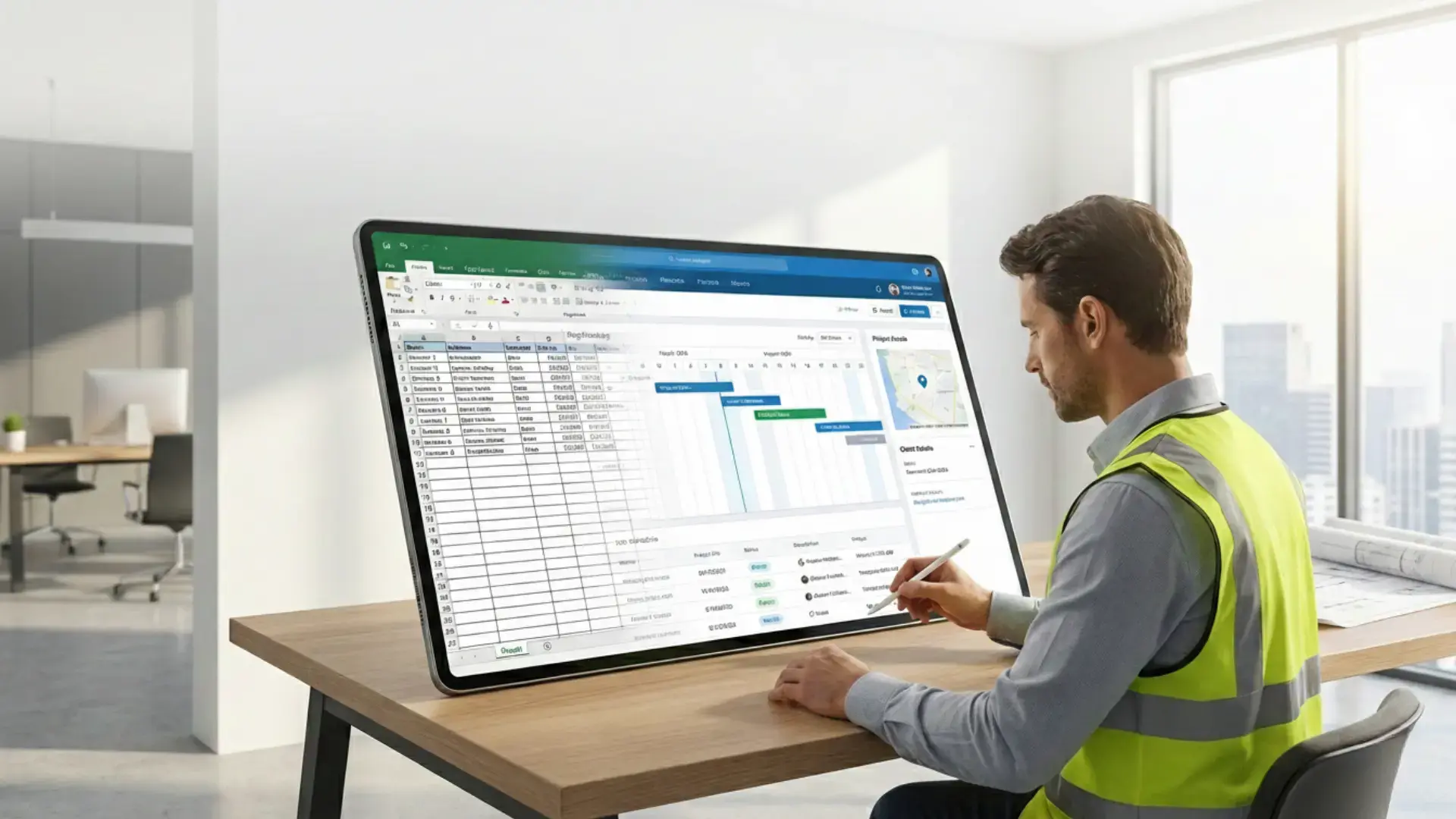
A CRM for contractors isn’t about complexity. It’s about structure.
Instead of scattered files, everything lives in one system:
- Jobs
- Customers
- Schedules
- Invoices
- Payments
- Communication
This allows teams to move faster with fewer mistakes. Updates happen once. Everyone sees the same data.
This is the foundation of modern field service management.
Manual Spreadsheets vs Systemized Contractor Software
| Area | Spreadsheets | CRM-Based System |
|---|---|---|
| Job tracking | Manual updates | Real-time status |
| Scheduling | Error-prone | Automated visibility |
| Invoicing | Separate process | Job-linked billing |
| Communication | Inconsistent | Automated workflows |
| Scalability | Limited | Built for growth |
Spreadsheets don’t fail suddenly. They fail gradually. Systems are built to scale.
Why Contractors Stick With Spreadsheets Longer Than They Should
Many contracting businesses continue using spreadsheets not because they work well, but because they feel familiar. Teams are used to existing workflows and hesitate to change systems that “seem good enough.” Spreadsheets also appear free, making contractor software feel like an unnecessary expense.
This hesitation is common across growing businesses, even though the long-term benefits of using a CRM - such as better visibility, reduced manual work, and improved coordination—often outweigh the short-term effort of switching systems. Over time, however, these manual processes limit scalability, making the shift to proper field service management and a CRM for contractors inevitable.
Hidden Risks of Spreadsheet-Based Operations Contractors Overlook
Spreadsheets may seem flexible, but they quietly introduce risks as operations grow. Version control issues lead to outdated job details and pricing errors. Manual updates increase the chance of missed follow-ups, billing gaps, and lost revenue. Access is often unrestricted, creating data security and accountability concerns.
Spreadsheets also lack real-time visibility, making it harder to track job progress, technician workload, and payment status. Over time, these small gaps add up, causing operational blind spots that limit scalability, strain teams, and reduce confidence in business data when accurate decisions matter most.
What Should Contractors Look for Beyond Spreadsheets?
When moving away from spreadsheets, the goal isn’t complexity. It’s clarity.
Key features to look for:
- Centralized job tracking
- Scheduling visibility
- Customer records in one place
- Job-to-invoice connection
- Payment tracking
- Mobile access for teams
- Simple reporting
A modern CRM for contractors should support growth without adding friction.
Common Mistakes Contractors Make When Switching Away From Spreadsheets
Moving away from spreadsheets is a smart step, but many contractors run into avoidable issues during the transition. These mistakes often slow adoption and reduce the benefits of switching to a proper system.
Choosing software that’s too complex
Overloaded tools with unnecessary features confuse teams and lead to low usage.
Not involving field technicians early
When techs aren’t part of the decision, job updates and job tracking often remain incomplete.
Migrating messy data without cleanup
Importing outdated or inconsistent spreadsheet data creates confusion in the new system.
Skipping basic training
Assuming teams will “figure it out” leads to errors and frustration.
Trying to automate everything at once
Rolling out too many workflows together overwhelms staff and slows adoption.
Ignoring mobile usability
If the system isn’t easy to use on-site, technicians revert to manual notes.
Avoiding these mistakes helps contractors move smoothly into structured job tracking for contractors and reliable field service management without disrupting daily operations.
How Better Systems Improve Contractor–Customer Relationships
Moving beyond spreadsheets isn’t just about internal efficiency - it directly improves how customers experience your service. Better systems create consistency, clarity, and trust at every touchpoint.
Clear communication: Automated updates, confirmations, and reminders reduce confusion and missed appointments.
Faster response times: Centralized job and customer management helps teams answer queries without delays.
Accurate billing: System-generated invoices prevent errors that damage credibility.
Reliable follow-ups: No callbacks or service requests slip through the cracks.
Professional experience: Organized processes signal reliability, even as job volume grows.
Stronger systems help contractors deliver service that feels dependable and customer-focused.
How Fieldified Fits Into This Transition
Fieldified is designed for contractors who’ve outgrown spreadsheets but don’t want heavy, complicated systems.
It helps organize:
- Jobs and schedules
- Customer communication
- Invoicing and payments
- Team workflows
The goal isn’t to replace how contractors work - but to support it with structure. No hard switch. No disruption.
Growth Deserves Better Tools
Spreadsheets don’t fail because contractors misuse them. They fail because growing businesses need more structure.
If your days feel reactive instead of organized, it may be time to explore systems designed for how contracting businesses actually operate.
When you’re ready, platforms like Fieldified exist to make that transition smoother - without pressure, complexity, or disruption.
Explore better systems when it feels right for your business.
FAQs
Is a CRM for contractors worth it for small businesses?
Yes. Even small teams benefit from better visibility, fewer errors, and reduced admin work. A CRM helps contractors stay organized early, preventing chaos as job volume grows.
Can job tracking for contractors really replace spreadsheets?
Yes. Modern systems handle scheduling, job status, and updates in one place. This removes duplicate work and reduces the risk of missed or outdated information.
Is contractor software hard to learn?
Most contractor software is built for ease of use. Teams usually adapt quickly, especially when the system reflects real workflows instead of forcing complex processes.
Does field service management software improve cash flow?
It often does. Automated invoicing, clear payment tracking, and fewer missed invoices help businesses get paid faster and maintain predictable cash flow.
When should a contractor stop using spreadsheets?
When spreadsheets start causing missed jobs, admin overload, or billing confusion, it’s a clear signal that a more structured system is needed.
Can a CRM for contractors replace spreadsheets completely?
Yes. A CRM centralizes job tracking, customer data, invoicing, and communication in one system, eliminating the need for multiple spreadsheets while improving accuracy, visibility, and collaboration across teams.
Does job tracking software help with contractor scheduling issues?
Absolutely. Job tracking for contractors improves scheduling by providing real-time job status, technician availability, and timelines, helping teams avoid overlaps, missed appointments, and last-minute rescheduling.