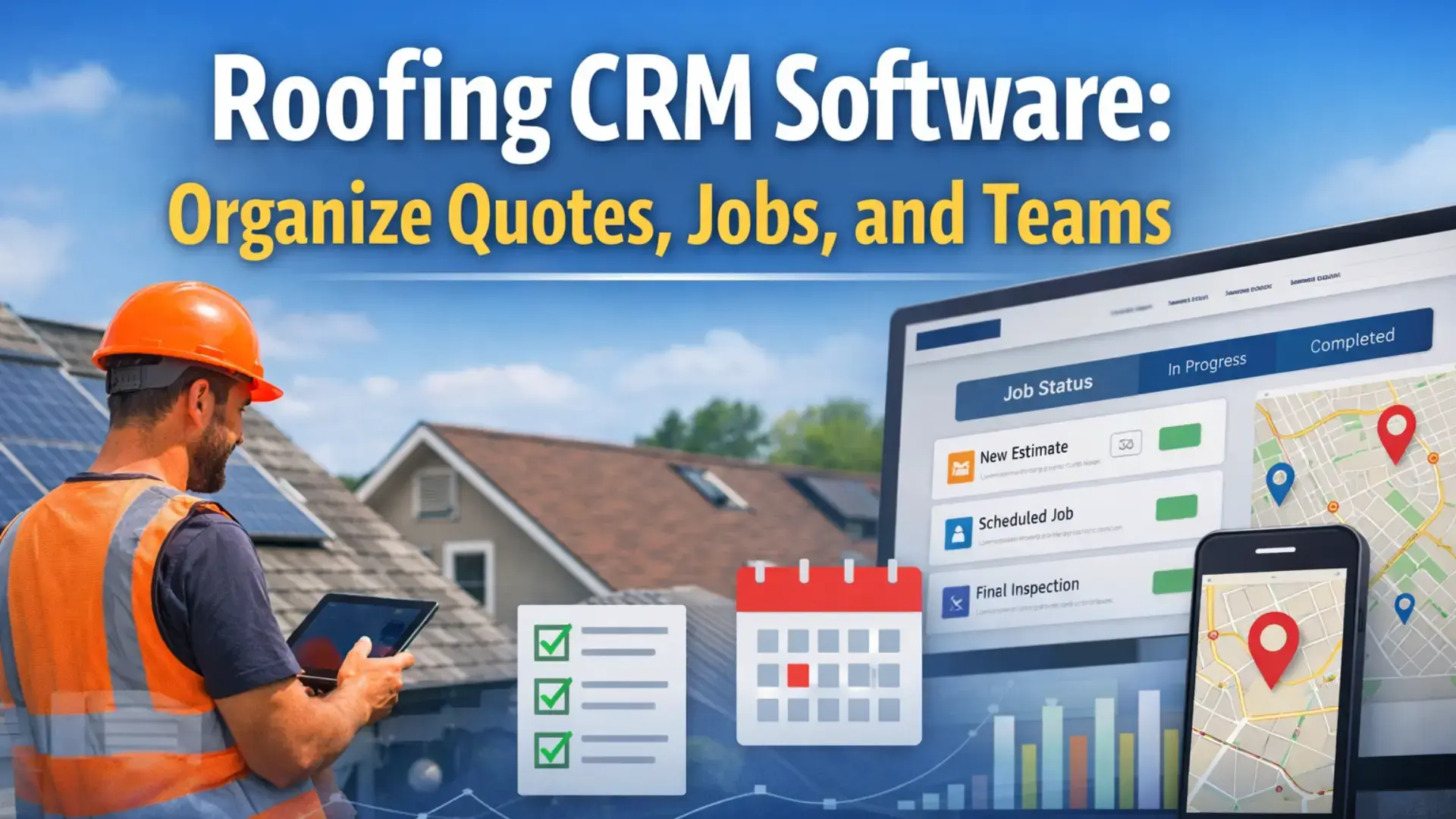





Running a roofing business often feels like juggling too many moving parts at once. Quotes live in one place. Job updates come through calls or messages. Team schedules change daily. Somewhere in between, things slip through the cracks. This is exactly where a roofing CRM becomes useful, not as another tool to manage, but as a system that brings order to daily operations.
Many roofing businesses start with spreadsheets, notebooks, or basic apps. That works for a while. But as jobs increase and teams grow, manual systems start creating delays, confusion, and missed opportunities.
This guide explains how roofing CRM software helps organise quotes, jobs, and teams, without overcomplicating how you work.
What Is Roofing CRM Software?
Roofing CRM software is a system designed specifically to help roofing businesses manage customer information, quotes, jobs, and team workflows in one place.
Unlike general CRMs built for sales teams, a roofing CRM supports how service work actually happens. It connects office tasks with field activities, so nothing gets lost between estimation, scheduling, and job completion.
How roofing CRM is different from general CRM
- Built for job-based work, not just leads
- Tracks quotes, jobs, and service history together
- Supports field teams with mobile access
- Focuses on execution, not just follow-ups
Who should use roofing CRM software
- Small roofing businesses handling multiple jobs weekly
- Growing contractors managing field crews
- Service managers coordinating schedules and updates
- Roofing companies are tired of manual tracking systems
Why Roofing Businesses Struggle Without a CRM
Most roofing businesses don’t struggle because of a lack of skill. They struggle because information is scattered.
Quote management challenges
- Estimates stored in emails or spreadsheets
- No easy way to track pending or approved quotes
- Follow-ups depend on memory
Job tracking inefficiencies
- No clear view of job status
- Updates come late from the field
- Office teams chase information
Team coordination problems
- Crews receive last-minute changes
- Scheduling conflicts happen often
- Communication relies on calls and messages
Without a central system, every update requires extra effort. Over time, this slows the business down.
Related Read: What Challenges Field Teams Face (And How CRM Solves Them)
How Roofing CRM Helps Organise Quotes
Quotes are often the first point where roofing businesses lose momentum. A roofing CRM brings structure to the estimation process.
Centralised estimates and follow-ups
- All quotes are stored in one system
- Status updates are visible instantly
- Easy tracking of sent, approved, or pending quotes
Reducing missed opportunities
- Follow-ups don’t depend on memory
- Quote history stays linked to the customer
- Faster response improves conversion chances
Instead of searching through emails or files, teams know exactly where each quote stands.
Related Read: How To Manage Clients, Jobs, Invoices In One Tool| Best Job Management Software.
How Roofing CRM Improves Job Tracking
Once a quote turns into a job, visibility becomes critical. Roofing CRM software connects job progress with real-time updates.
Job status visibility in real time
- Jobs move through clear stages
- Office teams see progress without calling crews
- Delays are spotted early
Using a roofing job tracking app for field teams
- Field teams update job status from the site
- Photos and notes are added instantly
- Less back-and-forth communication
A good roofing job tracking app reduces confusion and keeps everyone aligned, whether they are in the office or on the roof.
How Roofing CRM Helps Manage Teams and Crews
Managing people is often harder than managing jobs. Roofing CRM software makes team coordination more predictable.
Crew scheduling and assignments
- Jobs are assigned based on availability
- Clear schedules reduce overlap
- Teams know where to be and when
Communication between the office and the field
- Updates shared in one place
- Less reliance on calls and messages
- Clear instructions reduce mistakes
When teams have clarity, productivity improves naturally.
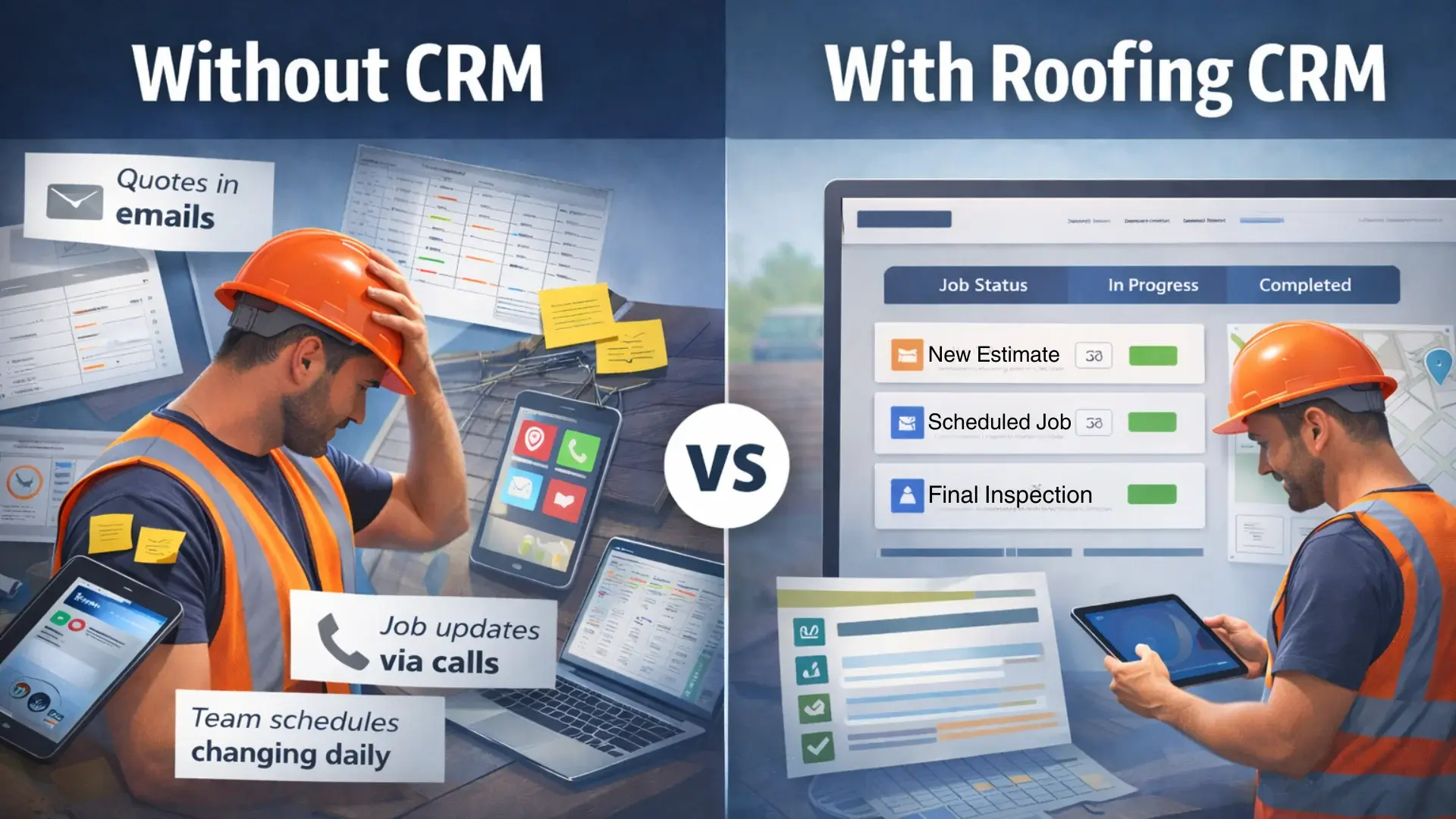
Roofing CRM Software vs Manual Systems
Many roofing businesses hesitate to adopt software because manual systems feel familiar. But familiarity often hides inefficiency.
Spreadsheets vs roofing CRM
- Spreadsheets don’t update in real time
- No connection between quotes, jobs, and teams
- High risk of outdated information
Calls and messages vs centralized communication
- Conversations get lost
- No record of decisions
- Difficult to onboard new team members
Roofing CRM software replaces scattered tools with a single, reliable system.
Related Read: 5 Signs Your Contracting Business Has Outgrown Spreadsheets
Key Features to Look for in Roofing CRM Software
Not all CRM tools fit roofing workflows. These features matter most.
Job tracking and workflow automation
- Clear job stages
- Automatic updates
- Reduced manual entry
Mobile access for field teams
- Easy-to-use mobile interface
- Offline access when needed
- Fast updates from job sites
Customer and job history
- Past jobs linked to customers
- Service notes stored centrally
- Better context for repeat work
Strong job tracking software supports daily execution, not just reporting. Some roofing CRM platforms are designed specifically around roofing workflows, combining job tracking, scheduling, and field updates in one system, as seen in purpose-built roofing software solutions.
Difference Between CRM and Job Tracking Apps
This is a common point of confusion.
- A job tracking app focuses mainly on job progress
- A CRM connects customers, quotes, jobs, and teams
A roofing CRM often includes job tracking, but also supports long-term customer management. Using both together or choosing a CRM with built-in tracking avoids tool overload.
How Roofing CRM Supports Business Growth
Growth isn’t just about more jobs. It’s about handling more work without chaos.
Scaling without losing control
- Processes stay consistent
- New team members are onboarded faster
- Less dependence on individuals
Better forecasting and planning
- Clear view of upcoming jobs
- Resource needs become predictable
- Decisions rely on data, not guesswork
This is where roofing CRM shifts from a tool to an operational backbone.
Related Read: Best Affordable Field CRMs for Startups Software Solutions
Common Mistakes Roofing Businesses Make When Choosing CRM
Many roofing businesses invest in CRM software but stop using it after a few months. In most cases, the problem isn’t the idea of CRM—it’s the choice.
Choosing a generic CRM not built for service work
General CRMs are designed for sales pipelines, not job-based work. They struggle to handle site visits, job stages, crew updates, and service timelines that roofing businesses deal with daily.
Paying for features that don’t support daily tasks
Some CRMs look impressive in demos but offer features that teams never use. If the software doesn’t simplify quoting, job tracking, or scheduling, it quickly feels like extra work instead of help.
Ignoring ease of use for field teams
If field crews find the system confusing or slow on mobile, they won’t use it consistently. Poor adoption in the field leads to missing updates and unreliable data.
A contractor CRM should support how roofing work actually happens—from estimates to job completion—rather than forcing teams to adapt to a system designed for a different industry.
Related Read: How to Choose the Right CRM for Your Service Business
Field Service Management and Roofing CRM
Roofing businesses operate in the field. That’s why field service management matters.
A roofing CRM that supports field service workflows:
- Connects office planning with field execution
- Reduces manual coordination
- Improves response time
Platforms like Fieldified focus on aligning field operations with back-office processes, which is critical for service-based businesses.
For a deeper understanding of how structured systems support service workflows, this overview of CRM fundamentals in service operations explains how centralised data and process visibility improve coordination and execution across service teams.
How to Successfully Implement Roofing CRM Without Disrupting Daily Work
Choosing the right roofing CRM is only part of the process. The real challenge is making sure teams actually use it without slowing down ongoing jobs.
Start with one workflow, not everything at once
Trying to move quotes, jobs, scheduling, and communication all at once creates confusion. Begin with one core workflow, such as quote tracking or job status updates, and expand gradually.
Involve field teams early
Field crews are the primary users of job tracking features. If the system feels practical to them, adoption improves naturally. Simple mobile updates matter more than advanced dashboards.
Keep data entry minimal and consistent
The more manual entry required, the lower the usage. Focus on capturing only essential information—job status, notes, and photos—so the system stays reliable without feeling burdensome.
Review processes after the first few weeks
Once the CRM is in use, small adjustments make a big difference. Reviewing workflows helps identify what’s working and what needs simplification before habits form.
A roofing CRM delivers value when it fits into daily routines, not when teams feel forced to change how they work overnight.
Operational Benefits Roofing Businesses Notice Over Time
Roofing CRM value increases with consistent use.
- Fewer missed follow-ups
- Clear accountability
- Improved customer experience
- Better team coordination
Well-established CRM education platforms have consistently shown that long-term CRM adoption improves operational consistency, process clarity, and team accountability across service-based businesses.
Using Roofing CRM as a Support System, Not a Sales Tool
The best roofing CRM tools don’t push sales tactics. They support daily work.
Less mental load for teams
- Clear systems replace constant reminders
- Work feels more organised
This mindset helps teams adopt software without resistance.
From Scattered Tasks to Structured Workflows
Roofing businesses don’t need more tools. They need better systems. A well-chosen roofing CRM helps organise quotes, jobs, and teams in a way that supports real work. Platforms like Fieldified show how service-focused systems can simplify operations without overcomplicating them.
If your current setup feels messy, it may be time to explore better ways of working. When you’re ready, looking into structured systems can make a real difference.
FAQs
What is roofing CRM software used for?
Roofing CRM software helps manage customer details, quotes, jobs, schedules, and team communication in one centralised system designed for service-based roofing businesses.
Is roofing CRM suitable for small roofing businesses?
Yes. Small roofing businesses benefit from better organisation, clearer job tracking, and improved follow-ups without relying on spreadsheets or manual coordination.
How is a roofing job tracking app different from CRM?
A job tracking app focuses on job progress, while a roofing CRM connects customers, quotes, jobs, and teams for complete operational visibility.
Does roofing CRM replace field service management tools?
Some roofing CRM platforms include field service management features, while others integrate with them to support scheduling, updates, and field communication.
How long does it take to see results from roofing CRM?
Most roofing businesses notice better organization and communication within weeks, while long-term benefits like forecasting and efficiency improve over several months.