EN
EN DE
DE ES
ES FR
FR NL
NL PT
PT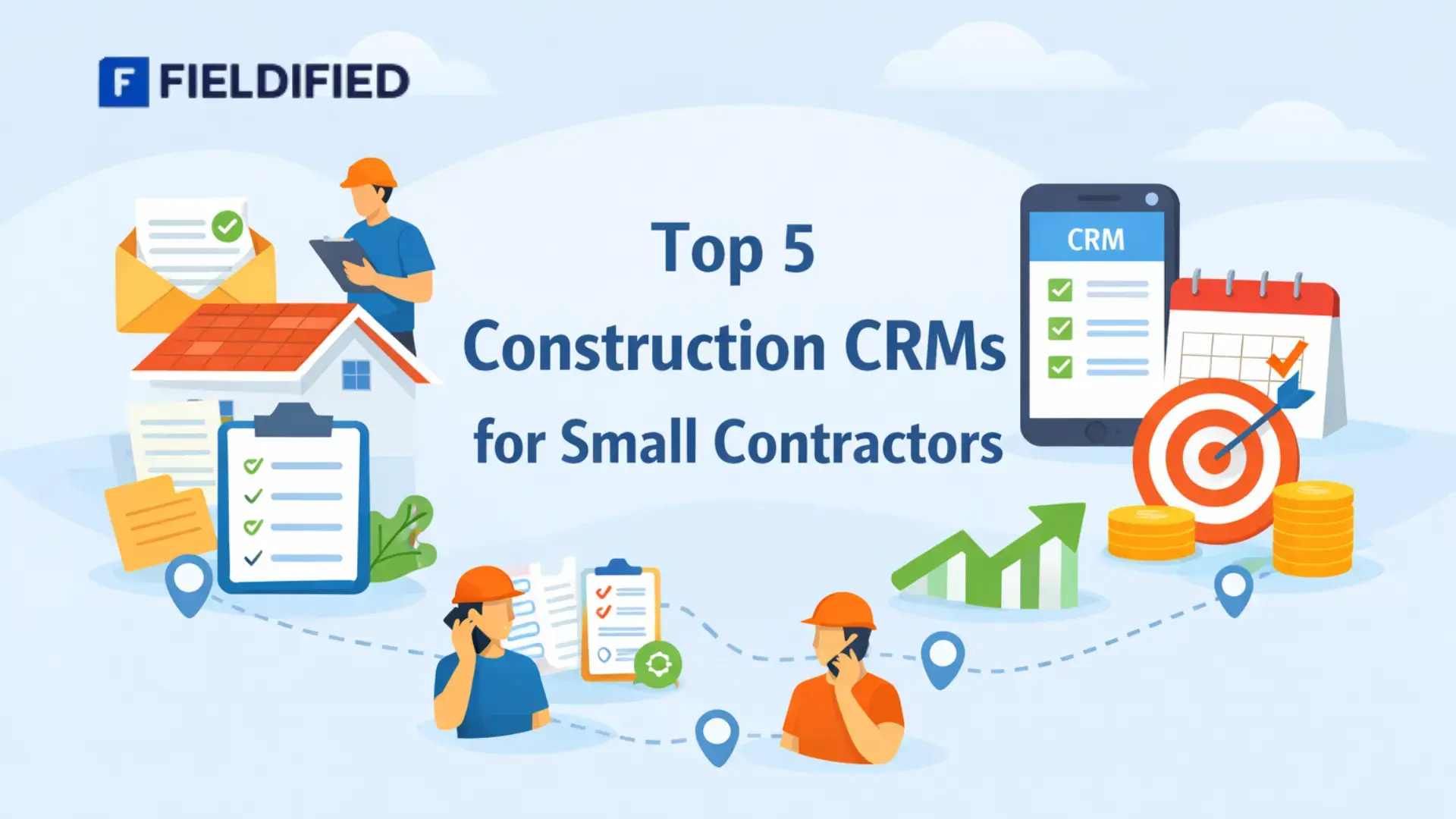





Running a small construction business means juggling leads, jobs, teams, and timelines at the same time. Most contractors start with spreadsheets, notebooks, and phone calls. It works at first. Then work picks up. Details get missed. Follow-ups slip. Jobs overlap.
This is where a construction CRM becomes more than just software. It becomes the system that keeps everything connected.
This guide breaks down the top 5 construction CRMs for small contractors, how they compare, and what actually matters when choosing one. If you’re trying to stay organised without adding complexity, this will help you decide with clarity.
What Is a Construction CRM?
A construction CRM is a system designed to manage customer information, jobs, communication, and progress in one place.
Unlike general tools, a construction CRM is built around:
- Job-based workflows
- Ongoing projects
- Field and office coordination
It connects leads, estimates, jobs, and updates, so nothing lives in isolation.
For small contractors, this matters because construction work doesn’t move in straight lines. Timelines change. Teams move between sites. Information needs to stay accessible and up to date.
Why Small Contractors Need a Construction CRM
Most small contractors don’t struggle because of a lack of work. They struggle because work becomes hard to manage.
Common issues include:
- Job details are scattered across tools
- Missed follow-ups
- Unclear job status
- Dependency on memory
As teams grow, these gaps create delays and frustration. A construction CRM brings structure without forcing rigid processes.
This is why many small businesses start looking for small construction company software once manual systems stop scaling.
Related Read: Fieldified vs Jobber: Which Is Better for Small Teams?
What Actually Breaks First Without a CRM
Before looking at tools, it’s important to understand the breaking point.
- Job visibility disappears
- Team coordination becomes reactive
- Customer communication becomes inconsistent
- Owners become the bottleneck
These problems don’t appear overnight. They build quietly. A CRM addresses them by acting as a shared system, not a replacement for people.
Related Read: 5 Signs Your Contracting Business Has Outgrown Spreadsheets
How We Evaluated These Construction CRMs
This list focuses on what matters for small contractors, not enterprise features.
Evaluation criteria:
- Ease of use for small teams
- Support for job tracking software workflows
- Mobile access for field teams
- Setup effort and learning curve
- Fit for real construction work
The goal isn’t more features. There are fewer problems.
Related Read: How to Choose the Right CRM for Your Service Business
Top 5 Construction CRMs for Small Contractors
Small contractors don’t choose software based on feature lists. They choose based on whether it actually fits daily work. These five construction CRMs are commonly used by small and growing contractors, each serving a slightly different need.
1. Fieldified
Best for: Small contractors who want one system to manage jobs, teams, and follow-ups without adding complexity.
Fieldified is designed around how construction and field service actually happen. Instead of focusing only on sales pipelines, it connects customer details, jobs, schedules, and field updates in one workflow.
Why it stands out:
- Jobs, customers, and communication live in one place
- Clear job stages from planning to completion
- Strong support for field teams through mobile access
- Shared visibility for office and site teams
Where it fits best:
- Contractors handling multiple jobs at once
- Teams that need coordination between the office and the field
- Businesses moving away from scattered tools
Limitations:
- Not built for complex accounting or enterprise-level reporting
Fieldified works well for contractors who want structure without heavy software overhead.
2. Procore
Best for: Contractors managing complex, multi-phase construction projects.
Procore is widely known for project-heavy environments. It focuses strongly on documentation, collaboration, and compliance across larger construction teams.
Strengths:
- Detailed project management tools
- Strong documentation and reporting
- Suitable for large teams and long timelines
Limitations:
- High cost for small contractors
- Steep learning curve
- More than most small teams need
Procore often feels oversized for small construction businesses with simpler workflows.
3. Jobber
Best for: Contractors focused on repeat service work and scheduling.
Jobber is commonly used by service-based businesses that rely on job scheduling and customer communication.
Strengths:
- Simple scheduling and invoicing
- Easy-to-use interface
- Good for recurring jobs
Limitations:
- Limited support for complex construction projects
- Less flexibility for custom job workflows
Jobber works better for service-style operations than project-heavy construction teams.
4. Buildertrend
Best for: Contractors who prioritise client communication and project transparency.
Buildertrend focuses on keeping clients informed throughout the project lifecycle.
Strengths:
- Client portals
- Scheduling and task visibility
- Document sharing
Limitations:
- Can feel heavy for small teams
- Requires consistent admin effort
- Higher cost compared to simpler tools
It’s useful for contractors who want clients closely involved in project updates.
5. CoConstruct
Best for: Residential builders managing estimates, selections, and budgets.
CoConstruct is tailored for home builders and remodelers handling client-driven projects.
Strengths:
- Estimating and budgeting tools
- Client communication features
- Project-level tracking
Limitations:
- Less suitable for general contractors or service work
- Not ideal for fast-moving field teams
It fits residential construction better than mixed service or maintenance work.
How to Choose the Right Construction CRM from This List
Each of these tools serves a different type of contractor. The right choice depends on:
- Job complexity
- Team size
- Field vs office workload
- Need for flexibility versus structure
For many small contractors, tools that balance job tracking, communication, and field coordination tend to deliver the most long-term value without overwhelming teams.
Related Read: Best Affordable Field CRMs for Startups Software Solutions
Construction CRM Comparison for Small Businesses
When small contractors compare a construction CRM, the real question is not how many features the tool has. It is whether the system improves daily work without slowing the team down. The most useful comparison starts with job visibility. Contractors need to see every active job, its current stage, assigned crew, and pending actions in one view. If job details are scattered across screens, visibility breaks down quickly.
Ease of daily use matters more than advanced options. A construction CRM should be usable by office staff and field teams without training sessions. If updating a job feels like extra work, adoption drops. Tools designed for small construction company software tend to perform better when screens are simple and actions are obvious.
Mobile access is another major difference between generic CRMs and construction-focused tools. Field teams must update job status, notes, or photos directly from the site. Systems that rely on desktop-only workflows create delays and miscommunication. This is where job tracking software built for field use becomes essential.
Strong team coordination separates functional tools from frustrating ones. Office teams should see field updates instantly. Crews should receive schedule changes without follow-ups. A good construction CRM reduces calls, texts, and manual check-ins.
Finally, scalability should support growth without forcing a full system change. Small contractors often start with basic workflows but need room to add users, jobs, or processes later. Many tools promise efficiency, but only construction-specific CRMs support how work actually flows on-site, day after day.
Related Read: Top 10 Contractor CRM Tools to Boost Small Business
Construction CRM vs Generic CRM
Generic CRMs are built for sales pipelines. Construction work is different.
Key differences:
- Construction CRMs connect jobs, not just deals
- Generic tools lack job status visibility
- Construction CRMs support ongoing service relationships
This distinction becomes critical as workload increases.
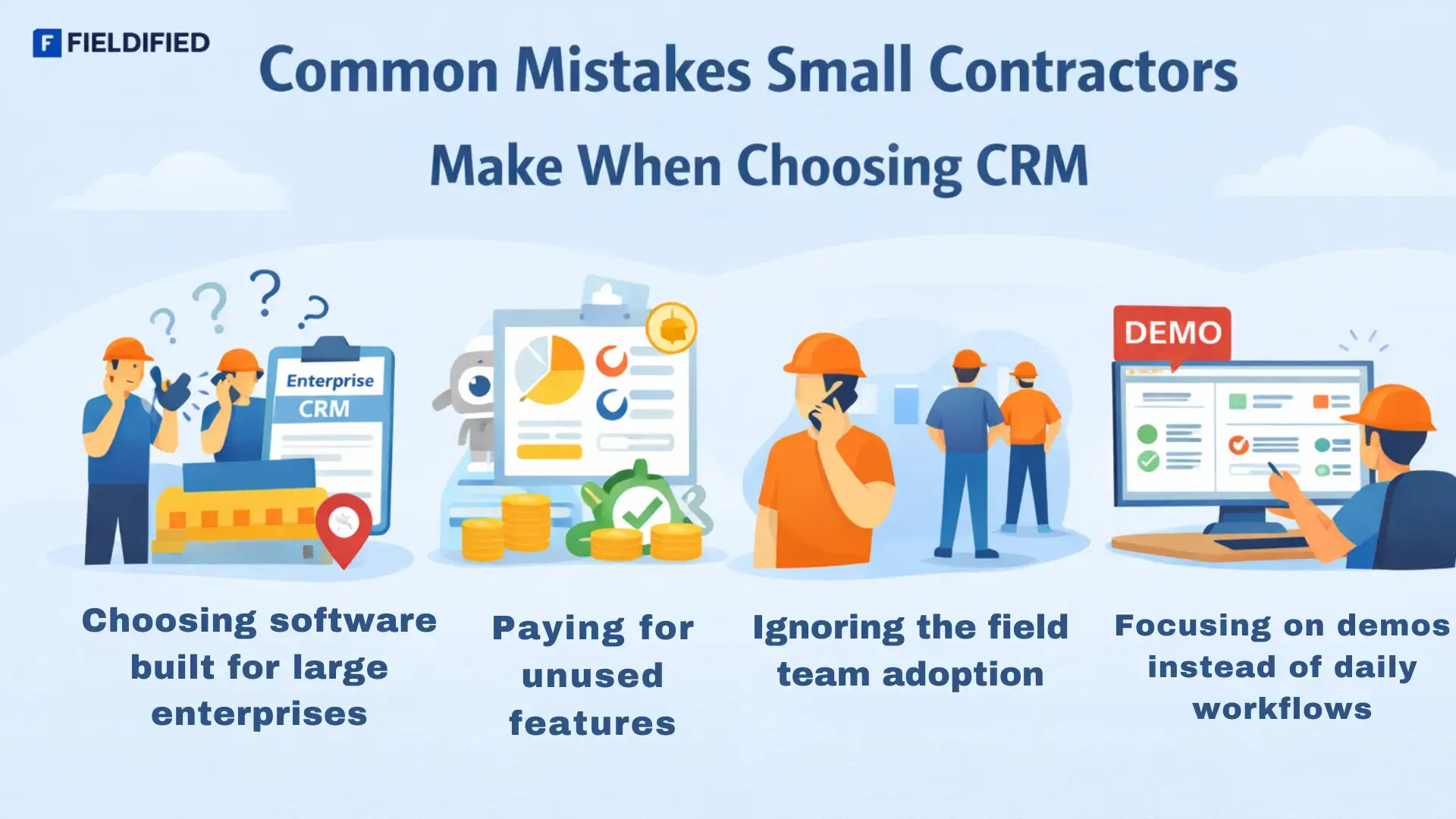
Common Mistakes Small Contractors Make When Choosing CRM
Choosing software built for large enterprises
Many CRMs are designed for complex corporate workflows. Small contractors end up with cluttered systems that slow daily work.
Paying for features they never use
Advanced analytics and automation sound useful, but often remain unused while increasing costs and confusion.
Ignoring the field team adoption
If crews find the system hard to use on-site, updates stop, and data becomes unreliable.
Focusing on demos instead of daily workflows
A polished demo may hide friction in real job tracking and follow-ups.
The best construction CRM fits how work already happens, not how software assumes it should.
Related Read: What Challenges Field Teams Face (And How CRM Solves Them)
What to Look for in Small Construction Company Software
Key factors:
- Simple interface
- Mobile-friendly design
- Clear job stages
- Shared visibility
Strong job tracking software should reduce mental load, not add steps.
Long-Term Impact of Using the Right Construction CRM
The benefits compound over time.
- Predictable workflows
- Less reliance on individuals
- Better planning and forecasting
- Clear accountability
Research from established CRM education resources shows that consistent system usage improves operational clarity and team coordination across service-based businesses.
You can explore this concept further through general CRM learning material available from platforms like HubSpot’s CRM resources.
Related Read: How To Manage Clients, Jobs, Invoices In One Tool| Best Job Management Software.
Is Construction CRM Worth It for Small Contractors?
For contractors managing more than a few jobs at a time, yes.
CRM becomes valuable when:
- Work overlaps
- Teams grow
- Memory stops scaling
It’s not about size. It’s about complexity.
Bringing Structure to Construction Work
Small contractors don’t need more tools. They need better systems. A well-chosen construction CRM creates clarity where manual methods fall apart.
Service-focused platforms like Fieldified show how construction teams can stay organised without overcomplicating daily work. When your current setup feels scattered, exploring structured systems can help restore control and confidence.
FAQs
What is a construction CRM used for?
A construction CRM helps contractors manage customer details, job progress, communication, and follow-ups in one system built around real construction workflows.
Is construction CRM suitable for small contractors?
Yes. Small contractors benefit from better job visibility, organised communication, and reduced reliance on memory as workload increases.
How is construction CRM different from project management software?
Construction CRM focuses on customers and jobs together, while project management software mainly tracks tasks and timelines.
Does a construction CRM replace spreadsheets completely?
A CRM doesn’t remove spreadsheets overnight, but it gradually replaces them by centralising job data and communication.
How long does it take to see results from using a construction CRM?
Most contractors notice improved organisation within weeks, with stronger planning and coordination benefits appearing over several months.