EN
EN DE
DE ES
ES FR
FR NL
NL PT
PT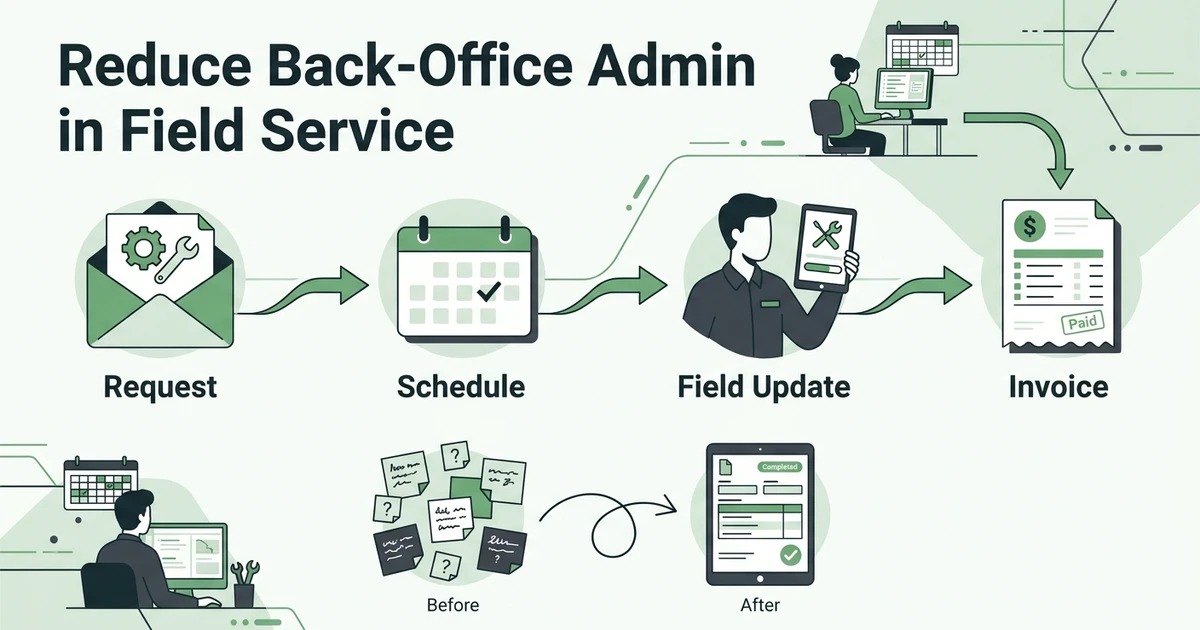





Quick Answer: To reduce back-office admin in a field service business, remove duplicate data entry, make every handoff visible, and automate predictable reminders, updates, follow-ups, and billing steps. Keep pricing decisions, exceptions, and customer judgment with a person who can review the full job record.
Back-office work rarely arrives as one large task. It appears as a call to confirm an address, a text asking whether a technician is on the way, a spreadsheet update after a schedule change, and a reminder to invoice a job that finished yesterday.
For an HVAC, plumbing, electrical, cleaning, or landscaping company, each task feels manageable on its own. The problem is the repetition. As the team grows, the office spends more time moving information between tools and less time helping customers, supporting technicians, or reviewing the jobs that need attention.
The U.S. Census Bureau found that improving the quality or reliability of processes was the most common motivation for businesses adopting cloud-based technology, specialized software, and AI. The reported motivations were 51.8% for cloud-based technology, 49.8% for specialized software, and 45.8% for AI according to its 2023 Annual Business Survey technology adoption summary. That is a useful way to frame automation: improve a process first, then choose tools that support it.
Why Back-Office Admin Grows Faster Than a Field Service Team
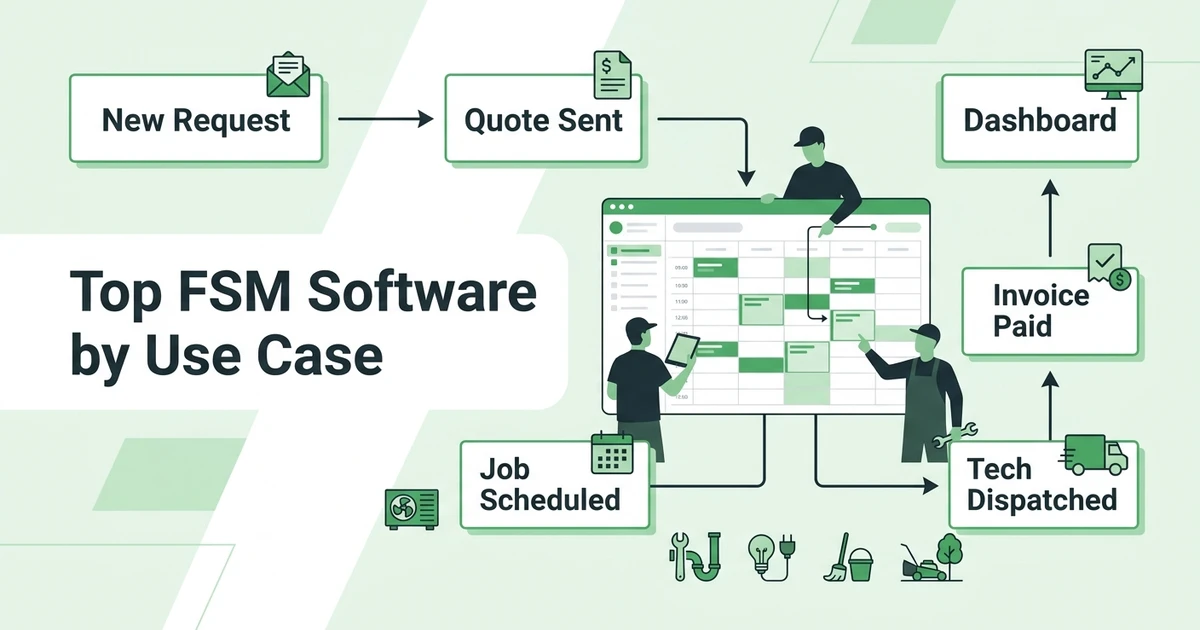
The office workload grows at every handoff. A new customer request becomes a customer record, a quote, an appointment, a technician assignment, a field update, a completion note, an invoice, and often a follow-up message. If each step lives in a separate place, someone has to copy the details forward.
That copying creates three kinds of admin:
- Entry work: typing the same customer, address, job, or price details into several systems.
- Chasing work: calling or messaging people to find the latest status, missing note, approval, or payment.
- Repair work: correcting a record after a reschedule, scope change, return visit, or missed notification.
Consider a small plumbing office with one dispatcher and six technicians. The dispatcher may not be doing one large billing project, but may be switching between a phone, calendar, spreadsheet, text thread, and accounting screen all day. A busy schedule turns each small gap into another interruption.
The first question is not “What software should we buy?” It is “Where does information leave the workflow and need to be rebuilt by hand?”
Which Field Service Admin Tasks Should You Remove, Standardize, or Automate?
Not every task belongs in the same bucket. Use a three-part test before changing the workflow.
Remove duplicate work
Remove a task when it only copies information that already exists and no new decision is made. For example, the office should not retype a customer address from a quote into a job sheet, then type it again into an invoice.
Standardize judgment-heavy work
Standardize a task when a person still needs to decide, but the inputs and review steps can be made consistent. A dispatcher may still approve a same-day schedule change, but the team can define which information must be checked before the change is sent to a customer.
Automate predictable actions
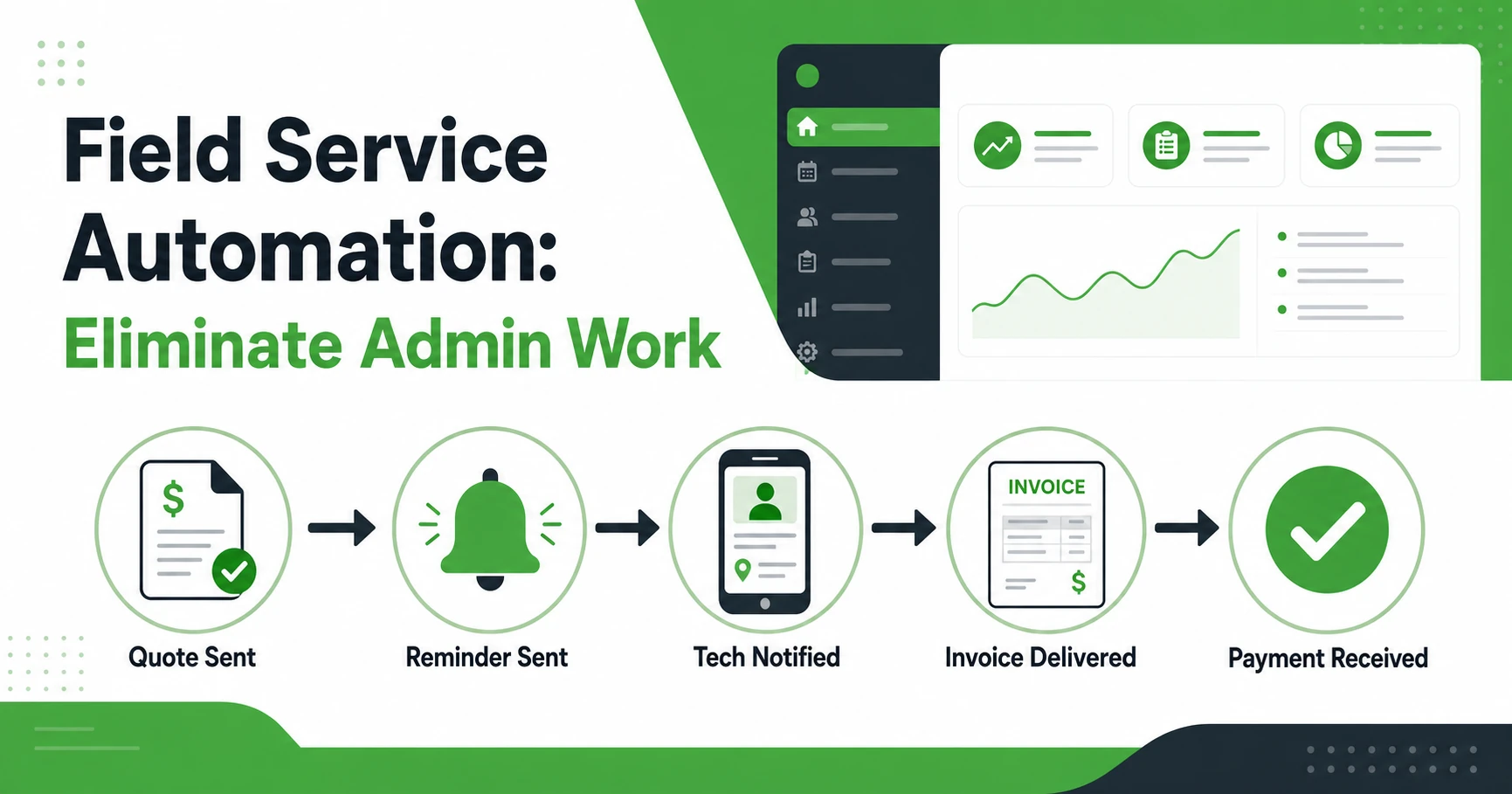
Automate a task when a clear event should trigger a repeatable next step. A confirmed appointment can trigger a reminder. An approved quote can create a follow-up task. A completed job can start the invoice workflow.
Use field service automation software to evaluate the workflow as a chain of events rather than as a collection of isolated buttons.
Where a Typical HVAC or Plumbing Job Loses Office Time
Imagine an HVAC maintenance request that arrives at 8:15 a.m. The office records the customer details in a call note, adds the appointment to a calendar, sends the technician an address by text, and keeps the quote request in a separate list.
The customer then asks to move the appointment. The calendar changes, but the text thread does not. The technician arrives at the old time, calls the office, and the dispatcher has to explain the change. After the visit, the technician writes the filter size and repair recommendation in a message. The office reads it later and creates the invoice from memory.
The same pattern appears in plumbing:
- A customer describes a leak over the phone.
- The dispatcher creates an appointment without attaching the details to the job.
- The technician finds extra work and asks for approval.
- The scope changes in a text thread.
- The final parts and labor are added to a different record.
- The invoice is delayed while the office reconstructs what happened.
The admin problem is not that the team lacks effort. It is that each handoff asks someone to become the connector.
How to Map a Field Service Workflow Before Automating It
Choose one common job type and write down its real path. Do not map the ideal process first. Follow what actually happens on a busy Tuesday.
Capture these six points:
| Workflow point | Question to answer | Evidence to record |
|---|---|---|
| Intake | Where does the request arrive? | Call, form, email, referral, or repeat customer |
| Qualification | What must be known before scheduling? | Address, service type, urgency, access, and notes |
| Assignment | Who decides the technician and time? | Skills, location, availability, and job priority |
| Field work | What must the technician record? | Arrival, work completed, parts, photos, notes, and approval |
| Completion | What changes the job to ready for billing? | Checklist, signature, final scope, and labor |
| Follow-up | What happens after the visit? | Invoice, payment reminder, review request, or callback |
Mark every point where someone retypes data or asks another person for an update. Those are the first places to improve. Also mark exceptions, because a workflow that works only for a simple job will create more admin when the work changes.
What Field Service Automation Should Handle Automatically
Automation works best when the trigger is visible and the result is easy to check. Common examples include:
- Appointment confirmations and pre-visit reminders.
- Notifications when a job is assigned, rescheduled, or marked complete.
- Quote follow-ups after a customer views or receives a quote.
- Invoice creation after required completion information is present.
- Payment reminders for open balances.
- Follow-up tasks after a completed visit or a customer request.
- Scheduled reports that summarize revenue, quote activity, or repeat customers.
Fieldified’s automated reminders and workflow triggers help teams handle confirmations, follow-ups, invoice reminders, completed-job invoicing, scheduled reports, and custom workflow rules. For a plumbing or HVAC office, predictable admin steps can move forward while the team focuses on exceptions and customer decisions.
The automation should also show its result. If a rule sends a reminder, the job record should make that activity visible. If a completed job creates an invoice, the office should be able to see whether the invoice was created, edited, sent, or still needs review.
Which Admin Decisions Still Need a Human Review?
Automation should not silently decide every part of a job. Keep a human checkpoint when the outcome could affect safety, pricing, a customer promise, or worker pay.
Examples include:
- Approving a scope change that adds material or labor.
- Deciding whether an emergency call should interrupt the schedule.
- Reviewing a technician’s note when the job may need a return visit.
- Checking an invoice with unusual labor, discounts, or parts.
- Handling a customer complaint or a disputed charge.
- Approving payroll or time records with an exception.
For a cleaning business, an automated reminder can confirm a recurring visit. It should not decide whether a damaged surface is included in the agreed scope. For an electrical contractor, a job-completion rule can create a billing task. It should not approve extra work without the required customer sign-off.
A good workflow makes the human decision easier by presenting the right record, not by hiding the decision.
A 30-Day Plan to Reduce Back-Office Admin Without Disrupting Jobs
Do the work in stages so the team can learn from one workflow before changing everything.
Days 1 to 7: Find the repeated handoffs
Choose one trade and one common job type. Ask the dispatcher, technician, and person responsible for billing to describe the process separately. Compare the answers and list every duplicate entry, missing update, and avoidable follow-up.
Days 8 to 14: Define the shared job record
Decide which details must travel with the job: customer information, service request, access notes, appointment, assigned technician, checklist, photos, materials, labor, completion status, and billing status. Give each field one owner and one completion point.
Days 15 to 21: Automate low-risk steps
Start with reminders, notifications, follow-ups, and completed-job billing steps that already have clear rules. Tell the team what event starts each automation and where to check the result.
Days 22 to 30: Review exceptions
Look at jobs that ran long, changed scope, needed a return visit, or did not move cleanly to billing. Fix the workflow where it failed. Do not add more automation just because a rule exists.
Use managing clients, jobs, and invoices in one workflow as a companion checklist while documenting the handoffs.
How to Evaluate Field Service Workflow Software
Ask the vendor to demonstrate one real job, not a collection of disconnected features. Use a plumbing emergency or HVAC repair with a reschedule, extra work, technician notes, and an invoice.
Check whether the system can:
- Keep the customer, job, schedule, and service details connected.
- Show the office when a technician changes the job status.
- Keep photos, notes, forms, and approvals with the job.
- Move completed work toward billing without retyping every detail.
- Make reminders and follow-ups visible to the responsible person.
- Handle exceptions without overwriting the original history.
- Give the team permission and review controls that match its roles.
Also ask how the software handles a job that does not follow the happy path. A customer may not approve a quote, a technician may mark a visit incomplete, or a part may push the next appointment to another day. The system should preserve the previous information and make the next action visible.
Run a small pilot with one dispatcher and one trade. Measure practical signals such as how often the office asks for a missing update, how many jobs wait for a completion note, and whether invoice preparation still requires copying details. These are process observations, not promises of a particular return.
Give technicians a way to report friction during the pilot. If a required field is hard to complete on a phone, the record will become less reliable even if the office dashboard looks polished. A useful workflow is one the field team can finish while the job is still fresh.
The U.S. Census Bureau reported that 58.9% of surveyed businesses described specialized software as very important to their processes or methods in its 2023 Annual Business Survey technology adoption summary. That does not prove a particular product will improve a contractor’s results. It does support evaluating software as part of the process itself, not as an extra screen the office has to maintain.
If your team wants to see how predictable admin steps can connect across a job, request a Fieldified demo focused on your actual intake, scheduling, field update, and billing workflow.
Frequently Asked Questions
What is the fastest way to reduce back-office admin in a field service business?
Start by finding where the same job information is entered more than once. Connect the steps that already belong together, then automate predictable reminders and updates while keeping exceptions with a person.
Which field service admin tasks are easiest to automate?
Appointment confirmations, reminders, quote follow-ups, invoice reminders, status notifications, and creating an invoice after a completed job are common starting points. Review the result so a missed or unusual job does not disappear quietly.
Can field service automation replace an office manager?
It can reduce repeated coordination, but it does not replace the judgment an office manager uses to handle exceptions and customers. The goal is fewer routine tasks and better information when a decision is needed.
How do I know whether my field service workflow is ready for automation?
A workflow is ready when its trigger, next action, owner, and completion condition are clear. If the team cannot agree on what happens today, document and simplify the process before automating it.
What should field service software automate first?
Start with repeated, low-risk steps triggered by a clear event, such as an approved quote, confirmed appointment, completed job, or overdue invoice. Expand only after the team can review the exceptions.
Conclusion: Give the Office Fewer Handoffs to Chase
Back-office admin becomes expensive when the office has to carry information from one tool, person, or message thread to another. The practical fix is to map one real workflow, remove duplicate entry, define ownership, and automate the predictable steps.
For an HVAC, plumbing, electrical, or cleaning team, that can mean fewer status calls, clearer technician instructions, faster completion records, and a more dependable path to billing. The result comes from a better process supported by the right system, not from automation alone.
Request a demo to walk through your current field service workflow and see where Fieldified can connect the repetitive handoffs.