EN
EN DE
DE ES
ES FR
FR NL
NL PT
PT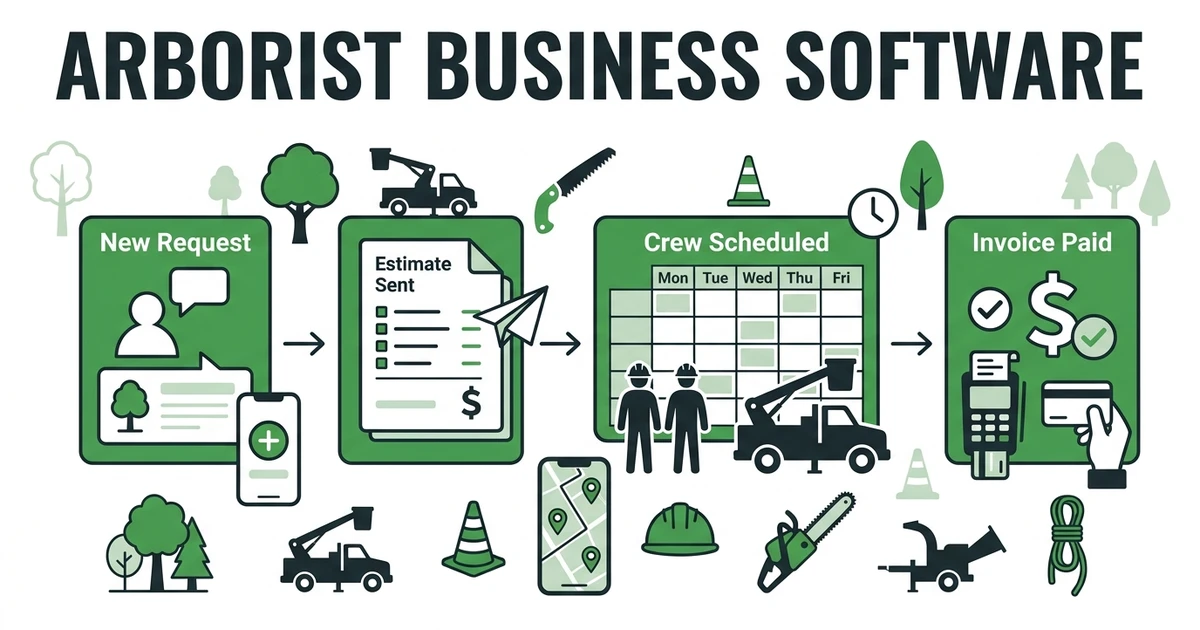





Quick Answer: Arborist Business Software
Arborist business software helps tree care companies manage estimates, scheduling, crew dispatch, job notes, invoices, payments, and customer history from one system. The right platform helps your office quote trimming or removal work faster, keep crews updated in the field, and collect payment once the job is complete.
Fieldified helps arborist and tree service teams manage the work that happens between the first request and the final payment. That includes estimates, schedules, dispatch, job photos, invoices, and customer records.
Tree care has a lot of moving pieces. One job may need a property visit, photos, a quote, crew assignment, equipment notes, utility-line caution, customer approval, and billing after completion.
The US Tree Trimming Services market is $39.5 billion in 2025 and increased 3.4% in 2025, according to IBISWorld market size data. In a market that active, tree service owners need software that keeps job details from slipping through the cracks.
What should arborist business software help you manage?
The right system should help you manage the full tree service workflow, not just the calendar. A schedule matters, but it does not tell the whole story of a pruning, removal, stump grinding, or emergency limb job.
The right system should cover:
- Customer requests and property details
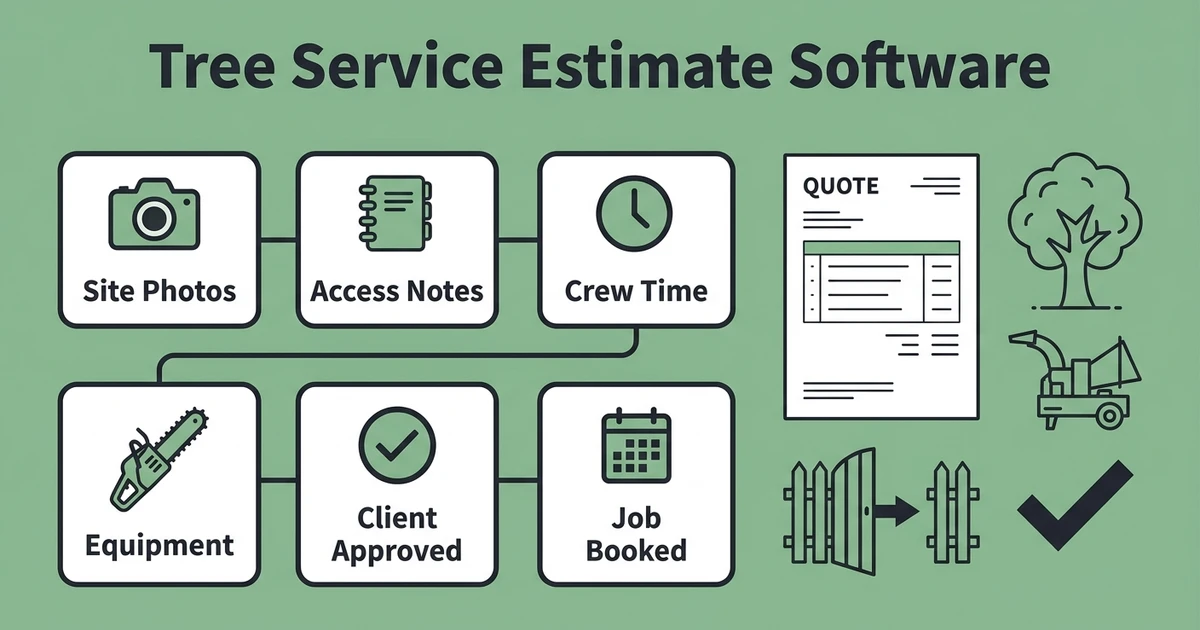
- Estimates with photos, notes, and service options
- Scheduling and dispatch for crews
- Job tracking from assessment to completion
- Mobile notes for field teams
- Invoices and payment reminders
- Customer history for repeat maintenance and follow-up work
That is why tree service and arborist software should connect office work with field work. If those pieces live in separate tools, the owner becomes the person holding the whole operation together by memory.
Why tree service teams outgrow calendars, texts, and spreadsheets
A calendar can tell you when a crew is booked. It cannot tell you whether the quote was approved, which photos belong to the job, what equipment is needed, or whether the invoice was sent.
Text threads are worse. Photos from a property visit may sit on one estimator’s phone. Access notes may be buried in a message. A crew member may not see the updated scope until they arrive.
IBISWorld reports 175,000 businesses in the US Tree Trimming Services industry in 2025, with business count growing at a 6.1% CAGR between 2020 and 2025 in its Tree Trimming Services industry analysis. That growth makes speed and organization more important for local tree care teams competing for the same customers.
Spreadsheets can help early on, but they become fragile as soon as you have multiple crews, repeat customers, and active quotes. Arborist scheduling software is useful, but a growing company needs the schedule tied to estimates, work orders, invoices, and payments.
How tree care software connects estimates, scheduling, dispatch, and invoices
Picture a property manager asking for limb removal near a utility line. The office captures the request, schedules an assessment, and sends the estimator with the property notes.
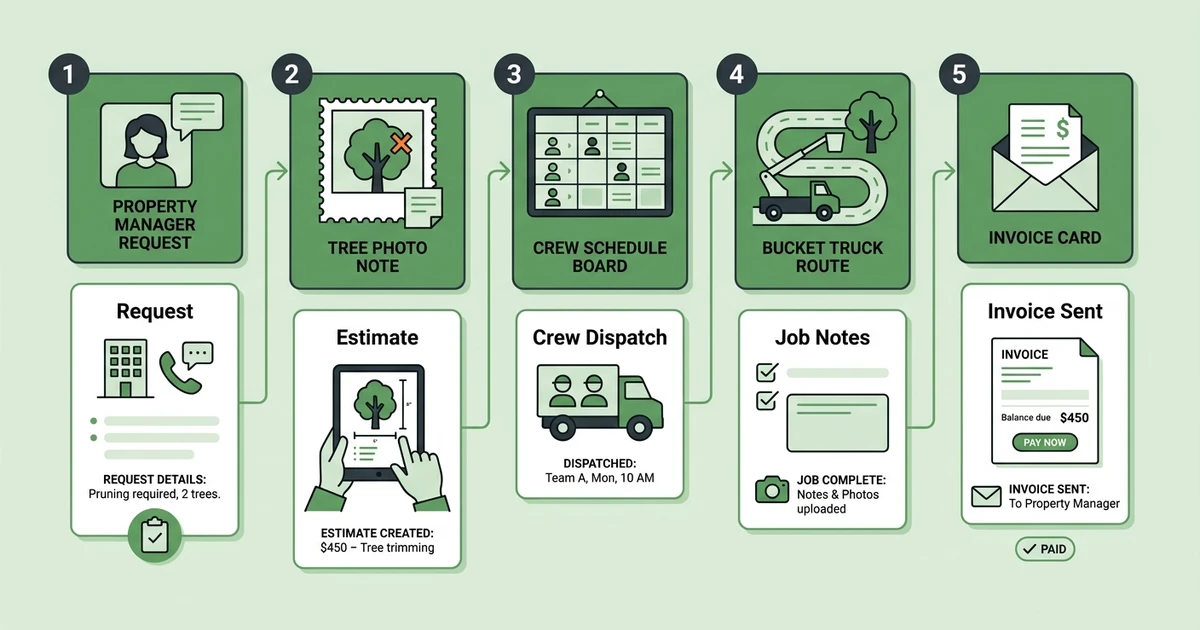
The estimator takes photos, adds the scope, and sends a quote for the removal. Once the customer approves, the office assigns a crew with the right equipment and timing.
On job day, the crew sees the approved scope, property notes, and photos from the estimate. After completion, they mark the work done, upload final notes, and billing sends the invoice with payment follow-up.
That connected workflow looks like this:
- Request comes in with property details.
- Estimate visit is scheduled.
- Photos and notes are attached to the quote.
- Customer approves the work.
- Crew is dispatched with the right scope and equipment notes.
- Job is completed and documented.
- Invoice goes out with payment follow-up.
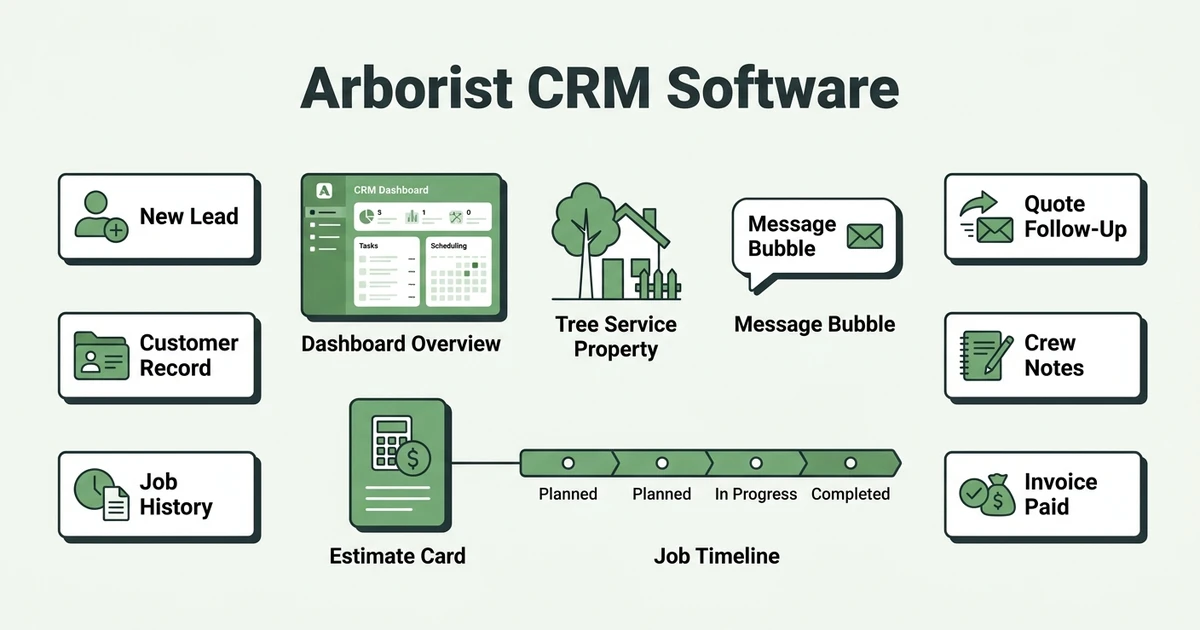
If you want to compare narrower tools, these guides on apps for arborists, arborist CRM software, and tree service estimate software break down specific parts of the workflow.
Software checklist for growing tree care companies
The best buying test is not whether the software has a long feature list. It is whether your team can run a real tree service job through it without copying details into five places.
Use this checklist before choosing:
| Workflow Need | What To Check | Why It Matters |
|---|---|---|
| Estimates | Can you add photos, notes, and service options? | Helps customers understand the scope |
| Scheduling | Can the office assign crews by availability and job type? | Reduces confusion before job day |
| Dispatch | Can crews see job details on mobile? | Keeps field teams working from the approved scope |
| Job tracking | Can photos and completion notes stay attached to the job? | Protects the record for billing and future work |
| Invoicing | Can invoices follow completed work? | Helps payment requests go out faster |
Crew time is expensive. BLS reported May 2025 employment of 55,160 tree trimmers and pruners and an annual mean wage of $55,970 in its Occupational Employment and Wages table. When trained crew members wait for missing notes, unclear scope, or billing corrections, the cost is real.
See how Fieldified connects arborist estimates, scheduling, dispatch, invoices, and payments in one workflow. Book a demo and walk through a tree service job from request to paid invoice.
How Fieldified supports tree service and arborist workflows
Fieldified helps tree service companies keep requests, estimates, schedules, dispatch, job notes, invoices, and payment follow-ups in one place. That reduces the daily admin load on owners and office teams.
With schedule and dispatch tree service crews, the office can assign work based on availability, job context, and crew readiness. The goal is to help the crew arrive with the right details, not a vague calendar note.
Fieldified also supports quote and invoice workflows, so your team can move from estimate approval to scheduled work to billing without rebuilding the job. That matters for pruning, removal, stump grinding, plant health visits, and storm cleanup.
For billing, Fieldified helps teams send tree service invoices faster. When the job record already has the scope and completion notes, the invoice is easier to send while the work is still fresh.
Is Fieldified right for your arborist business?
Fieldified is a good fit if your tree service company has moved beyond one person’s phone and a paper calendar. It is especially useful when multiple people touch the same job: office, estimator, dispatcher, crew lead, and billing.
If you are a very small crew doing occasional tree work, a simple estimate and invoice setup may be enough for now. But if your team is already missing follow-ups, searching for photos, or delaying invoices, a connected system can pay for itself in avoided admin drag.
Fieldified also helps growing teams avoid cost surprises. Its flat plan pricing gives owners a clearer way to budget software as the team expands, and you can compare plans on the pricing page.
Ask these questions before deciding:
- Are estimate photos and notes easy for the crew to find?
- Can the office see which quotes still need follow-up?
- Does the schedule show the real job scope?
- Are completed jobs invoiced quickly?
- Can customer history support repeat pruning or maintenance work?
If the answer is no, Fieldified is worth a closer look.
Frequently Asked Questions
What is arborist business software?
It helps tree care companies manage estimates, scheduling, dispatch, job notes, invoices, payments, and customer history. It gives the office and field crew one shared workflow.
How is this different from a CRM?
A CRM focuses mainly on leads, customers, and follow-ups. A full tree care business system should also connect estimates, crew scheduling, job tracking, invoicing, and payments.
What features should tree service business software include?
Look for estimate creation, scheduling, dispatch, mobile job notes, photo uploads, invoice creation, online payments, and customer history. The best setup keeps the full tree service job connected.
Is arborist scheduling software enough by itself?
Scheduling software helps assign work, but it is only one part of the operation. Tree service teams also need quotes, job documentation, invoices, payments, and customer records tied to the schedule.
Can Fieldified support a small arborist crew?
Yes. Fieldified works for small and growing tree service teams that need one place to manage requests, estimates, crews, job details, invoices, and payment follow-ups.
Conclusion
Tree service work gets messy when requests, estimates, crew notes, invoices, and customer history all live in different places. The office slows down, crews ask for missing details, and completed work waits too long for billing.
The right software fixes that by keeping the full workflow connected from first request to paid invoice.
Book a Fieldified demo to see how Fieldified helps tree service teams quote, schedule, dispatch, invoice, and collect payment from one place.