EN
EN DE
DE ES
ES FR
FR NL
NL PT
PT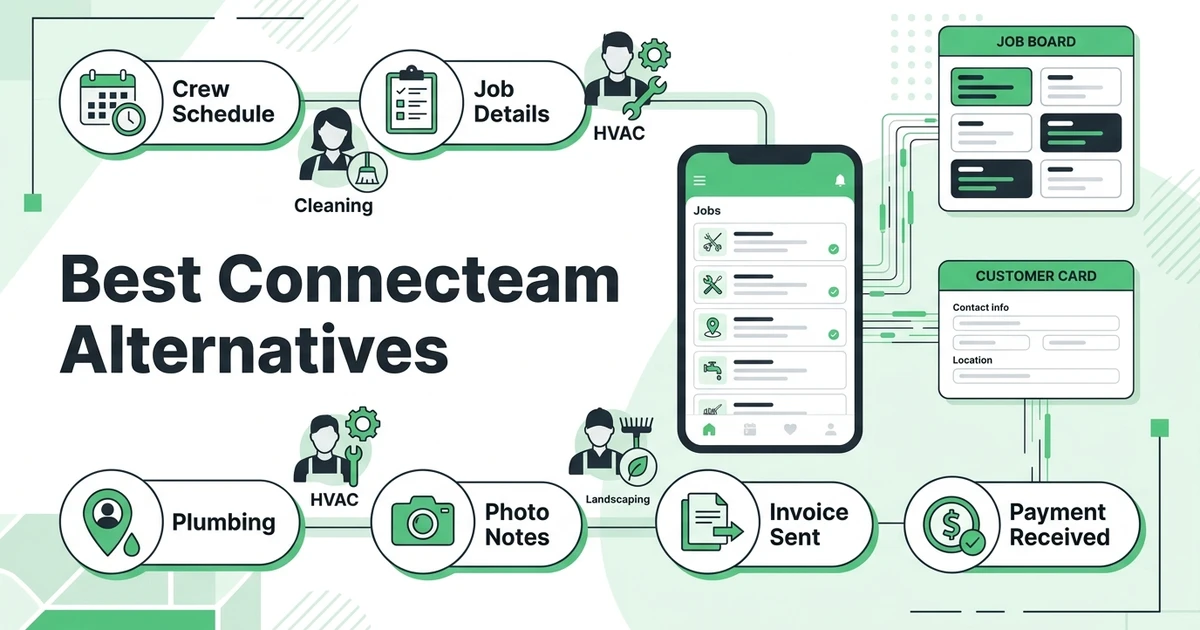





Quick Answer: The best Connecteam alternatives for field service teams are platforms that go beyond employee scheduling, time tracking, and team chat. Fieldified is a strong option when cleaning, HVAC, plumbing, landscaping, or mixed-trade teams need quoting, scheduling, dispatch, customer communication, invoicing, payments, and job tracking in one field-service-first workflow.
Connecteam is useful when the problem is managing employees. It helps frontline and deskless teams handle scheduling, time tracking, communication, forms, training, onboarding, and HR tasks.
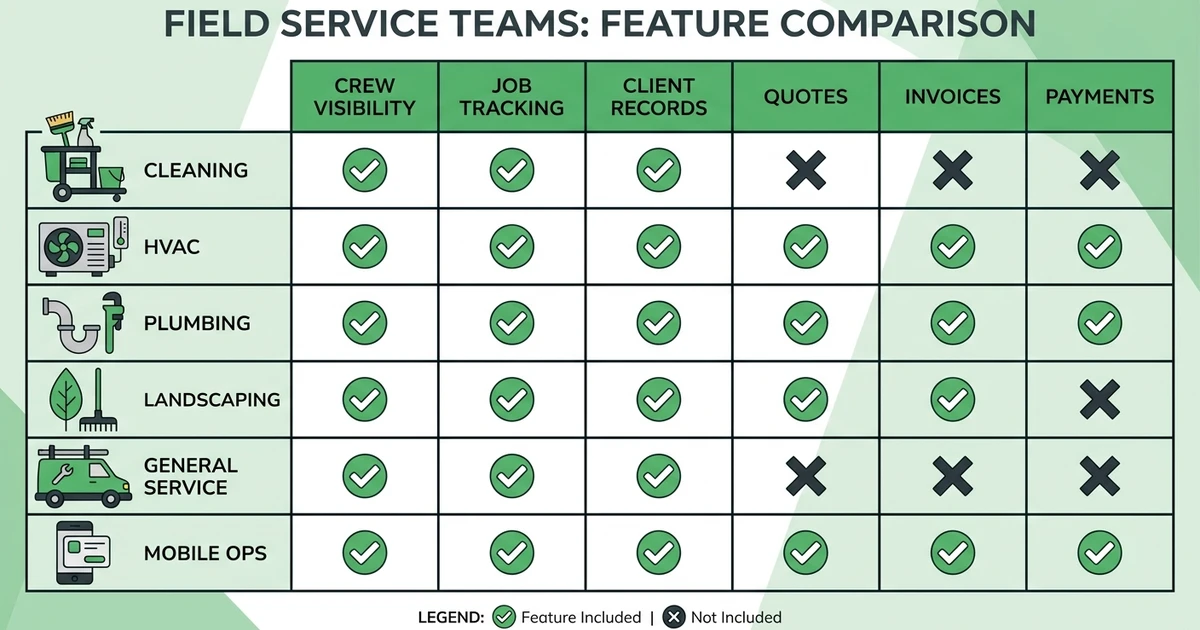
That is valuable. A cleaning company with 25 employees or a landscaping business with crews moving between sites needs basic team visibility. The problem is that field service businesses do not only manage people. They manage jobs, customers, quotes, invoices, payments, and job history too.
That is why field service teams compare field-service-first options before committing to a workforce app. This guide follows the Skima-style BOFU structure: TL;DR, incumbent overview, switching reasons, quick comparison table, ranked reviews, pricing notes, pros, cons, expert verdicts, use-case picks, company-size recommendations, methodology, FAQs, and a practical conclusion.
Why field service teams compare Connecteam alternatives
The handoff between crew management and job management is where many mobile businesses feel the pain.
A cleaning dispatcher may know who is clocked in, but still need to prove which site was completed. A plumbing office may see who is scheduled, but still need to send a quote, turn it into a booked job, and collect payment after the repair. A landscaping owner may need route visibility plus recurring client history.
BLS says installation, maintenance, and repair occupations are projected to have about 608,100 openings each year on average, and the median annual wage for this group was $58,230 in May 2024 in its occupational overview. Mobile teams are not getting simpler to manage.
Common reasons teams compare alternatives:
- They need customer records tied to jobs.
- They need quotes and approvals, not only shift schedules.
- They need job tracking, photos, notes, and completion details.
- They need invoices and payments connected to finished work.
- They want one workflow for crew, job, client, and payment.
What is Connecteam?
Connecteam is an employee management app for deskless and frontline teams. It focuses on scheduling, time clocks, communication, forms, checklists, training, onboarding, task management, and HR workflows.
For businesses where the main problem is workforce coordination, that can be enough. A team can know who is working, who completed a checklist, and who needs an update.
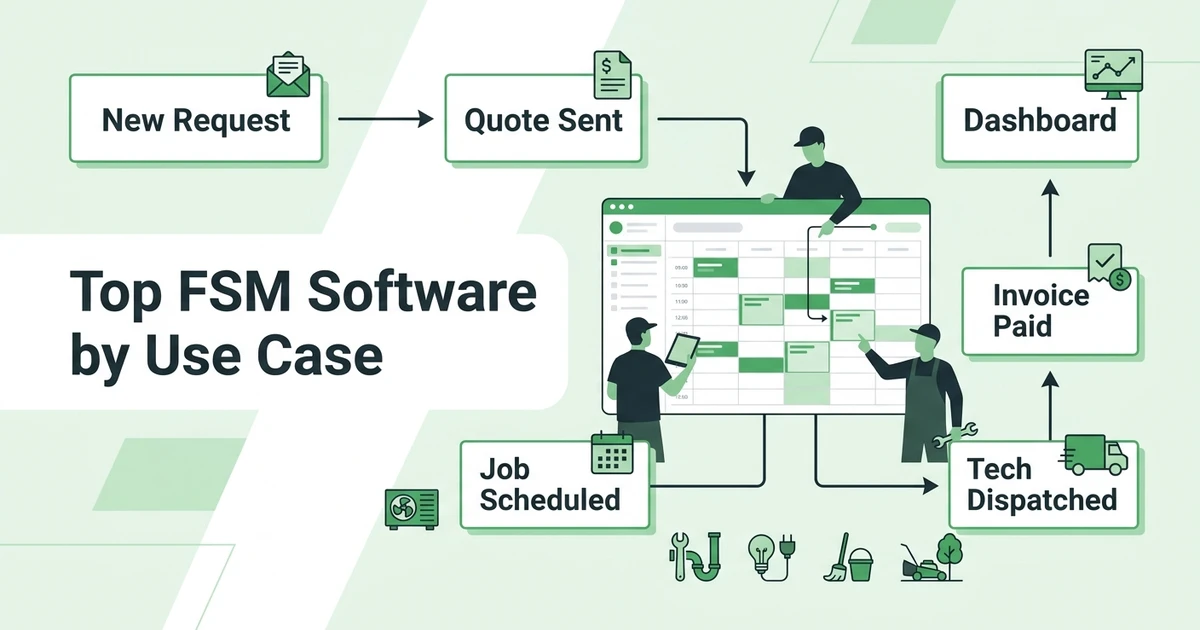
For field service businesses, the missing piece is often the customer-facing job lifecycle. A job starts with a request or quote, moves to scheduling and dispatch, gets completed by a tech or crew, then turns into an invoice and payment. That is more than workforce management.
Quick comparison: top replacement options
| Alternative | Best for | Pricing style | Strongest reason to compare |
|---|---|---|---|
| Fieldified | Field service teams needing job lifecycle tools | Flat published plans | Crew visibility plus quotes, jobs, invoices, and payments |
| Jobber | Residential service businesses | Published plans by team size | Mature client communication and booking tools |
| Housecall Pro | Home service contractors | Published plans and higher tiers | Mobile-friendly service workflows |
| Service Fusion | Teams wanting flat FSM pricing | Flat published tiers | Unlimited-user field service basics |
| FieldPulse | Small contractors getting organized | Plan-based options | Simple job and customer management |
| Workiz | Call-heavy service teams | Published and custom tiers | Phone, dispatch, and urgent job workflows |
| ServiceTitan | Larger trade companies | Quote-based model | Enterprise depth for trade operations |
| Deputy | Shift-based teams | Published workforce plans | Employee scheduling and labor planning |
| Homebase | Hourly teams and small businesses | Published workforce plans | Scheduling, time clock, and payroll workflows |
| When I Work | Shift scheduling teams | Published workforce plans | Simple employee scheduling and time tracking |
Best Connecteam alternatives in 2026
1. Fieldified
Fieldified is built for field service companies that need to manage crews and jobs together. It connects scheduling, dispatch, job tracking, customer records, quotes, invoices, payments, and communication in one workflow.
Key features of Fieldified
- Time and GPS tracking for field teams
- Scheduling and dispatch for mobile crews
- Job tracking with notes and completion details
- Quotes, invoices, and online payments
- Client portal for approvals and updates
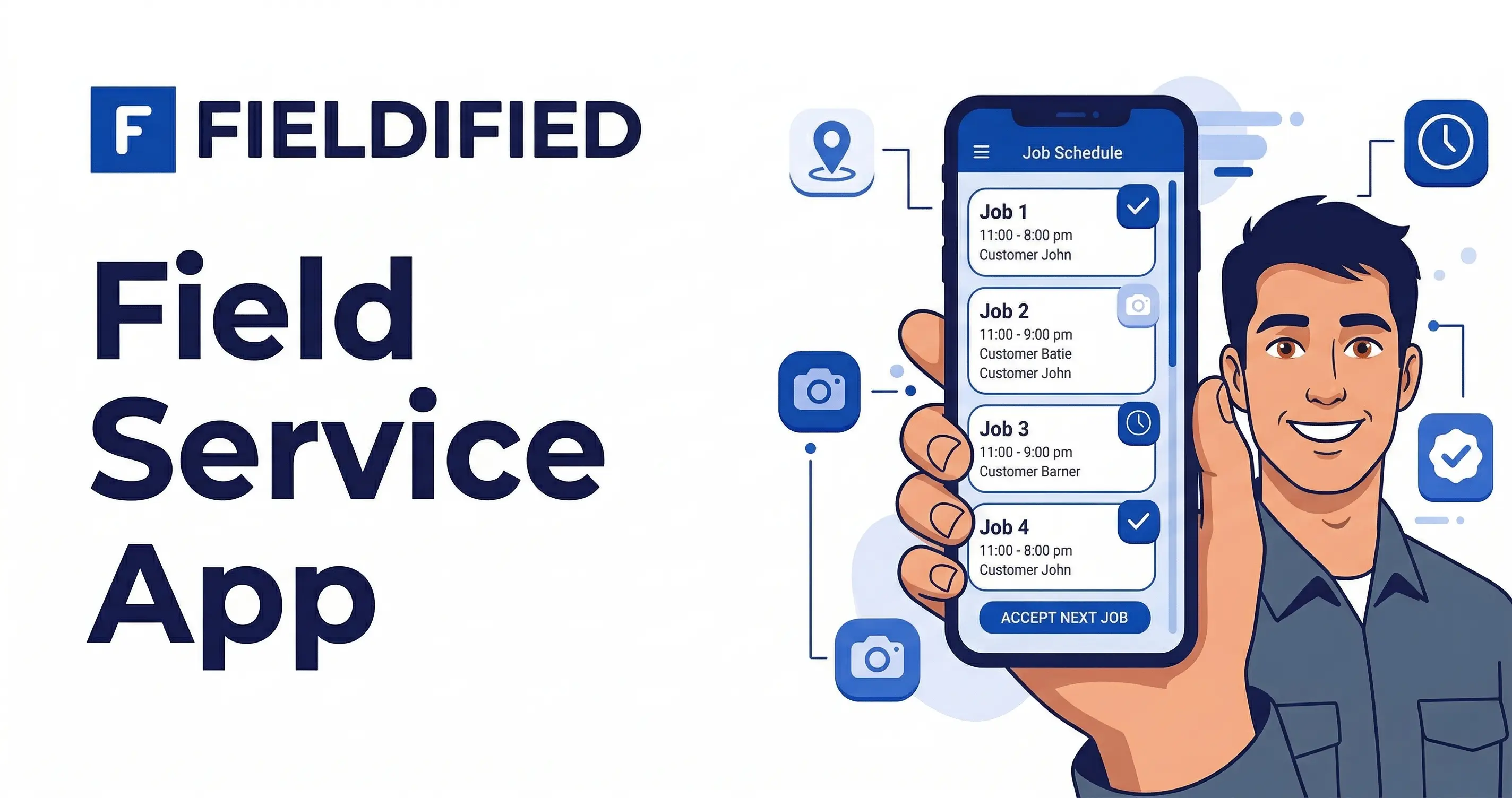
- Mobile app for technicians and crews
- AI Receptionist for call capture
Fieldified pricing
Fieldified publishes flat plan pricing. Basic starts at $49 per month for up to 5 users, Standard starts at $119 per month for up to 10 users, and Premium starts at $199 per month for up to 15 users.
Pros of Fieldified
- Combines crew visibility with customer-facing job workflows.
- Covers quote, schedule, dispatch, invoice, and payment in one system.
- Flat pricing is easier to forecast as the crew grows.
- Mobile app keeps field teams connected to job details.
Cons of Fieldified
- Teams that only need a time clock may not need full FSM yet.
- HR-heavy teams may still want a dedicated HR platform.
Expert verdict
Fieldified is the best Connecteam alternative when job execution matters as much as crew management. It is especially strong for cleaning, HVAC, plumbing, landscaping, and mixed-trade teams that need work, people, customers, and payments connected.
2. Jobber
Jobber is a mature field service platform for small residential service businesses. It is often compared by contractors moving from basic scheduling or workforce tools into a fuller customer and job workflow.
Key features of Jobber
- Scheduling and dispatch
- Quotes and invoices
- Client hub
- Online booking
- Payments
- Customer reminders
Jobber pricing
Jobber publishes plans by team size and feature level. Compare included users, automation, and add-ons before choosing.
Pros of Jobber
- Strong customer-facing tools.
- Familiar home service workflow.
- Mature help resources and brand recognition.
Cons of Jobber
- Costs can change as teams add users.
- Some advanced features require higher plans.
- Employee management is not the core angle.
Expert verdict
Jobber is a good fit if your team needs more customer communication and job management. If you want flat plan pricing plus AI call handling, compare it with Fieldified.
3. Housecall Pro
Housecall Pro is built for home service teams that need estimates, scheduling, mobile technician workflows, customer notifications, invoices, and payments.
Key features of Housecall Pro
- Estimates
- Scheduling and dispatch
- Technician mobile app
- Customer notifications
- Invoices and payments
- Online booking
Housecall Pro pricing
Housecall Pro publishes starting prices and higher tiers. Buyers should check included users, reporting, and automation before comparing.
Pros of Housecall Pro
- Good mobile experience for techs.
- Useful customer communication tools.
- Strong fit for residential work.
Cons of Housecall Pro
- Higher tiers may be needed as the business grows.
- Reporting and customization should be reviewed.
- Employee-only workforce workflows are not the main focus.
Expert verdict
Housecall Pro is relevant for residential service teams that need more than scheduling. Fieldified is stronger when the team wants flat pricing and full quote-to-payment workflow coverage.
4. Service Fusion
Service Fusion is a field service platform known for flat monthly pricing and unlimited users. It gives teams customer management, estimates, jobs, dispatch, invoicing, payments, and reporting.
Key features of Service Fusion
- Customer management
- Estimates and jobs
- Scheduling and dispatch
- Invoicing and payments
- QuickBooks integration
- Reporting
Service Fusion pricing
Service Fusion publishes flat tiers with unlimited users. Review which plan includes job costing, documents, portal features, and voice tools.
Pros of Service Fusion
- Unlimited-user pricing can help growing teams.
- Covers standard FSM workflows.
- Useful for teams avoiding per-user pricing.
Cons of Service Fusion
- Interface may feel less modern.
- AI and automation depth may be lighter.
- Add-ons and tier fit matter.
Expert verdict
Service Fusion is a strong comparison point if employee count is the pricing concern. Fieldified is better when modern mobile use, AI call capture, and quote-to-payment automation are priorities.
5. FieldPulse
FieldPulse helps contractors manage customers, jobs, estimates, invoices, scheduling, team communication, and payments.
Key features of FieldPulse
- Customer records
- Estimates and invoices
- Scheduling
- Job tracking
- Payments
- Reporting
FieldPulse pricing
FieldPulse pricing depends on plan and setup needs. Confirm users, integrations, reporting, and workflow limits during evaluation.
Pros of FieldPulse
- Good for smaller contractors.
- Covers common job management needs.
- More field-service-specific than a workforce-only app.
Cons of FieldPulse
- May be lighter on AI and deeper automation.
- Larger teams may need stronger reporting.
- Trade-specific fit should be checked.
Expert verdict
FieldPulse is a practical option for teams that want to move beyond employee scheduling. Compare Fieldified if you want stronger automation and flat published plans.
6. Workiz
Workiz is a field service platform for call-heavy teams. It often fits businesses where phone calls, urgent bookings, and dispatch speed matter most.
Key features of Workiz
- Call tracking
- Scheduling
- Dispatch board
- Estimates and invoices
- Payments
- Team communication
Workiz pricing
Workiz offers published and custom tiers. Buyers should check users, phone tools, AI features, and plan limits.
Pros of Workiz
- Strong for phone-driven operations.
- Useful for urgent service jobs.
- Good fit for franchise or multi-location workflows.
Cons of Workiz
- Not every field team needs the phone-system focus.
- Advanced features can change total cost.
- Smaller teams may want a simpler operating flow.
Expert verdict
Workiz is a strong Connecteam alternative if calls and urgent dispatch are the main problem. Fieldified fits better when the wider job lifecycle matters more.
7. Deputy
Deputy is a workforce management tool for scheduling, time tracking, labor planning, and team communication. It is closer to Connecteam than to full FSM software.
Key features of Deputy
- Employee scheduling
- Time clock
- Labor planning
- Team communication
- Compliance tools
- Payroll integrations
Deputy pricing
Deputy publishes workforce management plans. Compare employee counts, scheduling needs, and payroll integrations before choosing.
Pros of Deputy
- Strong employee scheduling.
- Good for shift-based teams.
- Useful labor planning tools.
Cons of Deputy
- Not built around customer jobs.
- No full quote-to-payment field service workflow.
- Needs another system for client-facing service operations.
Expert verdict
Deputy is useful when labor scheduling is the main issue. It is not a replacement for field service management if your team needs quotes, invoices, payments, and customer records.
8. Homebase
Homebase is a workforce tool for hourly teams. It focuses on scheduling, time clocks, payroll support, hiring, and employee communication.
Key features of Homebase
- Employee scheduling
- Time clock
- Payroll support
- Hiring tools
- Team messaging
- Labor cost tracking
Homebase pricing
Homebase publishes plans for small businesses and hourly teams. Compare employee count, payroll needs, and location limits.
Pros of Homebase
- Useful for hourly workforce management.
- Good for simple scheduling and time tracking.
- Friendly for small businesses.
Cons of Homebase
- Not field-service-first.
- No complete job, quote, invoice, and payment workflow.
- Customer records and service history require another platform.
Expert verdict
Homebase can help with employee scheduling. Field service teams should only choose it alone if they do not need customer-facing job management.
Top replacement options by use case
Best for crew visibility plus job management: Fieldified
Fieldified is the strongest fit when the crew schedule has to connect to the actual work. A cleaning business can assign recurring jobs, track completion, send invoices, and keep customer history in the same workflow.
For HVAC and plumbing teams, Fieldified connects the office schedule to job notes, quotes, dispatch updates, invoices, and payments.
Best for employee scheduling only: Deputy
Deputy is a clean option when the business mainly needs shifts, time clocks, and labor planning. It is closer to Connecteam’s core use case.
If customers, quotes, invoices, and payments are handled somewhere else, Deputy may be enough.
Best for residential service workflows: Jobber
Jobber is a strong fit when the team wants customer communication, quotes, invoices, and booking tools. It is more field-service-specific than Connecteam.
The main comparison is long-term pricing, field adoption, and whether the workflow gives enough control as the team grows.
Best for call-heavy operations: Workiz
Workiz is useful when phone calls drive revenue. Locksmiths, junk removal teams, and urgent repair companies may value its call and dispatch workflow.
If the main pain is crew visibility plus job lifecycle management, Fieldified may be a better fit.
Best replacement options by company size
5-15 employees
Small teams should avoid buying separate systems too early. If the business only needs shifts and chat, a workforce tool can work.
If the business already needs quotes, customer history, job tracking, invoices, and payments, choose a field service platform first.
15-50 employees
This is where the split between workforce management and field service management becomes obvious. A cleaning team may need recurring job tracking. An HVAC team may need emergency dispatch. A landscaping team may need routes, client notes, and seasonal follow-ups.
Fieldified, Jobber, Service Fusion, FieldPulse, and Workiz are stronger fits at this stage than employee-only tools.
Multi-location or franchise teams
Larger teams may need more permissions, reporting, labor planning, and location controls. Workiz, ServiceTitan, Deputy, and Connecteam can all enter the comparison depending on whether the pain is people, jobs, or both.
Do not choose a workforce app just because the team is large. Choose based on whether the business needs job lifecycle control.
How to choose a Connecteam alternative without losing team visibility
The right replacement should not make your crew harder to manage. It should keep visibility while adding the missing job and customer workflow.
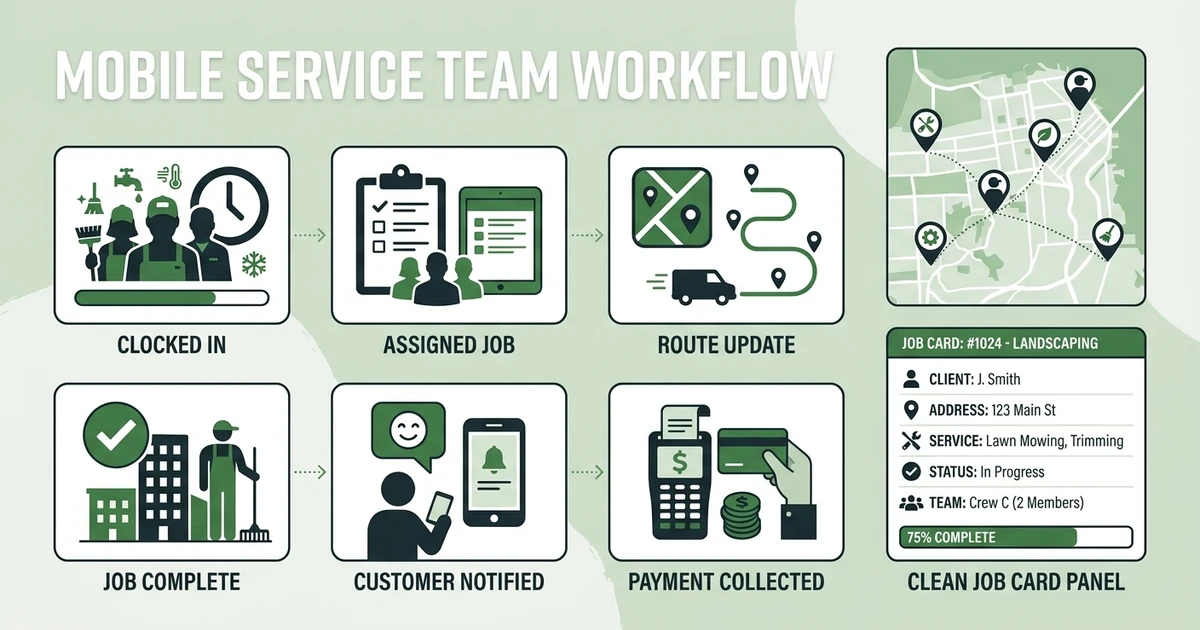
Use this checklist:
- Can you see who is available, assigned, and on site?
- Can the same system show customer history and job details?
- Can you send quotes and convert them into booked jobs?
- Can crews upload notes, photos, and completion details?
- Can invoices and payments connect to completed work?
- Can customers get updates without calling the office?
Use the field service mobile app guide if your main question is technician adoption. Use the contractor scheduling software guide if scheduling is the narrow pain.
See how Fieldified connects crew visibility with job tracking, dispatch, invoicing, and payments. Book a demo and compare a workforce-management workflow with a full field-service workflow.
Is Fieldified right for my mobile service team?
Fieldified is right when your business needs to manage both the crew and the job. That means the employee schedule, customer record, quote, work order, invoice, and payment should not live in disconnected systems.
It may be a fit if:
- Your team works across customer sites.
- You need cleaning business software for recurring crews.
- You want team management compared with full field service management.
- Your office needs proof of completion, job notes, and customer history.
- You want field techs and office staff using the same job record.
- You want flat plan pricing as the team grows.
It may not be the first choice if your only need is HR, training, shift scheduling, or internal announcements. In that case, Connecteam, Deputy, Homebase, or When I Work may be enough.
Why trust this alternatives guide?
This guide is built for field service teams, not generic workforce managers. The evaluation criteria are crew visibility, job tracking, customer records, dispatch, quotes, invoices, payments, mobile usability, and pricing fit.
It also respects what Connecteam does well. Employee scheduling and communication matter. The question is whether your business also needs customer-facing job lifecycle tools.
BLS projects electrician employment to grow 9% from 2024 to 2034, with about 81,000 openings per year in its electrician outlook. As field teams hire, the systems behind the schedule need to connect to real work.
Frequently Asked Questions
What is the best Connecteam alternative for field service teams?
Fieldified is a strong option when a service team needs more than employee scheduling, time tracking, and team chat. It connects crew visibility with quoting, scheduling, dispatch, job tracking, invoices, payments, and customer communication.
Why do field service teams compare Connecteam alternatives?
Teams usually compare alternatives when managing employees is no longer enough. Once quotes, jobs, customer updates, invoices, and payments need to connect to the crew schedule, a field-service-first platform becomes a better fit.
Is Connecteam field service management software?
Connecteam is mainly an employee management and workforce app. It can help with scheduling, time tracking, communication, training, and HR tasks, but field service teams often need quoting, client records, job tracking, invoicing, and payments too.
Which Connecteam alternatives work for cleaning businesses?
Fieldified, Jobber, Housecall Pro, Service Fusion, FieldPulse, and workforce tools like Deputy or Homebase can all be relevant depending on the workflow. Cleaning teams with recurring jobs should prioritize job tracking, client records, schedules, invoices, and proof of completion.
Should I use Connecteam with field service software?
Some teams may use Connecteam for employee communication and another platform for jobs. But if you want fewer systems, choose a field service platform that already connects employee visibility with job, customer, invoice, and payment workflows.
Conclusion: choose the platform that manages both your crew and your jobs
Connecteam is useful when employee management is the main problem. But field service businesses eventually need more than shifts, chat, and checklists.
If your team needs to quote work, schedule crews, dispatch jobs, document completion, invoice customers, and collect payment, compare field-service-first platforms carefully.
If you are comparing options, book a Fieldified demo and see how crew visibility connects with the full job workflow.