 EN
 DE
 ES
 FR
 NL
 PT
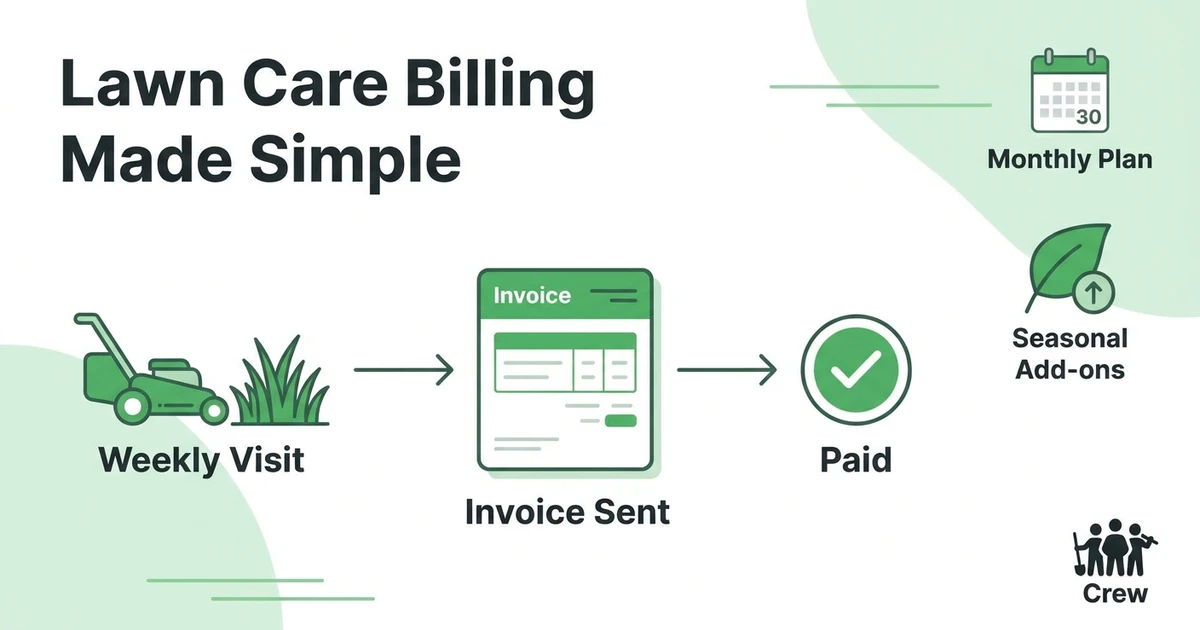





Quick Answer: Set up lawn care billing by matching each service cadence to a clear invoice rule, then keeping the completed visit and payment record together. Fieldified helps teams turn completed work into invoices, send reminders, and give customers a simple way to pay.
Recurring lawn work is predictable on the calendar, but it can become messy in the office. A weekly mowing stop, a mid-month fertilization visit, and a fall cleanup do not always belong on the same bill. The problem is not the work. It is deciding what gets billed, when it gets billed, and what the customer needs to see.
Good lawn care billing gives your office one rule for routine work and a second rule for approved add-ons. It also gives the customer a clear service record instead of a line item that says only “yard work.” That makes payments easier to request and easier to review.
The scale of the category makes that discipline worth taking seriously. A small lawn company does not need a complicated accounting process, but it does need a reliable link between the work completed and the money due.
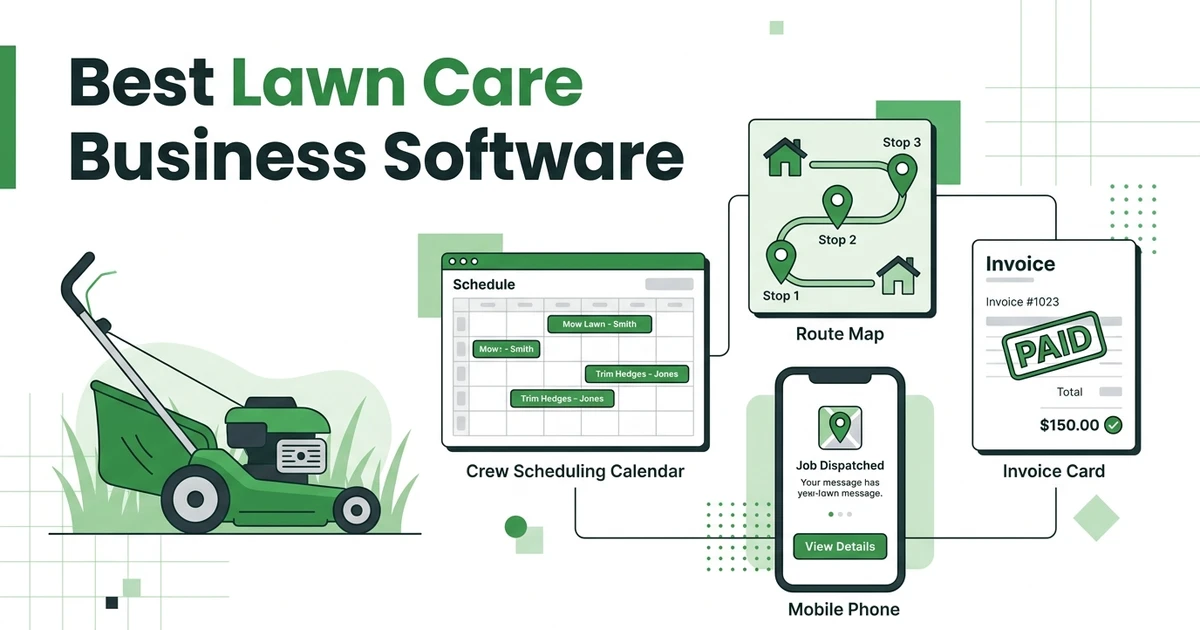
The lawn care business software page explains the broader workflow around recurring routes, estimates, crews, and customer records. This guide stays with the narrower office question: how to translate completed lawn work into a clear invoice and a visible payment status.
Why recurring lawn work turns into a billing backlog
The usual breakdown happens at the end of a busy route. A crew has completed twenty mowing visits, added a shrub trim for one client, skipped another property because of weather, and noted a treatment request for next week. If those details sit in texts, paper route sheets, or separate spreadsheets, the office has to reconstruct each invoice later.
That delay creates avoidable questions. Was the skipped stop billed? Was the treatment approved? Did the crew use a flat service rate or add a material charge? A billing process should answer those questions from the completed job record, not from memory.
Outdoor grounds work is often busiest in spring, summer, and fall, which is exactly when an end-of-week billing catch-up becomes hardest to sustain.BLS guidance on grounds maintenance work The fix is not to send every customer the same invoice. It is to define the billing trigger before the route gets busy.
How to set up lawn care billing for weekly, biweekly, and seasonal work
Start with the work your customer has agreed to receive. The invoice schedule should follow that agreement, not whatever the office happens to finish entering on Friday.
For a weekly or biweekly mowing customer, choose whether each completed visit creates an invoice or whether the visits are grouped into a regular statement. For a seasonal program, set the service dates, the agreed price, and the points when a customer should expect a bill. For one-off work, bill from the completed job after the customer has approved the scope.
Use the same short checklist for every service type:
- Confirm the service, price, and payment timing before the work begins.
- Record the date, property, work completed, and any agreed changes when the crew finishes.
- Keep add-ons separate from the base recurring service.
- Send the invoice according to the cadence promised to the customer.
- Review unpaid invoices from one place before the next billing cycle.
This does not require a customer to pay in one universal way. Some lawn customers prefer a payment link after each visit. Others prefer a monthly statement or an agreed recurring payment setup. Your process should make the selected method clear before the first service date.
It also helps to decide what happens when the schedule changes. If rain postpones a route, record whether the visit was rescheduled, skipped, or combined with later work according to the customer agreement. That decision belongs in the job record before the invoice is created, not in a note added after the customer questions a charge.
What a lawn care invoice should show after each visit
An invoice should let the customer match the charge to the work without calling your office. That is especially important for recurring properties where the service can look similar from week to week.
For routine mowing, the description might name the property, date, scheduled service, and any agreed service tier. For a treatment or add-on, identify the additional work separately. If materials, taxes, or payment terms apply, show them in their own clear lines rather than hiding them inside a single total.
| Invoice detail | Why the customer needs it | Lawn care example |
|---|---|---|
| Service date | Confirms the completed visit | Weekly mowing completed on the scheduled date |
| Service description | Explains the charge | Mowing, edging, and cleanup under the recurring agreement |
| Approved add-on | Separates new work from the base plan | Aeration added after customer approval |
| Amount due and payment terms | Makes the next action clear | Total due with the chosen payment method |
The IRS lists invoices among the supporting documents that help small businesses substantiate their records.IRS Publication 583 That is a recordkeeping point, not tax advice. Your exact tax treatment, retention needs, and invoice wording depend on your business and local requirements.
Set the invoice format before the busy part of the season. Decide which service details should always appear, who checks a changed charge, and where the customer sees a payment question. A short, repeatable review is more dependable than asking one person to remember every exception on a Friday afternoon.
When should lawn customers pay: per visit, monthly, or by auto-pay?
There is no single payment schedule that fits every lawn care agreement. The useful choice is the one that matches the service pattern, gives the customer a predictable expectation, and lets your office see what is still outstanding.
| Billing approach | Works well when | Watch for |
|---|---|---|
| Per visit | Services vary or customers want each visit documented | Too many small invoices for frequent routes |
| Monthly | The service and price are stable across the month | A clear visit summary so the customer knows what is included |
| Agreed recurring payment | Customers want a predictable hands-off arrangement | Written authorization and a clear process for changes or pauses |
Use customer conversations to set the expectation. A homeowner with a weekly mowing plan may value a predictable monthly charge. A property that adds seasonal work may need a separate approval and invoice. What matters is that the invoice reflects the agreement and the job record supports it.
A lawn care billing software checklist for recurring customers
Before choosing a tool, test the billing flow with a real customer scenario. Create a recurring service, add a one-time approved add-on, mark the visit complete, generate the invoice, and check how the office sees its payment status. A feature list is less useful than seeing whether the record survives that whole sequence.
Look for these practical checks:
- Can the team connect the invoice to the completed visit?
- Can the office separate base service from one-time add-ons?
- Can customers receive a clear invoice and a simple payment option?
- Can the team send payment reminders without copying job details into another system?
- Can the office review unpaid work before the next billing cycle?
The broader lawn care business software guide covers routes, crews, estimates, and field operations. Keep this buying decision narrower: decide whether the system makes recurring billing easier to explain, send, collect, and review.
Need a clean invoice format while you standardize the process? Start with the free contractor invoice generator, then move to a connected workflow when routine billing needs to follow completed work automatically.
See the job-to-payment handoff in one place. Fieldified keeps completed lawn visits, invoices, reminders, and payment status connected so the office does not rebuild a billing record from route notes. Book a demo.
Example: billing one customer through a mowing season
Imagine a customer on a weekly mowing plan from April through October. The base agreement covers mowing, edging, and cleanup at a set price. The office chooses a monthly billing cadence, and each completed visit stays in the customer record.
In June, the customer approves an aeration add-on. The office records the approval and keeps the add-on separate from the recurring plan. When the work is complete, the invoice shows the monthly service visits and the one-time aeration charge as distinct entries. The customer can see what changed without comparing old email threads.
In August, rain makes one visit impossible. The office follows the agreement’s rescheduling or skip policy, then records the outcome before the next invoice. That simple step keeps the invoice aligned with the service actually delivered.
At the end of the month, the office can review invoices by customer and follow up from the same record. If a homeowner calls with a question, the team can see the completed visits and the aeration approval instead of searching through route sheets and text threads. That is the practical value of treating billing as part of the service workflow.
Frequently Asked Questions
How should I bill recurring lawn care customers?
Match the billing cadence to the written service agreement, then connect each invoice to the visits or services it covers. Separate recurring work from approved add-ons so the customer can understand the total without asking for a breakdown.
Can lawn care billing software send invoices after completed work?
It should let the office generate an invoice from the completed job record and see what remains unpaid. Test the workflow with a normal mowing visit and a one-time add-on before making a decision.
Should I send a lawn care invoice every week?
Weekly invoices can work for customers who want a record after every visit. Monthly billing may be easier for stable recurring service. Choose the cadence that is clear in the agreement and manageable for your office.
How do I invoice a lawn care add-on?
Record the customer’s approval, describe the add-on separately, and include it apart from the base recurring service. That gives the customer a clear connection between the additional work and the extra charge.
What if weather changes the lawn care schedule?
Follow the rescheduling or skip terms agreed with the customer, then update the service record before billing. Do not rely on a memory of what happened on the route when the invoice is created later.
Conclusion: make every completed visit ready to bill
Billing gets easier when the service agreement, completed visit, invoice, and payment status tell the same story. Set the rules for routine service and add-ons before the route gets busy, then keep the record close to the work.
Fieldified gives lawn care teams one system for completed work, invoices, reminders, and payment follow-up. Book a demo to see how the full billing handoff can work for your recurring customers.