EN
EN DE
DE ES
ES FR
FR NL
NL PT
PT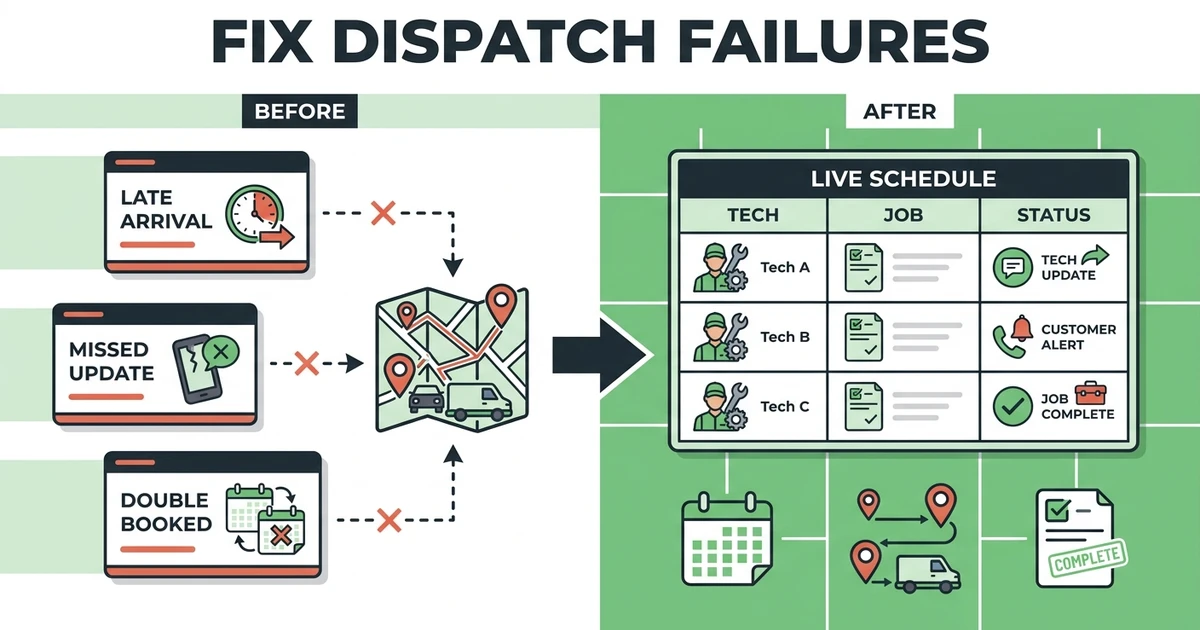





Quick Answer:
Job scheduling and dispatch failures happen when jobs, crews, routes, customer updates, and job details are managed in disconnected calendars, texts, spreadsheets, or whiteboards. The fix starts with clearer ownership, live field updates, and one job record that carries the work from request to completion.
Scheduling and dispatch failures usually show up as little problems first. A technician asks for the address again. A customer calls because nobody confirmed the arrival window. An invoice waits because the office never got the field notes.
Then the day gets busy, and those small misses stack up.
For HVAC, plumbing, electrical, cleaning, garage door, and landscaping teams, dispatch failure is not just a scheduling issue. It affects customer trust, technician time, billing speed, and the next job on the board.
What Counts as Job Scheduling and Dispatch Failures?
A dispatch failure is any breakdown that keeps the right person from reaching the right job with the right information at the right time. It can be a double-booked crew, a missed update, a late arrival, or a completed job that never moves to billing.
The calendar may still look full. That does not mean the workflow is healthy.
Common failures include:
- A technician gets assigned without enough job detail.
- The office changes the schedule but the field team misses the update.
- A customer never gets a revised arrival window.
- A job is completed but no invoice goes out.
- A quote is approved but never becomes a scheduled job.
- A callback is created in a text thread and forgotten.
The real issue is usually handoff quality. Every time a job moves from customer to office, office to field, or field back to billing, information can slip.
Why Field Teams Get Delayed Even When the Calendar Looks Full
A full calendar can hide weak dispatch. The schedule may show jobs in every slot, but it may not show travel time, urgent work, technician skill fit, job priority, or whether the customer confirmed.
That is where delays begin.
Picture a plumbing company with several service calls on the board. One repair runs long, one customer adds extra work, and one emergency call comes in. If the dispatcher is working from a spreadsheet and text messages, every change requires manual checking.
The crew waits. The customer waits. The next invoice waits.
The Federal Reserve reported that reaching customers and growing sales was the most common operational challenge for small employer firms, followed by hiring or retaining qualified staff in its 2026 Small Business Credit Survey. For field teams, late arrivals and missed updates make both challenges harder.
The Warning Signs Your Dispatch Process Is Breaking
Dispatch problems are easy to excuse because service work is naturally messy. Jobs run long. Customers reschedule. Weather changes the day. Parts are missing.
But some warning signs point to a process problem.
Watch for these:
- Technicians call the office for details already collected.
- Dispatchers keep separate notes outside the schedule.
- Customers ask for arrival updates the team cannot answer.
- Completed jobs do not become invoices quickly.
- Crews get sent across town without checking route impact.
- The owner has to approve every schedule change.
- Follow-up work gets lost after the technician leaves.
If these happen often, the team does not only need a cleaner calendar. It needs a better handoff between scheduling, dispatch, field notes, and billing.
How One Schedule Change Creates Missed Calls, Late Arrivals, and Lost Invoices
One schedule change can trigger a chain reaction. A garage door technician gets delayed because the first job needs extra parts. The dispatcher moves the next appointment, but the customer does not get notified. The technician receives the new order by text but misses the note about a previous repair.
The day keeps moving, but the details are already scattered.
By the time the technician finishes, the office has to ask what work was completed, whether anything changed, and what should be billed. The customer has already had a shaky experience. The invoice may go out late because the job record is incomplete.
This is the real cost of dispatch failure. It is not one mistake. It is the extra coordination every mistake creates.
The Federal Reserve found that 57% of employer firms cited reaching customers and growing sales as an operational challenge in the 2024 survey year in its 2025 Small Business Credit Survey. Service companies cannot afford to make communication feel unreliable when customers already have other options.
Use Fieldified to keep schedule changes, field updates, and job status tied to the same record instead of spreading them across calls and text threads. Start with the dispatch capacity calculator to see where your current schedule may be overloaded.
How to Fix Dispatch Failures Before Buying More Software
Before buying anything, tighten the workflow. Software can support a better process, but it should not be asked to rescue a process nobody understands.
Start by mapping the job handoff.
Ask:
- Where does the job request come from?
- Who confirms the customer details?
- Who owns schedule changes?
- How do technicians receive updates?
- Where do field notes go?
- Who sends the invoice?
- How does follow-up work get created?
Then remove weak spots. Stop using private text threads for job-critical details. Decide which person can move the schedule. Require job notes before completion. Make customer updates part of the dispatch process, not an afterthought.
If that still feels hard, the business may be ready for connected scheduling software for service contractors.
When Automated Scheduling Starts Paying for Itself
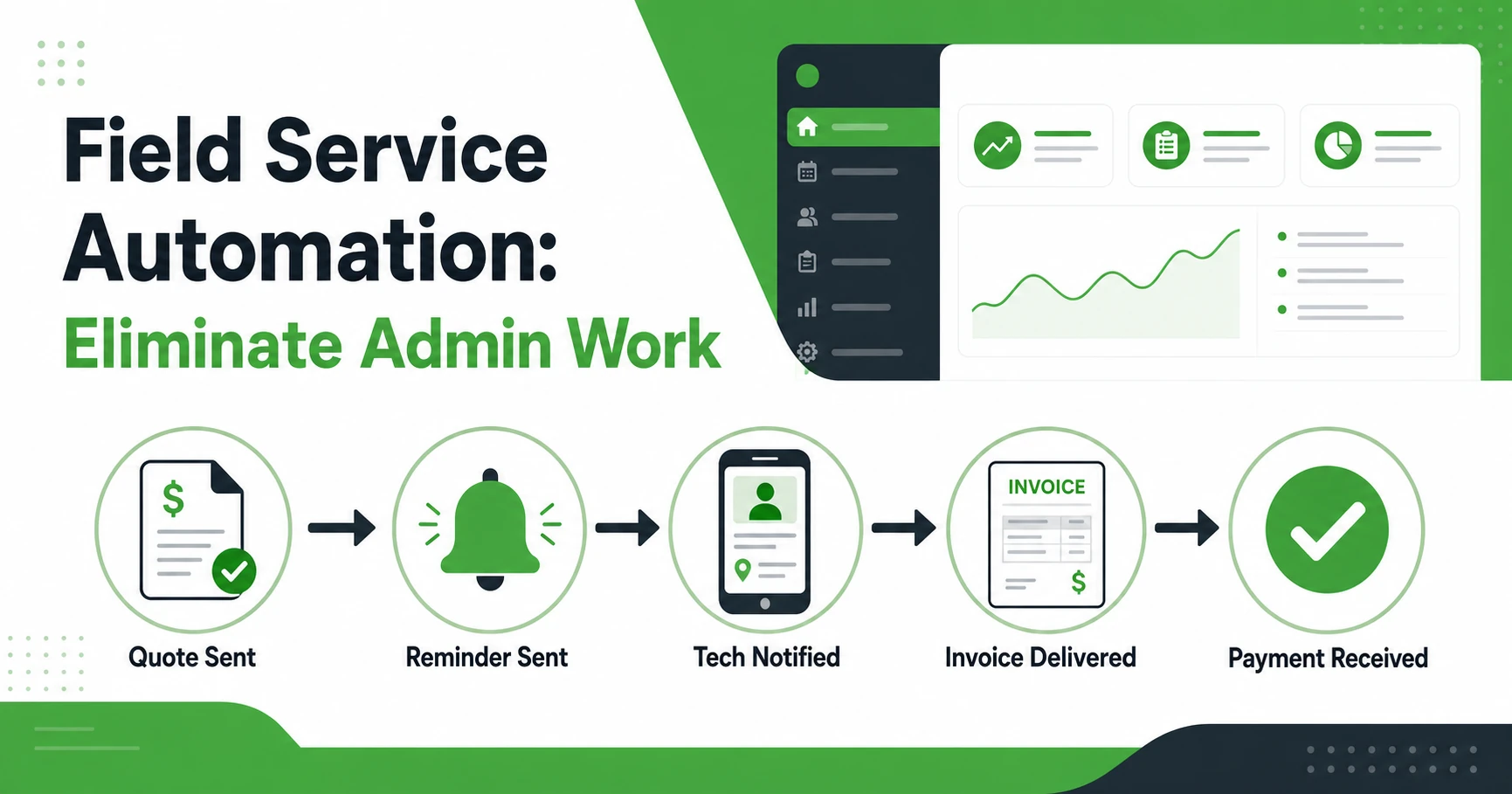
Automated scheduling starts paying for itself when the office is spending too much time manually coordinating work that should move through the system. That includes appointment reminders, technician assignments, status updates, and job-to-invoice handoffs.
The point is not to remove judgment from dispatch. The point is to remove repeated manual work so the dispatcher can focus on real exceptions.
For example, a cleaning company can keep recurring visits organized without rebuilding the route every week. An HVAC dispatcher can adjust jobs without calling every technician. A plumbing team can move completed jobs toward invoicing without waiting for the office to collect scattered notes.
Among small employer firms using AI, 71% said it increased productivity according to the Federal Reserve’s 2026 survey. Contractors should treat automation the same way: use it where it removes repeat work, then keep human judgment for the calls that need it.
What Fieldified Helps Prevent in a Busy Service Day
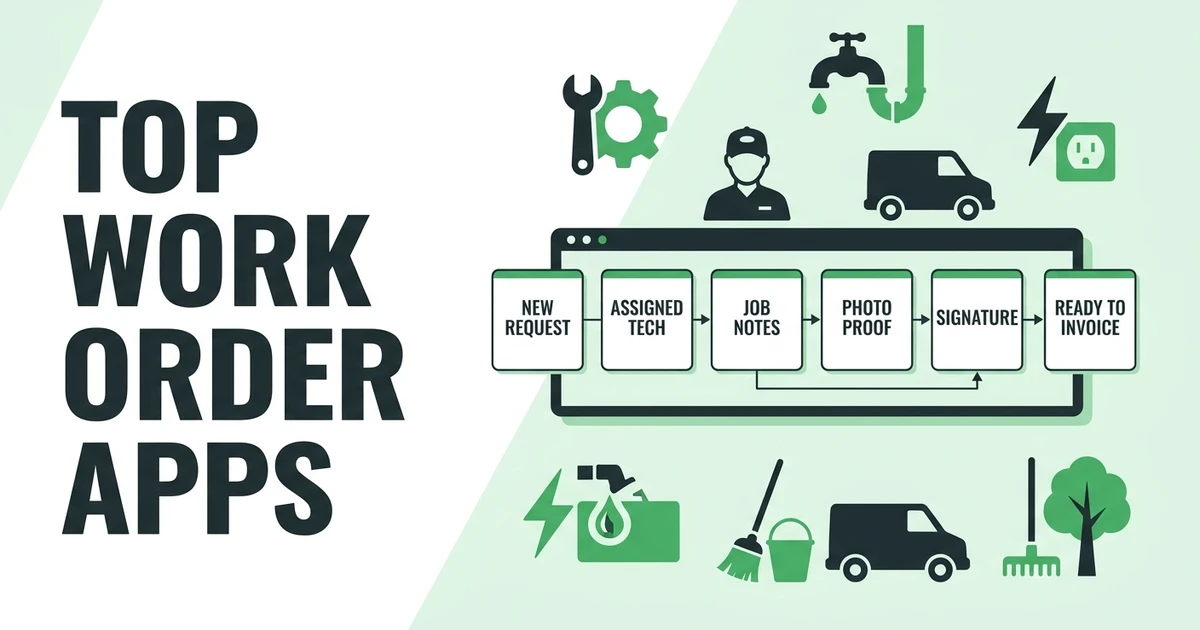
Fieldified helps prevent dispatch failures by keeping jobs, schedules, technician updates, customer records, invoices, and payments connected. The office can see the work, the field team can see the details, and the job record carries the handoff.
That helps when the day changes.
Instead of one person managing a calendar, another texting updates, and another rebuilding invoices later, Fieldified supports a shared workflow. The dispatcher can assign the job. The technician can view notes and update status. The office can keep the customer and billing process moving.
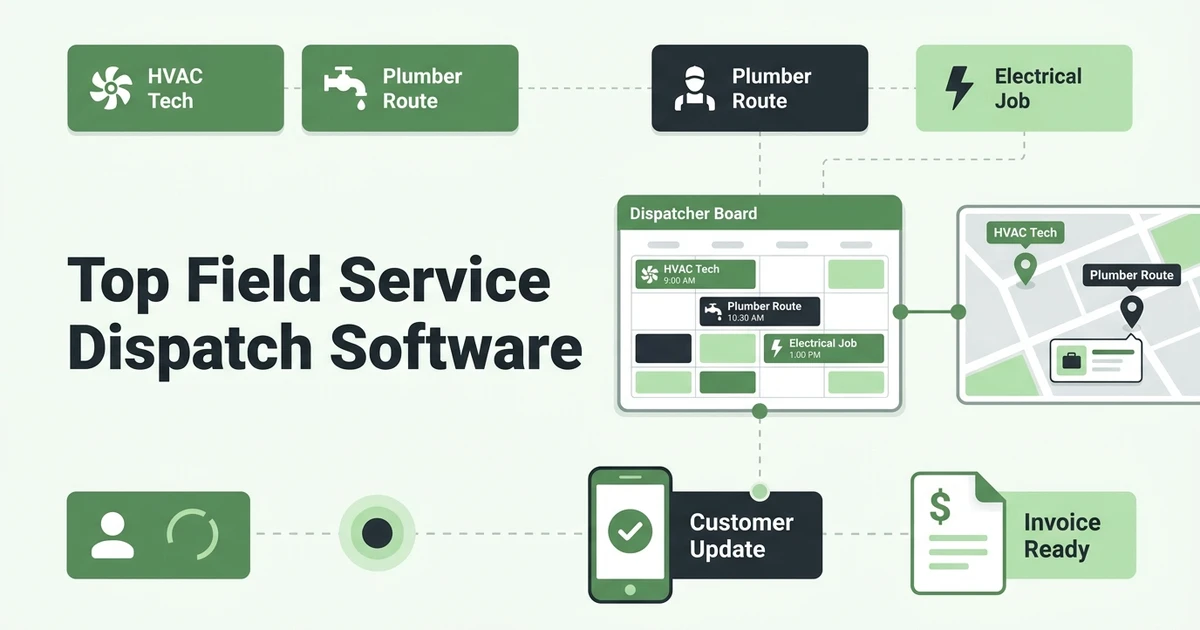
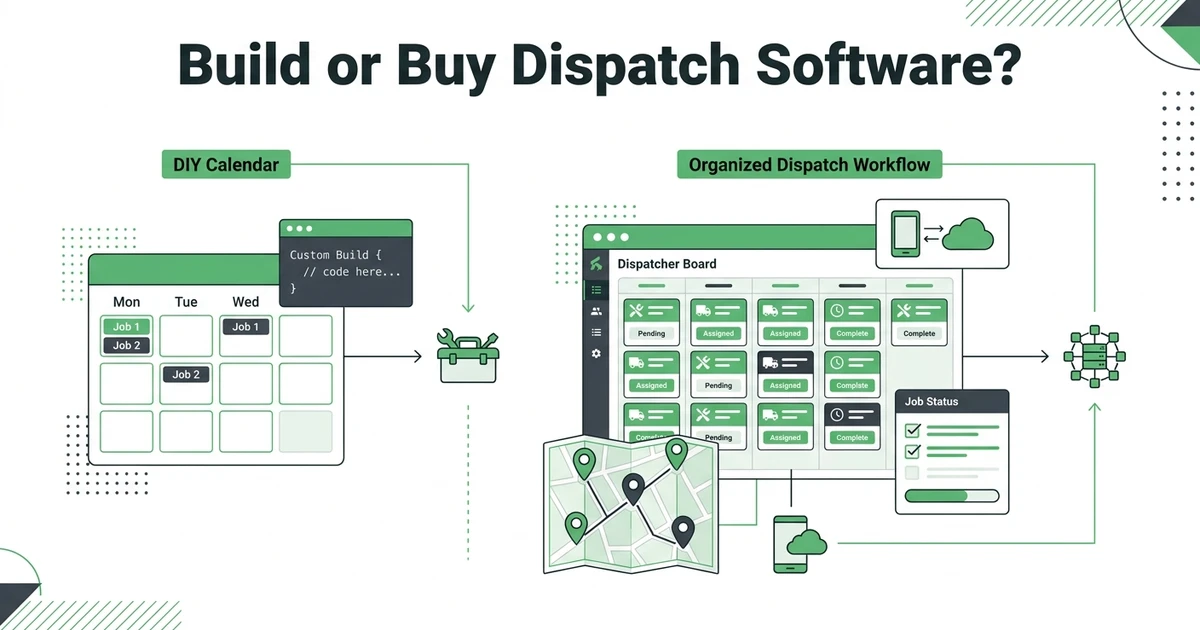
For a deeper software comparison, use the field service dispatch software guide. If you are considering a custom setup, compare that path with building your own dispatch and scheduling system.
Frequently Asked Questions
What causes scheduling and dispatch issues?
Scheduling and dispatch issues usually come from disconnected calendars, unclear job ownership, weak field updates, and missing customer details. The problem gets worse when the office relies on texts, spreadsheets, and memory to move jobs through the day.
How do dispatch failures affect field teams?
They create late arrivals, double-booked technicians, missed updates, and unclear job notes. Field teams lose time when they drive to the wrong place, arrive without context, or wait for the office to confirm details.
Can a small contractor fix dispatch problems without hiring another admin?
Yes, if the issue is the process and not the amount of work. A better scheduling and dispatch workflow can reduce manual calls, repeated data entry, and avoidable follow-up before the business adds office headcount.
When should a service business move away from spreadsheets for dispatch?
Move away from spreadsheets when multiple people touch the same job and updates are getting missed. If crews are double-booked, invoices wait for field notes, or customers keep asking for arrival updates, the system is too thin.
How does Fieldified help prevent scheduling and dispatch failures?
Fieldified keeps job details, schedules, dispatch updates, technician notes, invoices, and customer records connected. That helps the office and field team work from the same job record instead of chasing scattered updates.
Conclusion: Fix the Handoff, Not Just the Calendar
Most dispatch failures are handoff failures. The calendar may show the appointment, but the job still needs clear ownership, technician context, customer updates, and a clean path to billing.
Fixing that handoff makes the day easier for the office, the crew, and the customer.
Book a demo to see how Fieldified keeps schedules, dispatch updates, mobile job notes, invoices, and customer history connected for busy service teams.