EN
EN DE
DE ES
ES FR
FR NL
NL PT
PT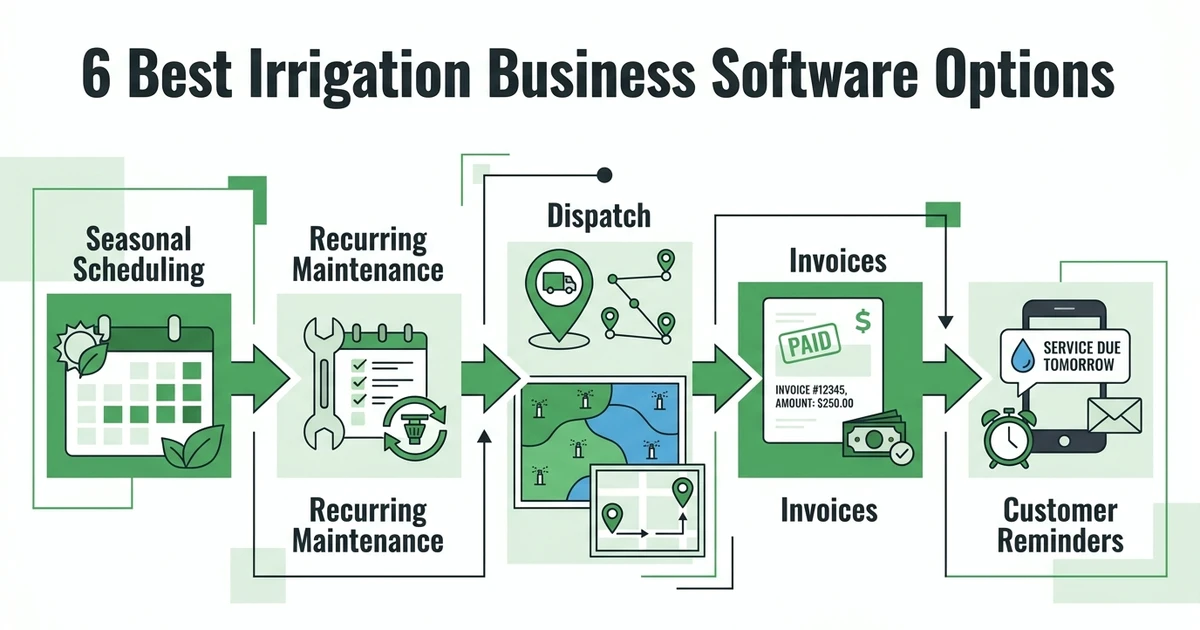





Quick Answer: Irrigation dispatch software coordinates seasonal startups, repair calls, winterization, and recurring maintenance while keeping controller, zone, access, customer, and payment information with each job. The right platform lets a dispatcher reroute work without losing the property context or the next scheduled service.
An irrigation dispatcher is managing more than stops on a route. On the first warm week, a crew can be building startup routes while leak repairs interrupt the plan and customers start asking about maintenance or winterization dates. The team needs a system that shows the work, the property, and the next action in one place.
This comparison focuses on that operational reality. It explains what to evaluate in irrigation dispatch software, which options belong on a shortlist, and how to test a platform with a real seasonal workload.
Why do irrigation routes collapse when startup requests and repair calls arrive together?
The calendar usually fails when it has no context. A leak repair looks like one more appointment until the dispatcher needs to know the controller type, affected zones, gate or access details, previous repair notes, and which technician can handle it. Without that information, a quick reroute turns into multiple calls and a route that no longer makes sense.
The work also matters beyond scheduling. The EPA says residential outdoor water use in the United States is nearly 8 billion gallons per day, mainly for landscape irrigation. EPA WaterSense outdoor water guidance The National Association of Landscape Professionals reports a $188.8 billion landscape services market in 2025, with 692,777 landscaping service businesses. NALP landscape industry statistics
That is not a reason to overcomplicate a route. It is a reason to record the details that help a technician complete the right work at the right property.
What job details should an irrigation dispatcher see before assigning a technician?
Before assigning a startup, repair, or winterization visit, the dispatcher should see the customer and property history alongside the schedule. The useful record includes the service request, location, contact information, access notes, controller or zone information, prior work, assigned technician, and appointment status.
For a spring scenario, imagine twenty startup appointments and two leak repairs arriving on the same morning. The dispatcher needs to put the repair with a qualified available technician, give that person the property context, and preserve the startup route for everybody else. A blank calendar note cannot do that reliably.
| Job detail | Dispatch decision it supports | Field follow-up |
|---|---|---|
| Controller and zone notes | Match the visit to technician context | Add repair findings to the property record |
| Access and contact instructions | Avoid an arrival delay | Record customer communication |
| Prior repairs and service history | Prepare for repeat issues | Recommend additional work when needed |
| Job, invoice, and payment status | See what remains open | Trigger billing or a follow-up action |
Fieldified’s irrigation service software brings job records, scheduling, mobile updates, invoices, payments, and customer communications into a shared workflow. The key question is simple: can the technician see the property notes that matter before the truck changes course?
6 best irrigation dispatch software options for seasonal service teams
These six products are options to compare. The right choice depends on whether your irrigation company needs repeatable seasonal workflows, job detail capture, customer communication, billing, or a combination of them.
1. Fieldified
Fieldified is a strong option for an irrigation company that wants seasonal dispatch, customer records, job documentation, quotes, invoices, and payment follow-up in one platform. Its dispatch workflow can use technician availability, skills, and location when assigning work, and the same job can carry the notes needed after the visit.
2. Jobber
Jobber is a field-service platform to evaluate for mobile crews. Ask it to demonstrate a spring route, an urgent repair, and a recurring maintenance visit using the same customer record.
3. Housecall Pro
Housecall Pro is another option for service companies that want to assess scheduling and office-to-field workflows. Test what happens when a planned appointment must move after a repair call arrives.
4. ServiceTitan
ServiceTitan may fit an irrigation company evaluating a broader operational platform. Compare the implementation and process requirements to the scale and workflow complexity of your business.
5. Kickserv
Kickserv is worth a look when dispatch, job tracking, and customer communication are key evaluation areas. Use actual zone notes and customer details in the test, not a generic demo job.
6. Workiz
Workiz is another dispatch-oriented option to consider. Confirm that recurring visits, repair exceptions, completed work, and invoice follow-up can stay connected in the way your office operates.
How do recurring irrigation routes, repair calls, and winterization stay on one schedule?
They stay together when every type of work is part of one scheduling and job-management process. A seasonal startup, a no-water repair, and a winterization visit have different details, but all should begin with the same customer and property record.
Set up the workflow in this order:
- Create a reusable record for each property, including zone, controller, and access details.
- Build the recurring or seasonal appointment plan.
- Route urgent repairs through the same dispatcher view, not a separate message thread.
- Record work, recommendations, and customer communication at completion.
- Send the invoice and create the appropriate reminder or next visit.
Fieldified can automate repetitive follow-ups and notifications and supports invoices with online payment and reminders. That makes the post-visit handoff clearer, especially when a technician finds additional work during a scheduled appointment.
Treat the property record as the route’s working memory
The route can change several times in a day, but the property record should retain the facts that do not change with the technician assignment. A controller note, zone layout, gate instruction, prior repair, customer preference, and open recommendation should remain available when a dispatcher moves the job or a second technician visits.
This also keeps seasonal work from becoming a series of anonymous stops. When a startup uncovers a repair need, the office can document the next action against the same property instead of building a new record from scratch. The customer gets a more coherent experience, and the team has less information to recover later.
Bring a real startup-week schedule to a Fieldified demo and see how seasonal dispatch, job notes, recurring service, invoices, and reminders can run from one record.
What should irrigation owners compare beyond a dispatch calendar?
Compare the work around the calendar. A good buying decision should test the following areas:
- Job context: Can staff see controller, zone, access, service, and prior-repair details at assignment?
- Mobile completion: Can technicians document work and next steps without returning to the office?
- Recurring work: Can the office schedule maintenance, seasonal service, and exceptions without duplicating customer data?
- Customer follow-up: Can a quote, invoice, reminder, or next appointment begin from the completed job?
- Reporting and ownership: Can the office see open work, completed work, and payment status without reconciling separate tools?
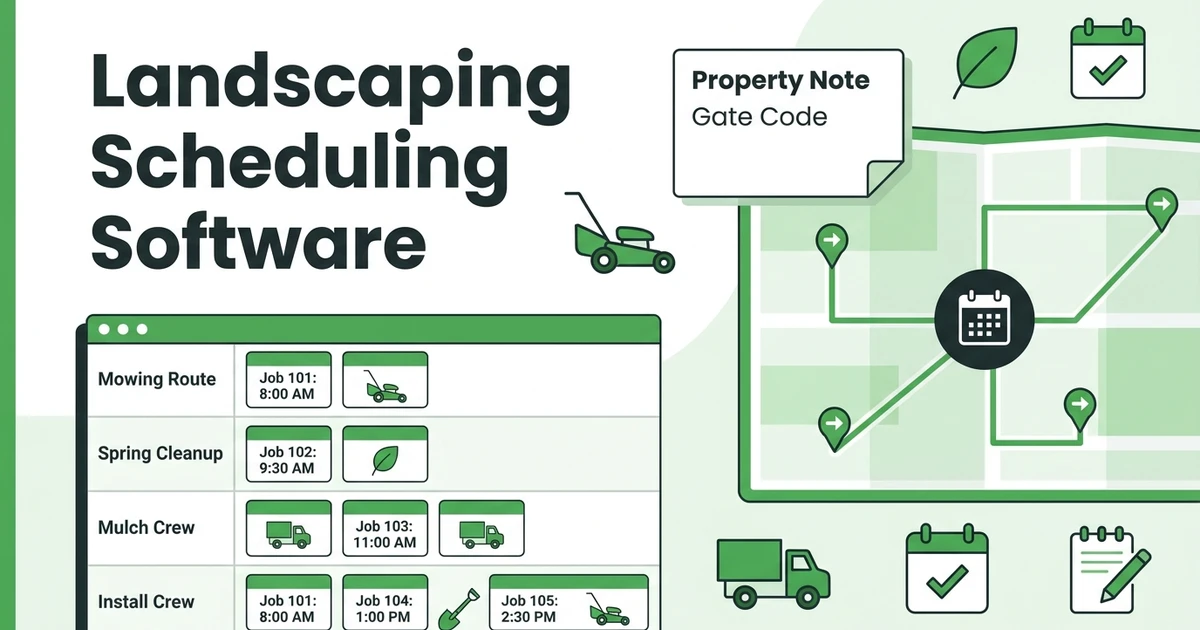
Use a landscaping scheduling software workflow as a related reference, but make the demo irrigation-specific. A route only works when the system preserves the technical information a technician needs at each property.
Test one week, not one appointment
Ask the vendor to start with a sample week of startup appointments, add two leak repairs, move one technician, and create a winterization follow-up for a customer already on the schedule. Then have the office find the job notes and invoice status for each affected property.
This is a better test than comparing a single calendar screen. It shows whether the platform supports the handoffs between dispatcher, technician, customer, and office staff once the original route has changed several times.
Is Fieldified right for an irrigation company that sells recurring service?
Fieldified is worth considering when your irrigation company wants a connected system for dispatch, job history, technician updates, customer communications, invoices, and payment tracking. It is particularly relevant when seasonal service and repairs are being coordinated across a calendar, spreadsheet, and separate billing process.
During a demo, ask to move a technician from a startup route to a repair call and then walk the completed job through billing. That exercise exposes whether the platform supports your actual operating day.
It is also useful to decide which work must be standardized. A small irrigation crew may only need a few consistent job forms, such as startup, repair, maintenance, and winterization. The best software is not the one with the longest feature list. It is the one that lets your team complete those core jobs with complete records and fewer manual handoffs.
Before signing, decide how the team will measure a successful rollout. A practical first month might focus on whether every dispatched job has property notes, whether technicians complete the same field record, and whether invoices are sent from completed jobs without office re-entry. Those checks are specific enough for a dispatcher to own and useful enough for the owner to review.
Avoid trying to redesign every process at once. Start with the service types that create the most route changes or billing rework, then expand the workflow after the team can complete those consistently. The result should be a more dependable operating rhythm, not a new layer of administration.
Make the owner responsible for reviewing the exceptions the team cannot standardize. That keeps the platform configured around actual irrigation decisions rather than an idealized route that only works on a quiet day.
It also makes later training easier because the team can point to a documented operating rule instead of relying on individual memory.
Frequently Asked Questions
What is irrigation dispatch software used for?
Irrigation dispatch software is used to assign and track work such as startups, repairs, maintenance, and winterization. It should keep the scheduling decision connected to property details and the technician’s completed job record.
Can irrigation dispatch software route emergency leak repairs?
It should let the office review technician availability and the job information needed for the repair before assigning it. Test this exact scenario because every company handles seasonal interruptions differently.
Does irrigation scheduling software replace a CRM?
It can reduce the need for separate customer tracking when it maintains customer, property, job, and communication history together. Confirm how the platform records every interaction that matters to your office.
How should irrigation technicians record completed work?
They should add clear notes on what was inspected, adjusted, repaired, or recommended, along with any relevant photos. The office should be able to use that record for customer follow-up and invoicing without transcribing it.
Can dispatch software help collect irrigation payments?
Connected systems can move a completed job into invoicing and make payment status visible to the office. Ask vendors to demonstrate the full handoff rather than treating payment collection as a separate tool.
Conclusion
The best irrigation dispatch software gives the office control without stripping the property details out of each appointment. It should help your crew absorb repair calls, protect seasonal routes, document work, and keep billing tied to the finished job.
See how that workflow looks for your operation. Request a Fieldified demo with a real startup, repair, or winterization scenario in hand.