 EN
 DE
 ES
 FR
 NL
 PT
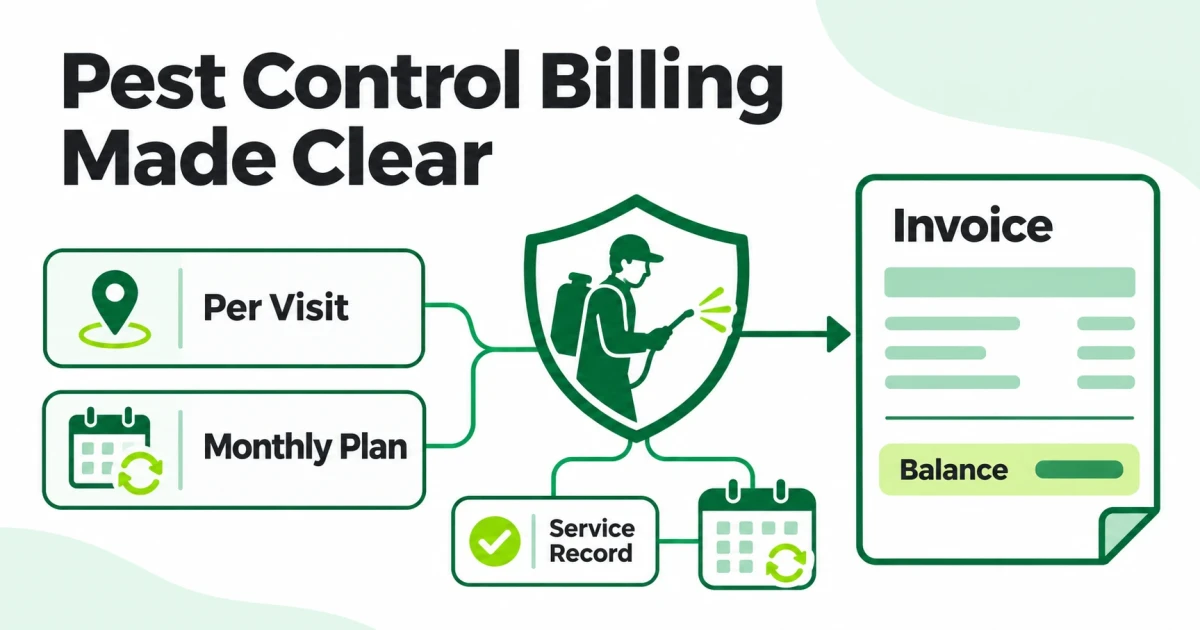





Quick Answer: When you compare pest control billing software for recurring service plans, look at four things: how it handles billing frequency, per-visit versus monthly charges, customer balances, and payment follow-up. Whatever tool you choose, test it against your own plan examples before you commit.
Recurring plans are what a pest control company is built on, which is also why billing mistakes repeat. A quarterly customer with a free callback, a monthly customer whose visit was rained out, and an annual customer who cancels in June all need different invoices, and each one is easy to get wrong when billing lives in a spreadsheet or a general invoicing tool.
The U.S. pest control industry generated $13.416 billion in total service revenue in 2025, up 6% from 2024, and recurring revenue made up 85.4% of residential service revenue, according to the National Pest Management Association. A separate NPMA and PCO Bookkeepers cost study of 246 companies put recurring revenue at 74% of total income. That is a different measure, so the two figures should not be blended. Either way, most of your revenue depends on billing repeat plans correctly.
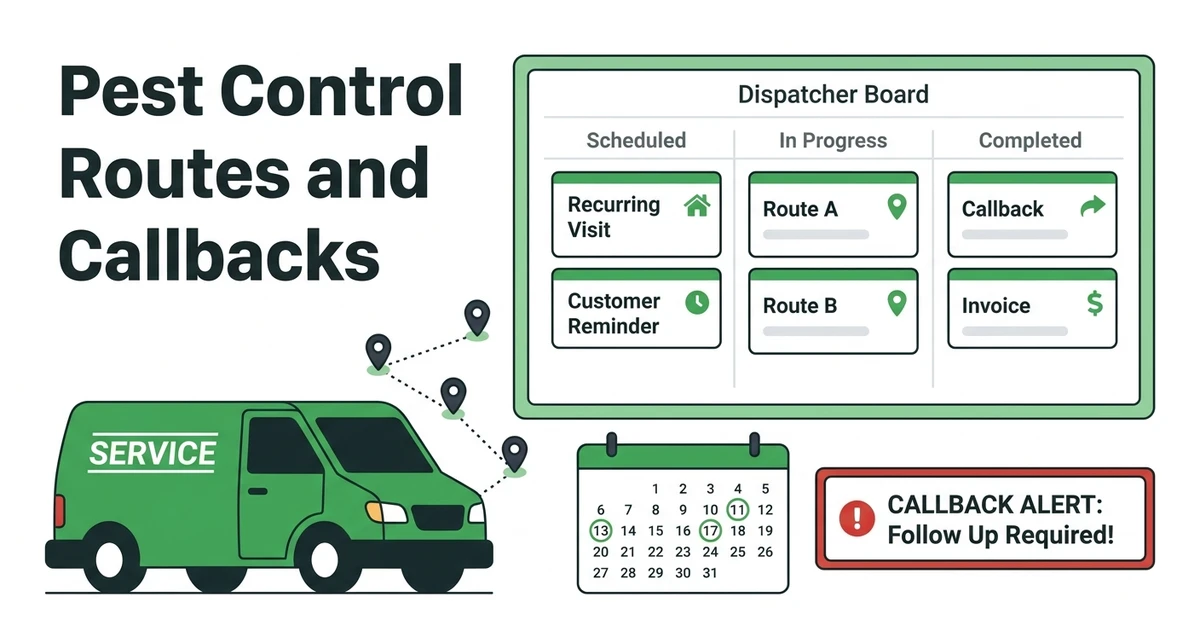
This guide stays with billing. If you are still choosing a customer database, start with the pest control CRM comparison. For routes and callbacks on the calendar, see pest control scheduling software. Here, the question is what to check in billing software once the plan is sold.
What pest control billing software has to do differently for recurring plans
A one-time job has a simple billing path: finish the work, send the invoice, collect payment. A recurring plan stretches that path across months or years, and the billing rules have to follow the agreement, not the calendar alone.
Three things make recurring plan billing harder than general invoicing:
- The charge and the visit are not always the same event. A monthly fee covers a period, while a visit is a single service date.
- The plan changes. Customers add a one-time rodent job, switch from monthly to quarterly, or pause service for a season.
- Money moves over time. Prepayments, credits, partial payments, and failed autopays leave a balance that has to be explained later.
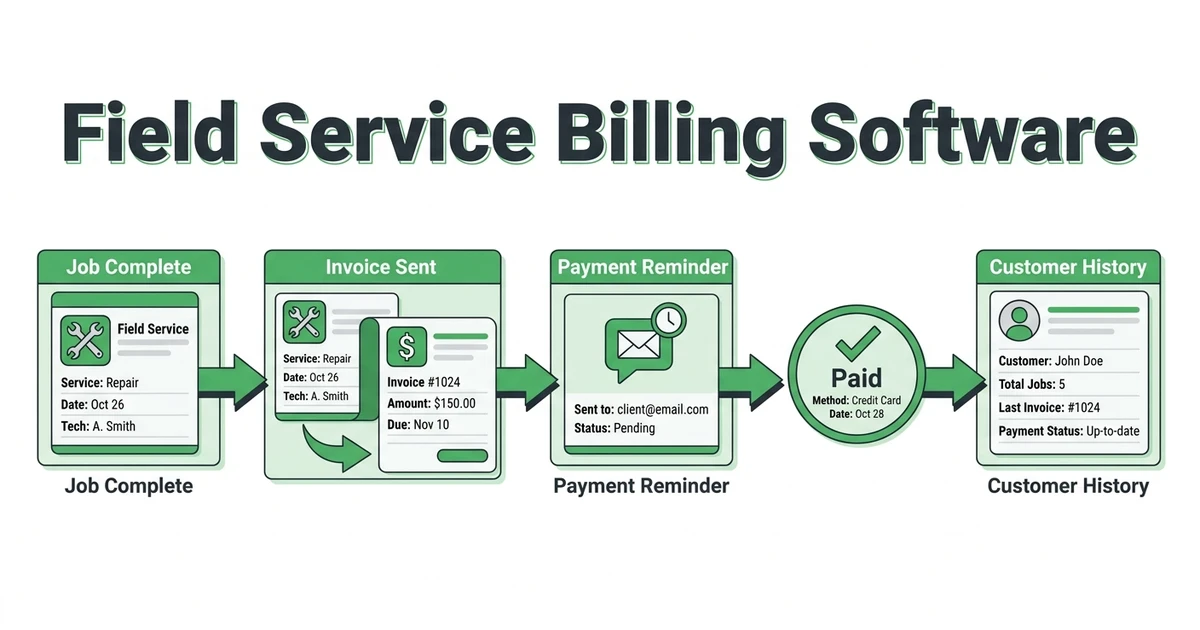
For broader invoicing questions that apply to any trade, see our guides to field service billing software and invoice and follow-up automation. The rest of this article covers what is specific to pest control plans.
How to choose a billing frequency for each plan
Billing frequency is how often the customer receives an invoice or a charge. Plans can be billed monthly, quarterly, annually, or per visit. Your software should let you set this per plan, not once for the whole company.
| Billing frequency | How it works | What to check in the software |
|---|---|---|
| Per visit | The customer is billed after each completed service. | An invoice created from the completed visit, with the date and service shown. |
| Monthly | A set amount is billed each month for the plan. | Recurring invoices or autopay tied to the plan, with a record of visits in that month. |
| Quarterly | A set amount is billed every three months, often matching a quarterly service visit. | A billing date that lines up with the visit schedule and a clear period on the invoice. |
| Annual or prepaid | The customer pays for a term in advance. | A prepaid balance or credit that completed visits draw against, and a way to handle cancellations. |
Whichever you offer, the software should make the choice visible to the customer before the first service. One example is the prepaid-balance model described in a Pest Management Professional article by the CTO of FieldRoutes, a vendor: customers prepay a standard amount on a chosen frequency and each completed service is deducted from that balance. That is one vendor’s description, not independent research, but it shows the kind of balance tracking a prepaid plan needs.
Billing in advance versus after service is also a decision your agreement should state. Billing after service matches the charge to completed work. Billing in advance brings cash in earlier but requires you to track unused visits if the customer cancels. Neither is automatically better, so pick the one your plan terms support and your software can track.
Per-visit charges versus monthly or flat plan charges
This is the comparison most pest control owners need to make, and the one the software has to support cleanly. The two models change what shows up on an invoice and what happens when a visit does not go as scheduled.
| Question | Per-visit charge | Monthly or flat plan charge |
|---|---|---|
| What does the invoice show? | One completed visit, with its date and service. | A period of coverage, with the plan name and the visits in that period. |
| What happens when a visit is skipped? | No completed visit, so usually no invoice. | You choose whether to credit, roll the visit forward, or keep the charge. |
| How are callbacks handled? | A covered callback is recorded at no charge, a billable return is invoiced. | A covered callback is part of the plan and should not create a new charge. |
| How are add-ons handled? | A separate line on that visit’s invoice. | A separate line or invoice, so the flat fee stays clean. |
| What is easier for the customer? | Each charge matches a visit they remember. | One predictable amount. |
| What is easier for the office? | Can mean fewer disputes about what a charge covers. | Can mean fewer invoices to send and track. |
Neither model removes the need for good records. The software should let the office record why a visit was skipped, tie a covered callback to the plan without billing it, and keep add-ons separate from the base plan. If it cannot, the invoice becomes something staff explain by phone.
Be careful with taxes on plan invoices. Pest control can be taxable in some states and not in others, and the rules can differ for residential and commercial work. The Texas Comptroller, for example, says providers who perform both taxable and nontaxable work must separately state the charges on invoices, and that tax can apply to the whole charge if the taxable portion of an unitemized charge is over 5%. That is one state’s rule. Check your own state’s revenue department, and look for software that lets you split taxable and nontaxable lines on a plan invoice.
How to keep customer balances accurate
A balance is what the customer owes or is owed at a point in time. For recurring plans it can include a prepaid amount, a credit for a skipped visit, a partial payment, or an unpaid prior invoice. The software needs to keep each of those as a separate, labeled item rather than one running number.
These are the billing situations worth testing before you commit to a tool:
- A covered callback between quarterly visits. It should appear on the service history at no charge and not create a new invoice.
- A skipped visit on a monthly plan. The software should let you record the reason and apply your rule, such as a credit or a make-up visit.
- A one-time job added to a plan. It should be billable separately, and your autopay authorization should make clear whether the add-on is covered.
- A mid-term plan change. Moving from monthly to quarterly, or adding a service, should have an effective date and a clear record of the new amount.
- An annual prepay with a mid-year cancellation. The software should track completed visits against the prepaid balance so you can calculate any refund or balance due under your agreement.
- A balance carried across renewal. The prior term’s unpaid amount should stay separate from the new term’s charge, so the record shows what was owed for which service.
Those are decisions for your agreement first and your software second. Decide how credits apply (to the next invoice or refunded), in what order partial payments are applied, and what happens to an unpaid balance at renewal. Then check that the software can follow those rules instead of forcing a workaround.
How to set up payment follow-up for recurring plans
Recurring plans fail differently from one-time jobs. The customer is not choosing to pay each time, so a failed card or an expired bank authorization can quietly create an unpaid balance.
How common is that? We did not find an independent pest-control figure, so be careful with any number you see. Recurly, a subscription-billing vendor, reported in April 2023 that an average of 13% of recurring revenue transactions are declined each month and that more than half of customer attrition (53%) is involuntary churn. A 2023 PYMNTS and FlexPay survey of 200 subscription-business executives similarly found that failed payments account for about half of customer churn. Both come from the subscription industry, not pest control, and one is a vendor figure, so treat them as a sign that failed payments are worth planning for, not as a benchmark for your company.
The mechanism is simple: cards expire, get replaced, or are closed. A Mastercard developer case study on Adyen says more than 6% of card-on-file accounts each month expire, are lost or stolen, or move banks. The page is undated, so use it to understand why updates matter rather than as a current statistic.
Decide your own follow-up sequence and write it down. The one below is an example of the decisions to make, not an industry standard:
| Stage | Decision to make | What the software should record |
|---|---|---|
| Payment fails | How soon do you retry, and how many times? | Each attempt, the date, and the result. |
| Customer notice | How and when is the customer told? | The message sent and the update-payment link. |
| Grace period | How long before the account is considered overdue? | The due date and the days overdue. |
| Late fee | Does your agreement allow one, and how much? | The fee as a separate line with the agreement reference. |
| Service pause | When is service paused or the plan suspended? | The date, reason, and who approved it. |
| Re-enrollment | How does the customer restore autopay? | The new authorization and its date. |
Soft declines such as insufficient funds and hard declines such as a closed account call for different responses, so check whether the software distinguishes them. Reminders matter beyond autopay, too. A 2026 QuickBooks late payments report, based on a survey of 1,305 U.S. business owners, found that 59% of businesses have invoices more than 30 days overdue. Intuit sells accounting software and the survey covers small businesses in general, so read it as context, not a pest control statistic.
Authorization, notice, and records to keep
Automatic payments depend on the customer’s consent, and the billing record should prove it. This is general information, not legal advice, and you should have your agreement reviewed.
- Authorization. For recurring electronic debits from a consumer’s bank account, federal Regulation E requires a signed or similarly authenticated authorization, and the customer must receive a copy of its terms. Keep the authorization with the customer record.
- Changing amounts. Under the same rule, when a recurring consumer debit varies in amount the customer generally must be told at least 10 days before the transfer, unless they have agreed to a range. Plan changes and add-ons are where this comes up.
- Automatic renewals. Some states regulate automatically renewing consumer contracts, with different disclosure and cancellation rules. The FTC’s 2024 “click-to-cancel” rule was vacated by the Eighth Circuit in July 2025, and the FTC restarted the rulemaking in March 2026 (status as of our November 2026 check), according to law firm Gibson Dunn. Check ftc.gov for the latest status and ask an attorney how your state’s rules apply to your plans.
A useful billing record, whether or not a dispute ever happens, includes the signed agreement, the payment authorization, the service dates, the invoices, and every notice sent. If a balance does go to collections, that file is what lets someone else see what was owed and why.
What to compare in pest control billing software
Use this checklist when you demo any tool. It stays on billing, so use your CRM comparison separately for customer records and sales features.
| Area | Question to ask in the demo |
|---|---|
| Billing frequency | Can I set per-visit, monthly, quarterly, and annual billing per plan? |
| Plan charges | Can a covered callback or skipped visit be recorded without creating a charge? |
| Add-ons | Can I bill a one-time job separately without breaking the plan? |
| Balances | Are credits, prepayments, and partial payments shown as separate items? |
| Plan changes | Can I change a plan mid-term and keep a record of the old and new amounts? |
| Taxes | Can I split taxable and nontaxable lines on one invoice? |
| Autopay | Does it store authorization, and can the customer update their card or bank details? |
| Failed payments | Does it log each attempt, notice, and result, and tell soft declines from hard ones? |
| Reminders | Can reminders go out automatically, and can I see who has been contacted? |
| Records | Can I pull the service dates, invoices, and notices for one customer in one place? |
Run the demo with your own examples: a quarterly plan with a callback, a skipped monthly visit, and a failed autopay. If the tool cannot show the answer from its own records, the office will end up doing it by hand.
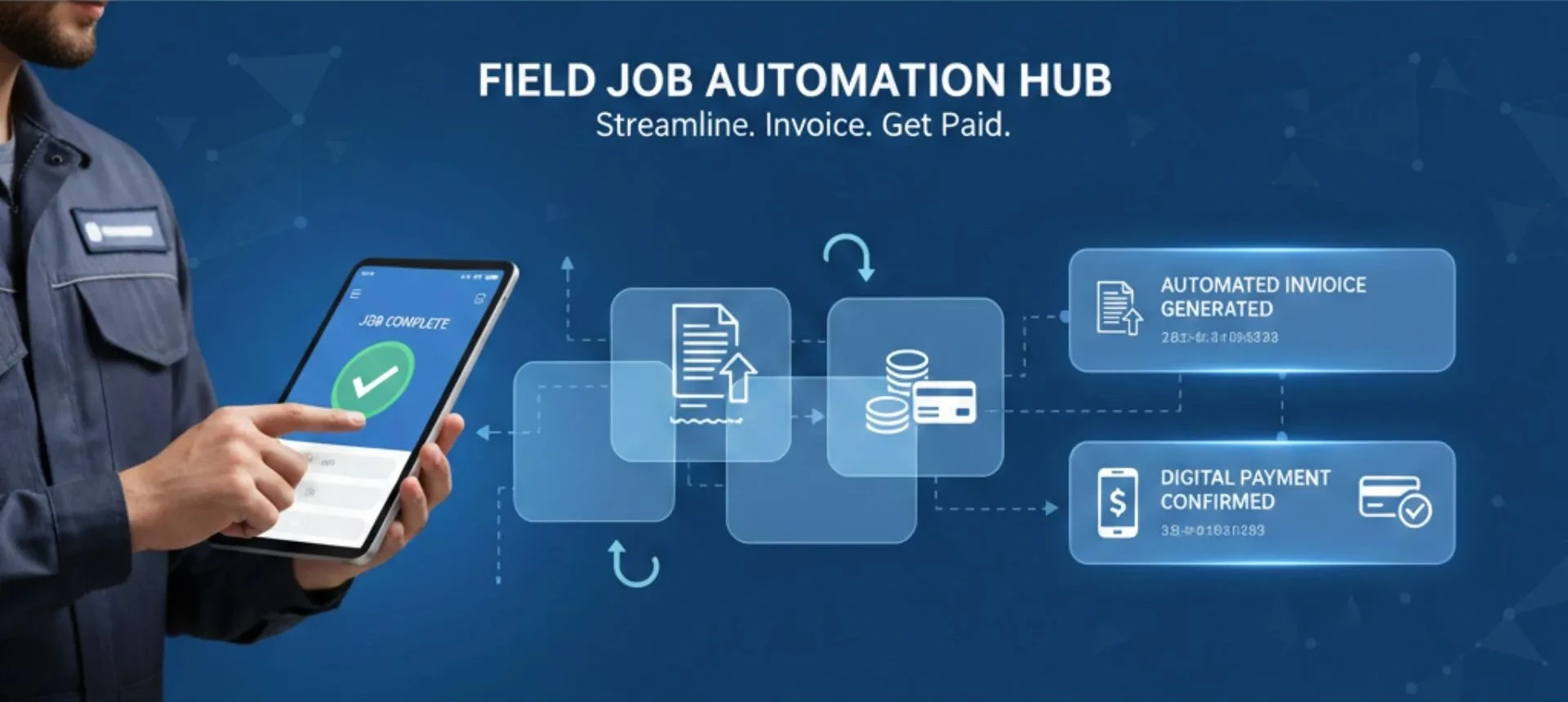
See how a completed visit becomes a payment record. Fieldified is built to keep completed visits, invoices, and payment status connected in one customer record. Book a demo.
Illustrative example: billing one customer through a year of quarterly service
Imagine a homeowner on a quarterly plan with a free callback between visits. The company bills quarterly, and each invoice shows the period and the visit it covers.
In the second quarter the customer reports activity between visits and a callback is scheduled. The office records it as covered by the plan, so it shows on the service history without a new charge. In the third quarter the customer asks for a one-time rodent exclusion job. The office records the approval and bills it as a separate line, so the plan charge stays unchanged.
In the fourth quarter the customer’s card on file has expired and the autopay fails. The system logs the attempt, the customer receives a notice with a link to update the card, and the office can see the date, the amount, and the contact history. When the customer updates the card, the payment goes through and the balance clears.
At renewal, the record shows four visits, one covered callback, one add-on, one failed payment, and the notice that followed. If the customer calls with a question, the office can answer from one record instead of searching old messages.
Frequently Asked Questions
What should pest control billing software do for recurring plans?
It should let you choose a billing frequency per plan, tie each invoice to the visits or period it covers, handle skipped visits, callbacks, and add-ons, keep a clear customer balance, and track payment attempts and reminders. The goal is that the office can explain any charge from the service record.
Should I bill pest control plans per visit or monthly?
Per-visit billing makes each charge match a completed service, while a monthly or quarterly charge is simpler for the customer and the office. The right choice depends on your plan terms, how often you visit, and how you want to handle skipped visits and callbacks.
How should pest control billing handle a skipped or rescheduled visit?
Decide the rule in your service agreement before it happens. On a per-visit plan, no completed visit usually means no invoice. On a flat monthly plan, you can credit the customer, roll the visit forward, or keep the charge if the agreement says so, and the record should show which one you chose.
What happens when a customer’s autopay fails?
Your process should define when the payment is retried, how the customer is notified, how they can update their card or bank details, how long the grace period lasts, and when service is paused. Log each attempt and notice so the record is clear if the balance goes to follow-up.
Do I need customer authorization for recurring card or bank payments?
For recurring electronic debits from a consumer’s bank account, federal rules require a signed or similarly authenticated authorization and a copy of its terms. For cards, follow your payment provider’s and the card networks’ rules. In both cases, keep written or electronic consent that covers the recurring amount, and have your agreement language reviewed.
How should I bill an add-on service on a recurring pest control plan?
Record the customer’s approval, then bill the add-on as its own line or invoice so the plan charge stays clean. Check that your autopay authorization covers the add-on, and tell the customer if the amount charged will change.
Conclusion: bill the plan you actually sold
Good recurring billing starts with the agreement: how often you bill, what a visit or a month covers, how credits and balances work, and what happens when a payment fails. Write those rules down first, then test whether the software can follow them with your own examples.
Book a demo to see how Fieldified handles recurring plan billing, and bring your own examples to test.