EN
EN DE
DE ES
ES FR
FR NL
NL PT
PT





Quick Answer:
The best route planning apps help field service teams group jobs by location, adjust daily routes, reduce wasted drive time, and keep technicians updated from mobile. Fieldified is the best fit for contractors who want route planning connected to scheduling, dispatch, job details, customer updates, invoices, and payments.
TL;DR:
- Fieldified - Best for route planning tied to jobs, dispatch, and invoices
- OptimoRoute - Best for advanced route optimization
- Route4Me - Best for multi-stop route planning
- Routific - Best for small delivery-style teams
- Circuit for Teams - Best for simple driver routes
- Track-POD - Best for proof-of-delivery workflows
- Onfleet - Best for real-time delivery operations
- Upper - Best for easy route planning
- Zeo Route Planner - Best for mobile route planning
- WorkWave Route Manager - Best for route-dense service businesses
- Verizon Connect - Best for fleet tracking plus routing
- Geotab - Best for telematics-led fleets
- Badger Maps - Best for field sales routes
- eLogii - Best for complex delivery routing
- Locus - Best for enterprise logistics routing
- NextBillion.ai - Best for API-based routing
- ServiceTitan - Best for large trade businesses
- Jobber - Best for simple home service routes
- Housecall Pro - Best for residential home service scheduling
- Simpro - Best for commercial service routing
These tools split into two big groups. Some are built for delivery fleets with high stop counts. Others make more sense for contractors because the route is tied to appointments, job notes, customer communication, technician skills, and invoicing.
If you run a cleaning route, lawn care crew, HVAC team, pool route, or plumbing schedule, do not compare routing in isolation. Compare how each app handles the full day from scheduled job to completed work.
What do route planning apps do for field service teams?
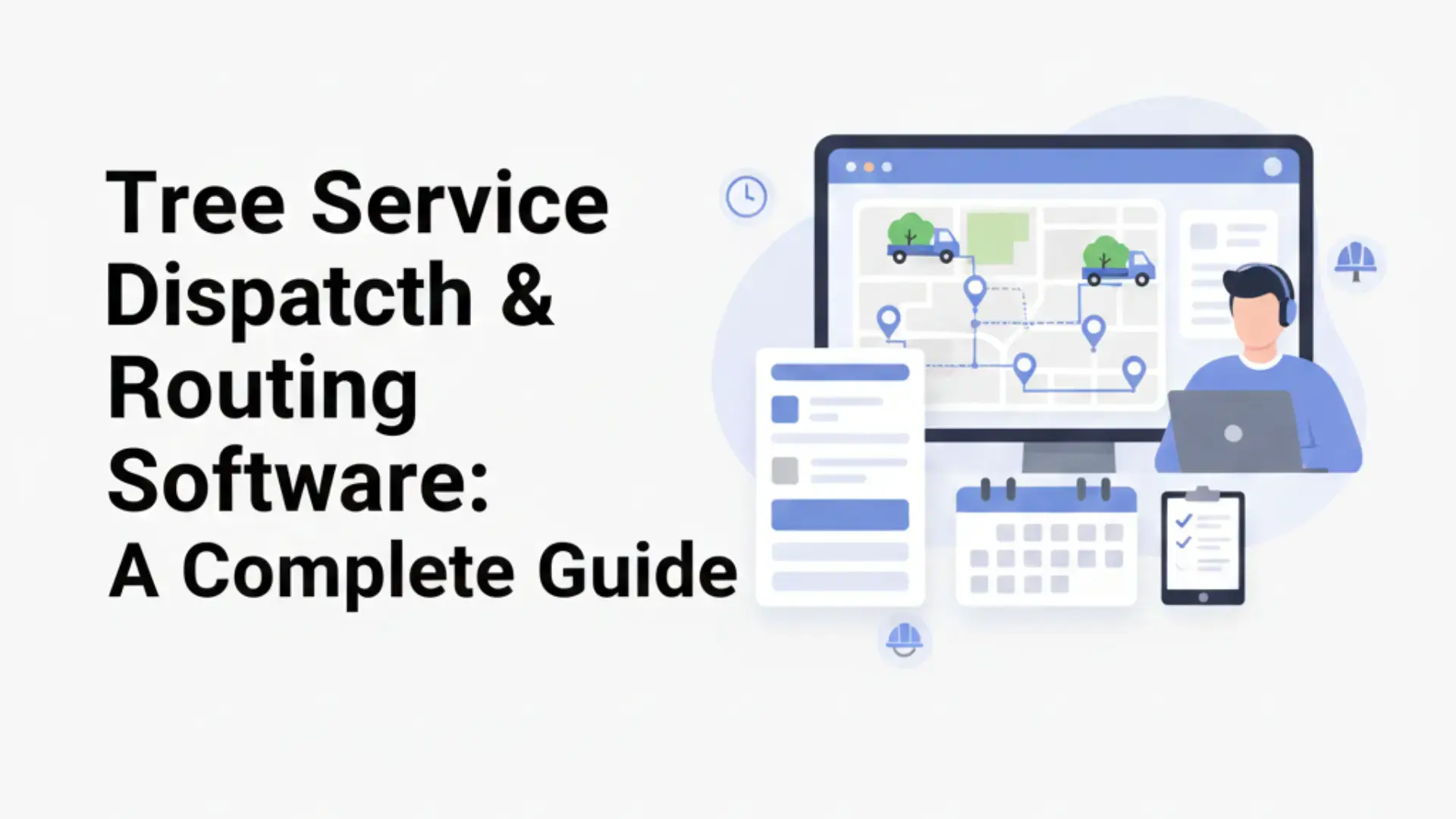
These apps help field service teams decide which technician should visit which job, in what order, and with what updates when the day changes. A lawn care company might group recurring properties by neighborhood, while an HVAC dispatcher may route emergency calls around technician skill and current location.
Route planning is different from GPS tracking. GPS shows where someone is. Route planning decides where they should go next, how stops should be sequenced, and how schedule changes affect the rest of the day.
For contractors, the route should not live away from the job. The technician still needs customer notes, work order details, photos, forms, invoices, and status updates. That is why routing often works best inside field service software instead of a standalone map tool.
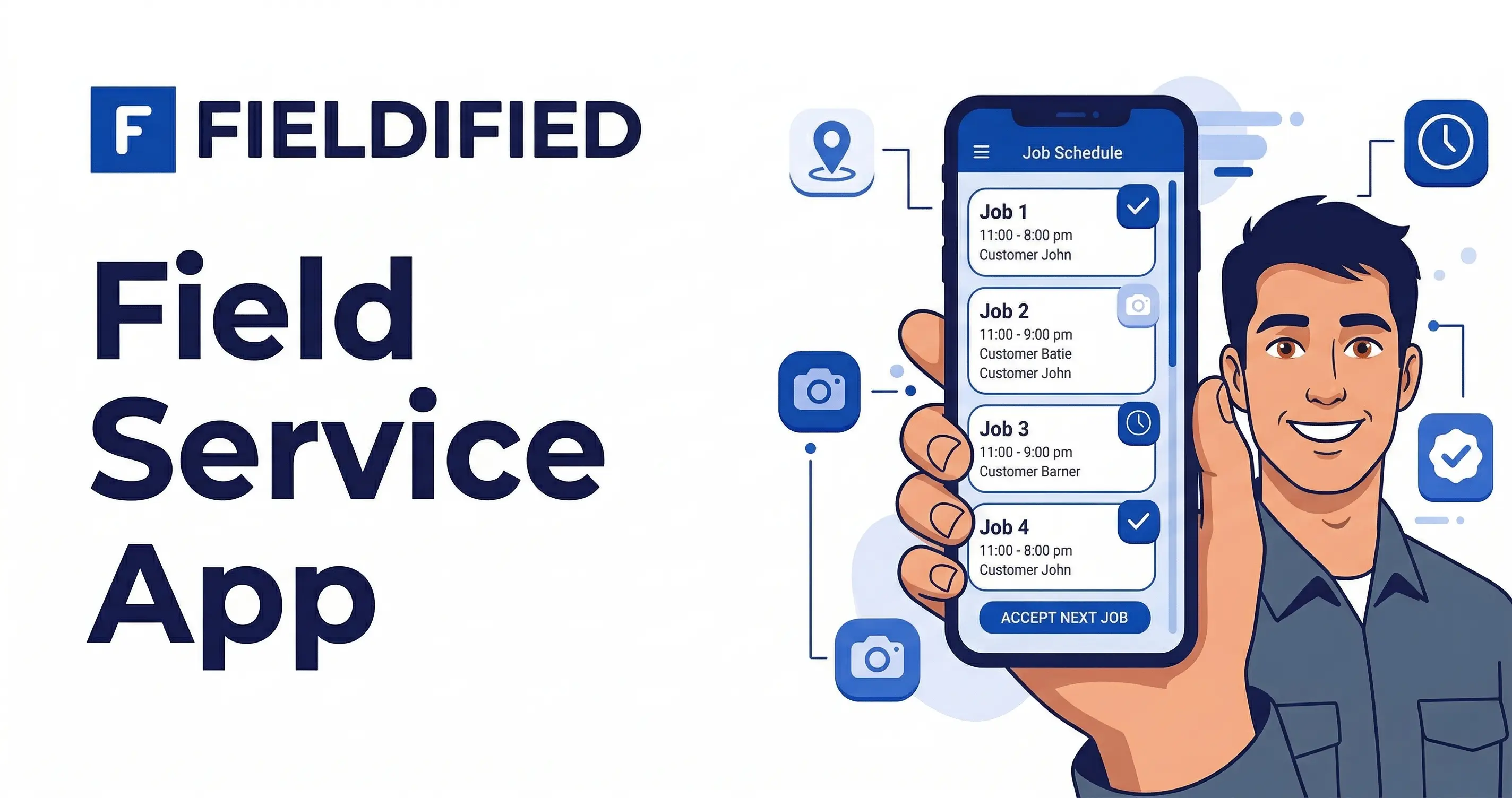
Fieldified’s route planning software connects route coordination with job scheduling and technician workflows instead of treating the map as a separate task.
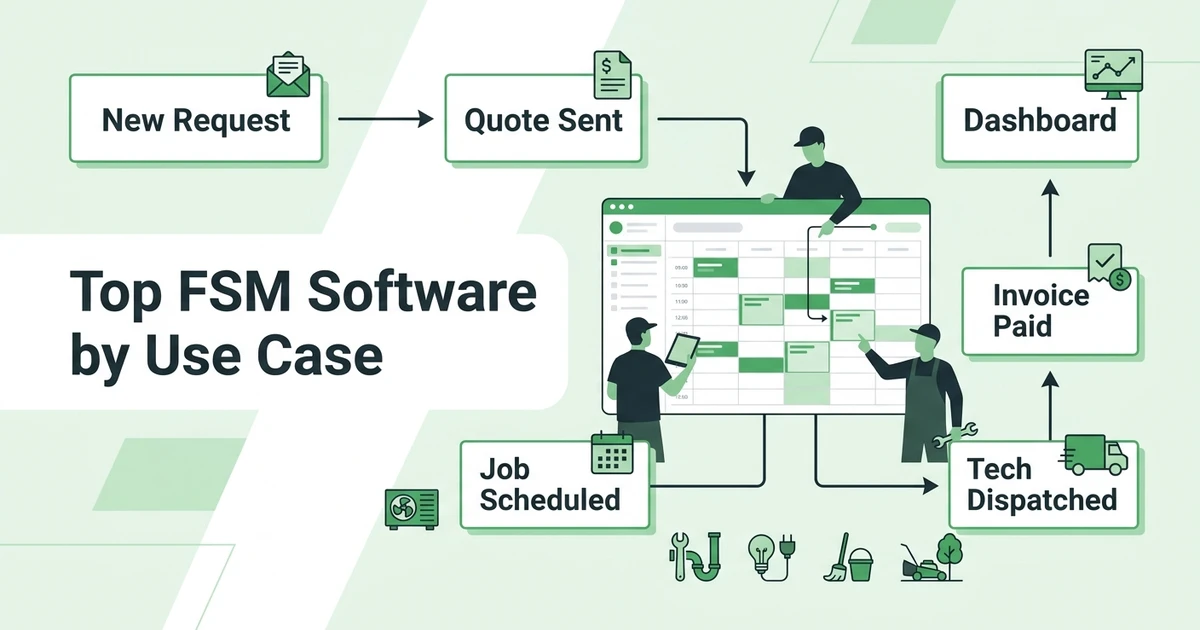
For the assignment side of the workflow, the schedule and dispatch efficiently feature shows how routes, crews, and appointment changes fit into daily field operations.
Why daily routes get messy after 5 technicians
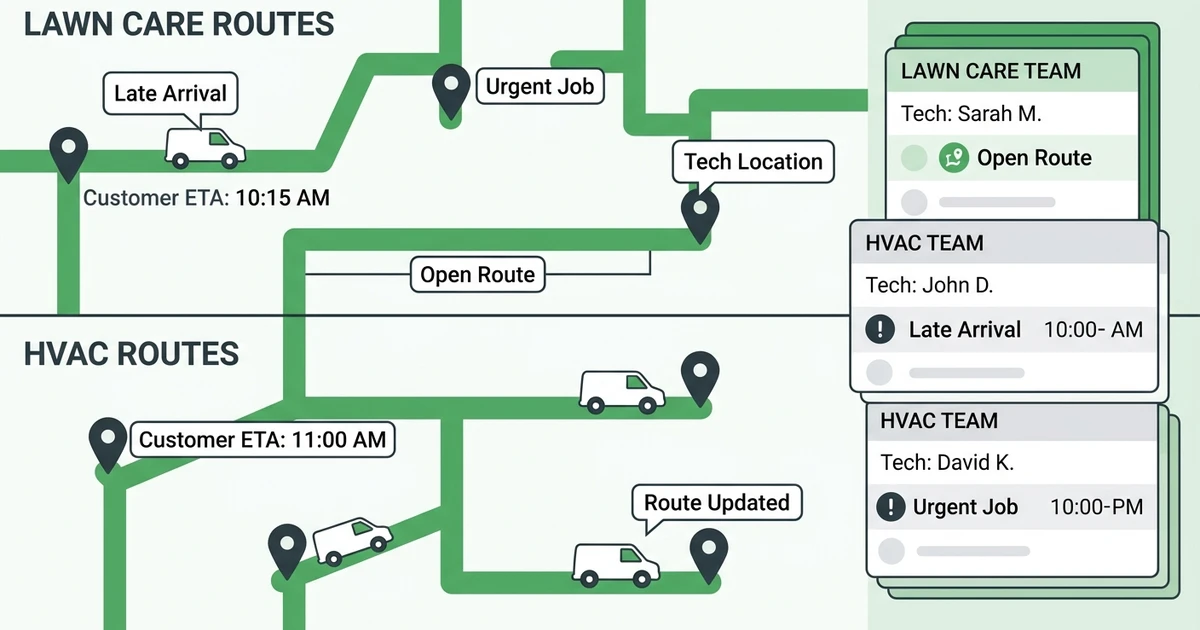
With one technician, the owner can often make the day work from memory. With six technicians, a dispatcher has to juggle job locations, traffic, skills, time windows, customer calls, late arrivals, and urgent work.
Fuel waste also adds up. The Alternative Fuels Data Center publishes regional conventional and alternative fuel prices in its fuel price report, and those costs make unnecessary miles more visible for route-heavy teams.
Idling and inefficient routing are also expensive. The U.S. Department of Energy says more than 6 billion gallons of gasoline and diesel are lost to idling each year in its idle reduction guidance.
A route planning app cannot fix every delay, but it can help a cleaning dispatcher avoid sending two crews across town in opposite directions. It can help a pool service owner keep recurring routes tight. It can help an HVAC office make a better decision when an emergency call lands at 2 p.m.
If your bigger issue is what technicians can update after they arrive, the field service mobile app guide is the better companion read.
Quick comparison: top 20 field service routing tools
Use this table to separate field service routing from delivery routing. A delivery team may only need stop sequence and driver tracking, while a contractor needs the route tied to appointments, job notes, technician skills, and customer updates.
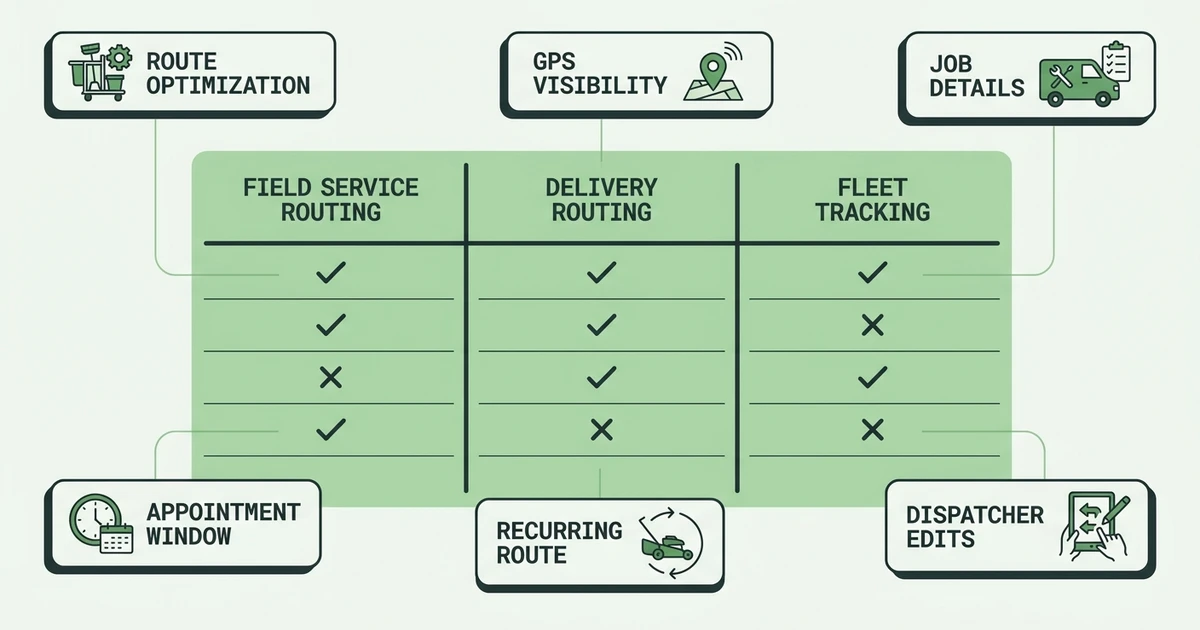
If you run recurring routes, pay close attention to routing strength and field service fit. If your team handles urgent jobs, look harder at dispatch changes and mobile updates.
| Rank | App | Best for | Routing strength | Field service fit | Pricing style |
|---|---|---|---|---|---|
| 1 | Fieldified | Field service job routes | Good | Excellent | Published flat plans |
| 2 | OptimoRoute | Advanced optimization | Excellent | Good | Tiered plans |
| 3 | Route4Me | Multi-stop routes | Excellent | Good | Tiered plans |
| 4 | Routific | Small delivery routes | Strong | Fair | Tiered plans |
| 5 | Circuit for Teams | Simple driver routes | Strong | Fair | Tiered plans |
| 6 | Track-POD | Proof of delivery | Strong | Fair | Tiered plans |
| 7 | Onfleet | Delivery operations | Strong | Fair | Custom or tiered |
| 8 | Upper | Easy planning | Good | Fair | Tiered plans |
| 9 | Zeo Route Planner | Mobile routes | Good | Fair | Tiered plans |
| 10 | WorkWave Route Manager | Route-dense teams | Strong | Good | Custom pricing |
| 11 | Verizon Connect | Fleets and GPS | Good | Good | Custom pricing |
| 12 | Geotab | Telematics-led fleets | Good | Good | Custom pricing |
| 13 | Badger Maps | Field sales routes | Good | Limited | Tiered plans |
| 14 | eLogii | Complex logistics | Excellent | Limited | Custom pricing |
| 15 | Locus | Enterprise logistics | Excellent | Limited | Custom pricing |
| 16 | NextBillion.ai | Routing APIs | Excellent | Limited | Usage-based |
| 17 | ServiceTitan | Large trades | Good | Strong | Custom pricing |
| 18 | Jobber | Home service routes | Basic to good | Strong | Tiered plans |
| 19 | Housecall Pro | Residential scheduling | Basic to good | Strong | Tiered plans |
| 20 | Simpro | Commercial service | Good | Strong | Custom pricing |
Detailed reviews: 20 field service routing tools
The right app depends on whether your route is the product or the route supports a service job. Delivery teams often optimize around stop count. Contractors need to optimize around appointments, technician skills, job status, and customer expectations.
Use this list to separate pure route optimizers from field service platforms that include route planning as part of a larger workflow.
1. Fieldified
Fieldified is the best route planning app for contractors who want routing connected to the actual job. Dispatchers can manage schedules, assign field teams, track job progress, communicate with customers, and keep invoices tied to completed work.
That is useful for lawn care, cleaning, HVAC, plumbing, pool service, and maintenance teams. The route is not just a line on a map. It is a series of customer promises that need technician notes, status changes, and completion records.
Pros:
- Routes stay connected to jobs, schedules, and customers
- Mobile-first experience for technicians
- Supports dispatch, invoicing, payments, and job tracking
- Flat plan pricing helps growing teams plan cost
Cons:
- Not built as a pure delivery logistics platform
- Enterprise fleets may need deeper telematics layers
Expert verdict: Fieldified is the best fit when route planning is part of a field service appointment workflow.
2. OptimoRoute
OptimoRoute is a strong standalone route optimization tool for teams that need advanced planning, scheduling, and driver route sequencing. It is often considered by delivery and service teams with many stops.
It can work well when route efficiency is the main pain. Contractors should compare how much customer history, work order detail, invoicing, and field documentation they still need outside the route tool.
Expert verdict: Best for advanced route optimization when routing depth matters more than full FSM coverage.
3. Route4Me
Route4Me focuses on multi-stop route planning, optimization, route sharing, and route management. It can help teams that need to build and adjust routes quickly.
For field service teams, the key question is whether the route is enough. If the office also needs quotes, work orders, invoices, and customer records, a standalone route app may become one more tool to manage.
Expert verdict: Best for multi-stop routing and teams that want a dedicated route planning engine.
4. Routific
Routific is built around route optimization for small and mid-sized delivery-style teams. It is useful when the daily workflow centers on stop sequence, delivery windows, and driver routes.
Contractors can consider it for route-heavy operations, but appointment-based trades may need stronger job details and customer communication than a delivery-first app provides.
Expert verdict: Best for teams whose daily work looks closer to deliveries than field service calls.
5. Circuit for Teams
Circuit for Teams is known for simple route planning and driver-friendly routes. It is approachable for teams that need quick routing without a heavy operations platform.
It can help a small team get organized, but service contractors should test how well it fits job details, recurring appointments, and customer updates.
Expert verdict: Best for simple driver routes where ease of use matters most.
6. Track-POD
Track-POD combines routing with proof-of-delivery workflows, driver apps, signatures, and customer notifications. It is stronger for delivery and logistics workflows than pure contractor service calls.
For teams that must prove arrival, delivery, or completion with customer-facing documents, it is worth considering. For HVAC or plumbing, compare whether it supports the rest of the job lifecycle.
Expert verdict: Best when proof of delivery is a core requirement.
7. Onfleet
Onfleet is a delivery management platform with routing, dispatch, driver tracking, customer notifications, and delivery analytics. It is built for real-time delivery operations.
It may be more platform than a small contractor needs. It makes the most sense when field operations are high-volume and delivery-style.
Expert verdict: Best for real-time delivery operations, not typical small service routes.
8. Upper
Upper provides route planning and optimization for teams that need quick route creation, driver assignment, and route adjustments. Its appeal is simplicity.
It can work for basic route planning, but contractors should compare job workflow depth. If the office still needs a separate FSM platform, the stack may get messy.
Expert verdict: Best for teams that want an easy route planning tool without heavy setup.
9. Zeo Route Planner
Zeo Route Planner is a mobile-friendly route app for drivers and small teams. It is useful when the main need is organizing stops from a phone.
It fits owner-operators and small route teams better than larger field service companies with dispatchers, recurring jobs, and invoicing workflows.
Expert verdict: Best for mobile-first route planning with simple stop lists.
10. WorkWave Route Manager
WorkWave Route Manager is designed for route-dense operations, including pest control, lawn care, cleaning, and other service routes. It brings more route and industry depth than lightweight routing apps.
It may be a strong fit for route-heavy teams that need route optimization as a core operational layer. Compare implementation, pricing, and how the rest of the field service workflow is handled.
Expert verdict: Best for service businesses where route density is central to profit.
11. Verizon Connect
Verizon Connect combines fleet tracking, GPS visibility, driver behavior, routing, and fleet management tools. It fits companies that care about vehicles, safety, compliance, and route visibility.
It is stronger as a fleet platform than a contractor job management system. Use it when fleet control matters as much as daily scheduling.
Expert verdict: Best for contractors that need fleet tracking alongside routing.
12. Geotab
Geotab is a telematics platform used for vehicle tracking, fleet data, driver behavior, and connected vehicle insights. Route planning can sit within a broader fleet management setup.
It is best for teams with meaningful fleet operations. A small plumbing company may get more value from field service routing that stays closer to jobs and customers.
Expert verdict: Best for telematics-led fleets with route planning as part of vehicle operations.
13. Badger Maps
Badger Maps is aimed at field sales teams that need territory planning, route planning, and account visits. It is not a contractor-first field service platform.
Expert verdict: Best for sales reps who visit accounts, not technicians completing work orders.
14. eLogii
eLogii supports complex delivery and logistics route operations with optimization, dispatch, tracking, and customer communication.
Expert verdict: Best for logistics teams with complex delivery rules and high stop volume.
15. Locus
Locus is an enterprise logistics platform with route optimization, dispatch, carrier management, and delivery orchestration.
Expert verdict: Best for enterprise logistics, not small contractor field service.
16. NextBillion.ai
NextBillion.ai provides routing, mapping, distance matrix, and optimization APIs for teams building custom logistics or routing systems.
Expert verdict: Best for companies with technical teams that want routing infrastructure, not an off-the-shelf contractor app.
17. ServiceTitan
ServiceTitan includes dispatching and routing capabilities inside a larger platform for established HVAC, plumbing, and electrical companies.
Expert verdict: Best for larger trades that need routing as part of a broader enterprise FSM system.
18. Jobber
Jobber offers scheduling, job management, and mobile workflows for home service businesses. It can support simple daily routes for smaller teams.
Expert verdict: Best for simple home service scheduling when advanced route optimization is not the main need.
19. Housecall Pro
Housecall Pro supports residential home service teams with scheduling, dispatch, mobile job updates, customer communication, and payments.
Expert verdict: Best for home service teams that want routing adjacent to scheduling and customer updates.
20. Simpro
Simpro supports commercial service operations, maintenance, projects, scheduling, and job management. Routing fits within a broader contractor workflow.
Expert verdict: Best for commercial service teams that need routing tied to more complex work orders.
Best field service routing tools by use case
Fieldified is best for field service job routes because it keeps the route close to the appointment, technician, customer, work order, invoice, and payment. That is the right fit for contractors whose route exists to complete billable work.
OptimoRoute and Route4Me are stronger when advanced route optimization is the main requirement. Circuit for Teams and Zeo work well for simple stop lists. Track-POD and Onfleet fit delivery workflows where proof of delivery is central.
For fleet-heavy teams, Verizon Connect and Geotab are better choices. For route-dense service categories such as pest control, cleaning, lawn care, and recurring maintenance, compare Fieldified with WorkWave Route Manager based on whether job lifecycle depth or route density matters more.
See how Fieldified connects routes, dispatch, technician updates, and job completion so your team can plan the day without separating the map from the work.
Best routing tools by company size
Solo operators and teams with fewer than five technicians can often use a simple route app, especially if the day is mostly recurring stops. The danger is outgrowing it once customer communication, work orders, and invoicing become part of the same workflow.
Teams with 6 to 20 technicians need route changes, mobile updates, dispatcher visibility, and customer arrival expectations. A route planning app should reduce office calls, not create a second place to update the job.
Teams with 21 to 50 technicians should compare route planning, dispatch, GPS visibility, reporting, and pricing together. Enterprise fleets may need telematics, compliance, and APIs that smaller contractors do not.
How to choose the right route planning app
Start by deciding whether your business is delivery-heavy or appointment-heavy. Delivery-heavy teams optimize stop density. Appointment-heavy contractors need the route tied to skills, arrival windows, job details, and completion updates.
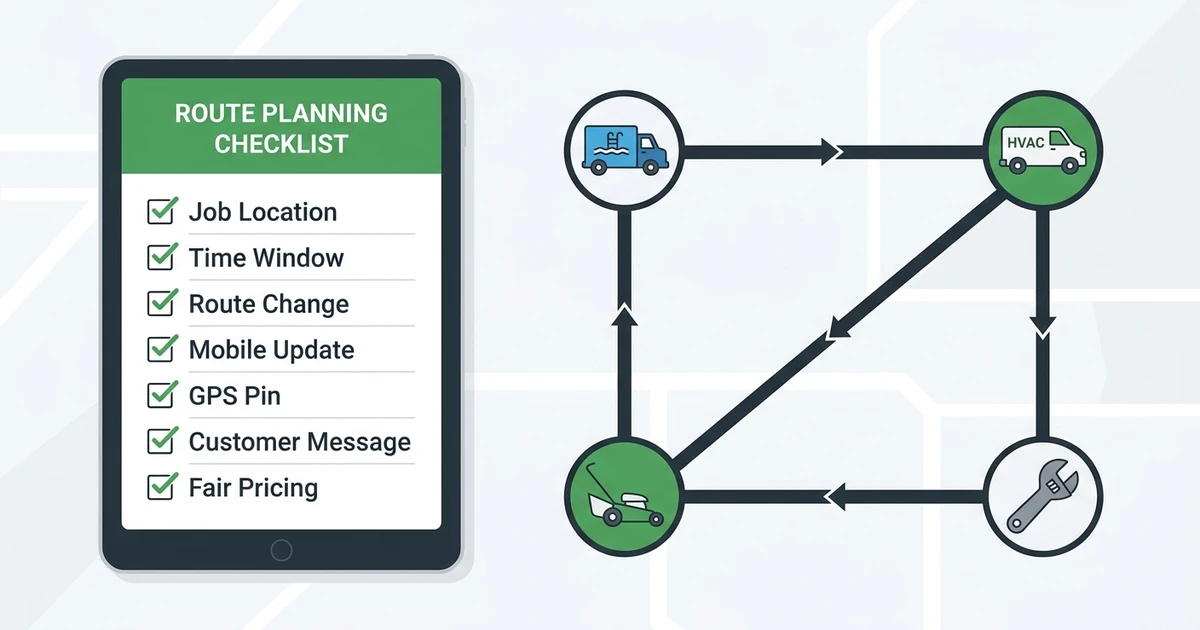
Use this checklist:
- Does it optimize by job location and appointment window?
- Can dispatchers change routes during the day?
- Do technicians get updates on mobile?
- Does it support GPS visibility?
- Does it connect to job details and customer communication?
- Does it help with recurring routes?
- Is pricing fair as technicians are added?
The Department of Energy notes that route optimization can help reduce distance traveled, time spent in traffic, stops, and the number of vehicles needed in its fleet efficiency guidance. For contractors, the added benefit is fewer schedule surprises for customers.
Where Fieldified fits for service contractors
Fieldified is the practical fit when your team needs route planning inside field service operations. A dispatcher can assign the day, a technician can see the job on mobile, the office can track progress, and completed work can move toward invoicing.
That is different from a standalone route optimizer. If all you need is stop order, a pure routing tool may be enough. If each stop has a customer, work order, notes, photos, invoice, and payment status, Fieldified is the better operational fit.
Frequently Asked Questions
What are the best route planning apps for field service teams?
The best tools for field service teams include Fieldified, OptimoRoute, Route4Me, Routific, Circuit for Teams, Track-POD, Onfleet, and Upper. Fieldified is the best fit when the route needs to connect to jobs, customers, mobile updates, invoices, and payments.
Is route planning software different from dispatch software?
Yes. Route planning software helps sequence stops and reduce drive time. Dispatch software assigns work, manages technician availability, handles changes, and keeps the office updated during the day.
Do routing apps reduce drive time?
They can reduce drive time when the app uses location, appointment windows, job duration, technician availability, and route changes. The benefit is usually strongest for route-heavy teams such as cleaning, lawn care, pool service, pest control, and recurring maintenance.
What should contractors look for in a route planning app?
Contractors should look for route optimization, appointment windows, dispatcher edits, mobile updates, GPS visibility, recurring route support, and connection to job details. If the route is separate from the work order, the office may still have duplicate admin.
Should small service businesses use standalone routing or FSM software?
Standalone routing works when the main problem is stop order. FSM software is better when routing needs to connect with scheduling, customer records, job notes, field updates, invoices, and payments.
Conclusion
The best route planning app depends on the work behind each stop. Delivery teams need route density. Field service teams need routes that connect to jobs, technicians, customers, and completed work.
If your office spends the day asking where technicians are, which job moved, and whether the customer got an update, routing should sit inside your field service workflow.
Book a Fieldified demo to see how route planning works with scheduling, dispatch, mobile updates, job tracking, invoices, and payments in one place.