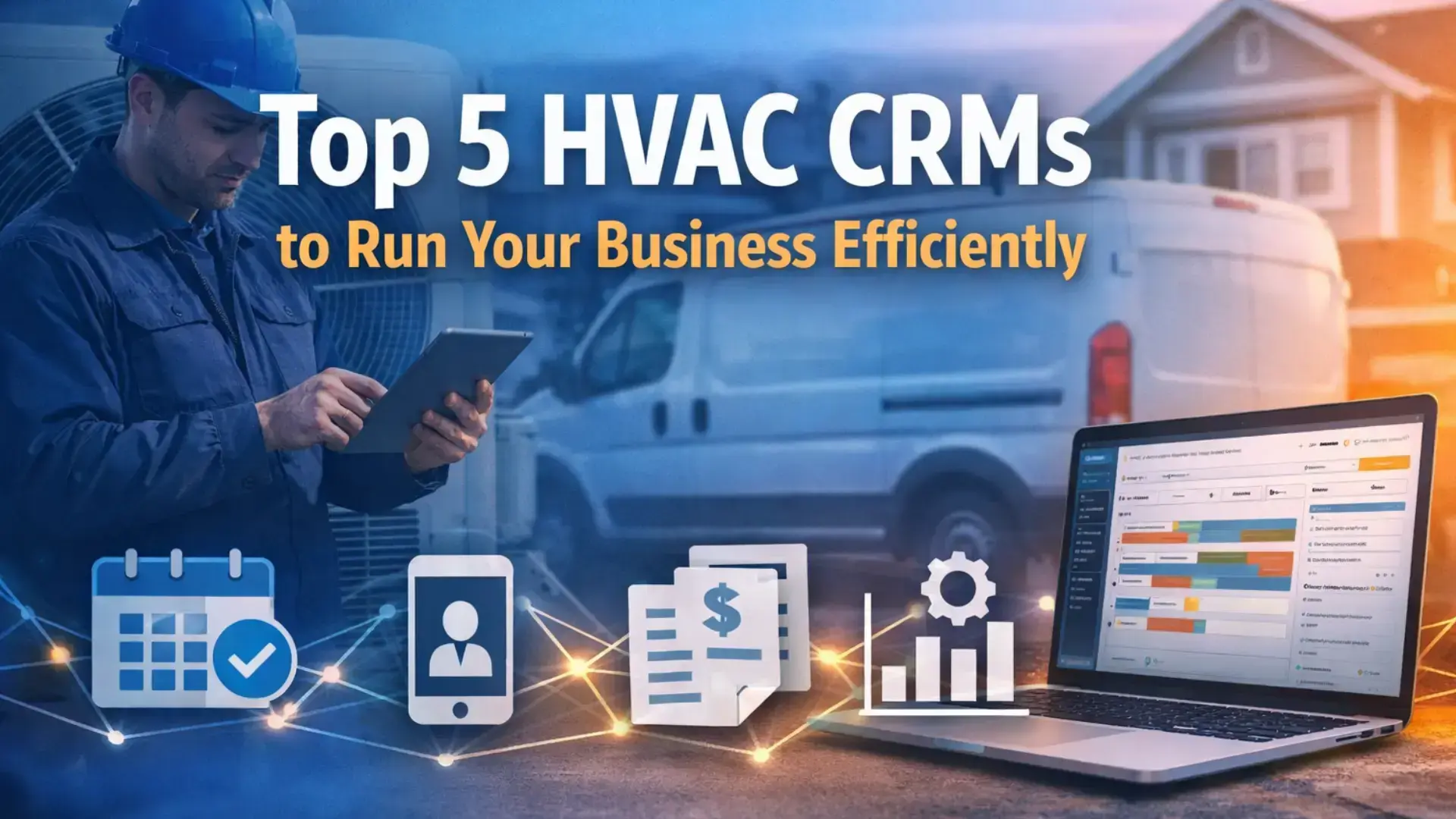





Running an HVAC business gets harder as you grow. More jobs. More technicians. More customers to track. And suddenly, spreadsheets and basic tools stop working. That’s where HVAC CRM software becomes essential.
Many HVAC owners reach a point where missed follow-ups, scattered job details, and poor visibility slow everything down. A good HVAC CRM helps bring order to that chaos. It connects customer data, job history, scheduling, and communication in one place. For growing teams, it becomes the backbone of daily operations.
This guide breaks down the top 5 HVAC CRMs, explains what they’re best suited for, and helps you understand how HVAC service software supports efficient, scalable growth.
Need a better way to manage HVAC jobs?
Fieldified helps HVAC teams manage scheduling, dispatch, customer history, quotes, invoices, payments, and follow-ups from one platform.
What Is an HVAC CRM and Why Do HVAC Businesses Need One?
An HVAC CRM is software designed to manage customer relationships and service operations specifically for heating and cooling businesses.
Unlike general CRMs, an HVAC CRM focuses on:
- Service-based workflows
- Job and technician tracking
- Customer history tied to equipment and locations
- Repeat service and maintenance needs
As HVAC businesses grow, manual tracking creates blind spots. Information lives in different tools. Updates get missed. Teams lose time searching for details instead of serving customers.
That’s where Field service CRM systems stand out. They help HVAC teams stay organized while keeping daily operations moving smoothly.
HVAC CRM vs HVAC Management Software: What’s the Difference?
These terms are often used interchangeably, but they aren’t the same.
HVAC CRM
- Focuses on customer data and communication
- Tracks job history and service records
- Supports follow-ups and retention
HVAC management software
- Covers broader operations
- Includes scheduling, dispatching, invoicing, and reporting
- Often includes CRM features as part of a larger system
For small teams, a basic HVAC CRM may be enough. For growing businesses, HVAC management software offers better operational visibility and fewer disconnected tools.
What to Look for in an HVAC CRM Before Choosing One
Not every HVAC CRM fits real-world operations. Before comparing tools, it helps to know what actually matters.
Customer and Job History
Every service call should be easy to trace. Equipment details, past repairs, and notes should be visible without digging.
Scheduling and Dispatch Support
A strong CRM connects customers to jobs and technicians without manual coordination.
Communication Tracking
Calls, messages, and follow-ups should be logged automatically to avoid missed opportunities.
Integration With Operations
CRMs work best when they connect with scheduling, invoicing, and reporting instead of operating alone.
These features turn a CRM into a practical tool, not just a database.
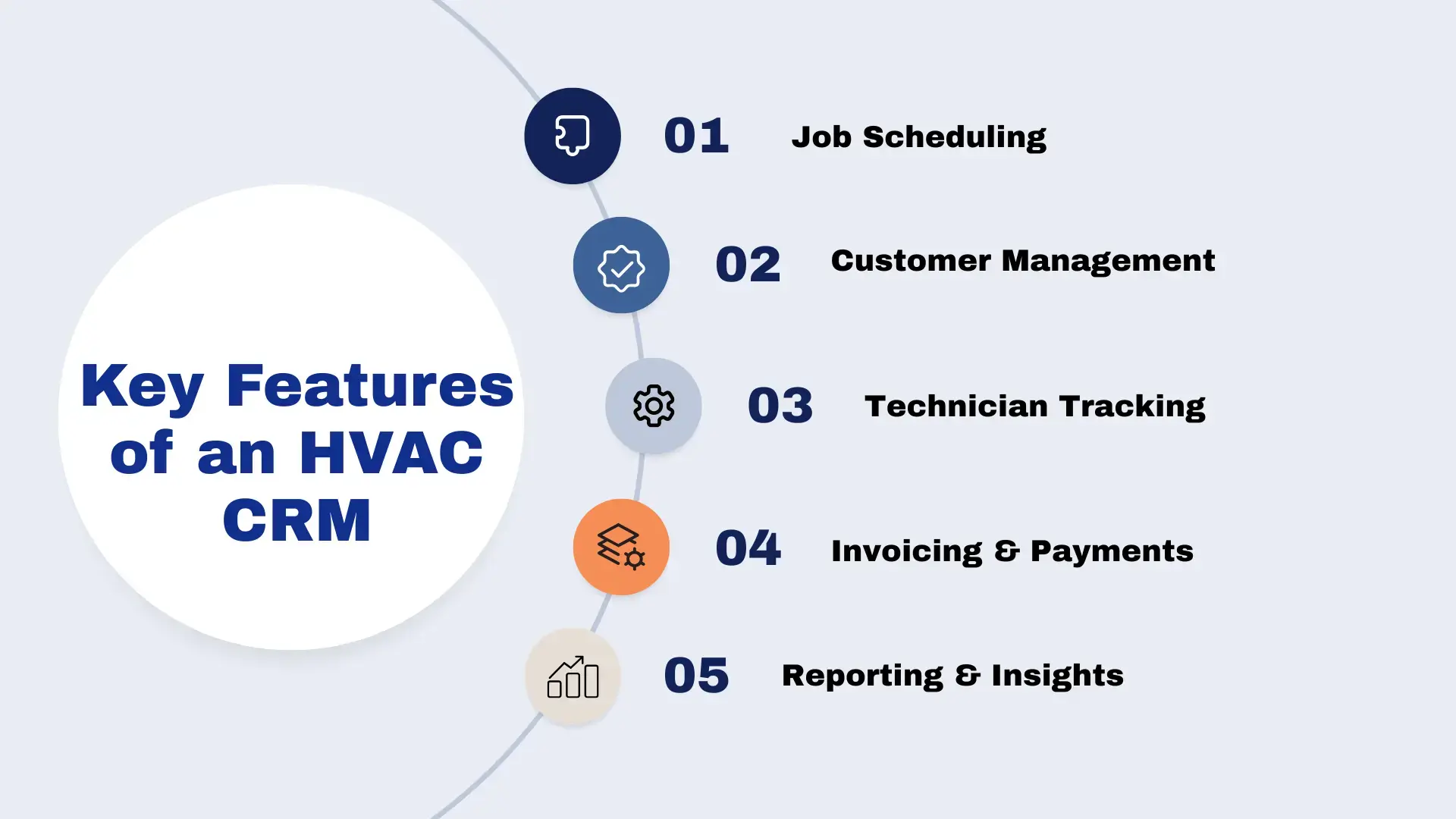
Top 5 HVAC CRMs Compared
Below are five widely used HVAC CRM solutions, each suited for different business needs and growth stages.
1. Fieldified
Best for: HVAC businesses seeking operational clarity and flexibility
Fieldified supports HVAC teams by connecting scheduling, customer data, and job tracking in one system. It’s designed for service businesses that want visibility without unnecessary complexity.
By functioning as both an HVAC CRM and part of a broader operational platform, Fieldified helps teams reduce tool fragmentation while maintaining control as they grow.
Related Read: Fieldified vs Jobber: Which Is Better for Small Teams?
2. Housecall Pro
Best for: Small to mid-sized HVAC businesses
Housecall Pro focuses on ease of use. It’s popular with owner-operators and growing teams.
Strengths:
- Simple scheduling and invoicing
- Easy customer communication
- Quick setup
Limitations:
- Limited advanced reporting
- Less flexibility at scale
A solid HVAC CRM for teams transitioning away from manual tools.
3. Jobber
Best for: Service businesses with mixed job types
Jobber works well for HVAC companies offering maintenance, repairs, and installations.
Strengths:
- Clean interface
- Strong customer management
- Reliable scheduling tools
Limitations:
- Less HVAC-specific functionality
- Limited customization
Good for teams needing structure without complexity.
4. FieldEdge
Best for: HVAC businesses focused on technician efficiency
FieldEdge emphasises field operations and technician workflows.
Strengths:
- Real-time job updates
- Strong technician support
- Integrated invoicing
Limitations:
- Interface can feel dated
- Setup requires time
Works well for companies prioritising technician productivity.
5. ServiceTitan
Best for: Large HVAC companies and multi-location operations
ServiceTitan is built for scale. It offers deep operational control across dispatching, sales, and reporting.
Strengths:
- Robust customer and job tracking
- Advanced reporting and analytics
- Strong dispatch and scheduling features
Limitations:
- High cost for small businesses
- Steep learning curve
Best suited for HVAC companies with established processes and larger teams.
HVAC CRM Comparison by Business Size
Different business sizes need different CRM capabilities.
Small teams (1–5 technicians)
- Simple CRM with scheduling support
- Focus on ease of use
Growing businesses (6–20 technicians)
- HVAC management software with dispatch visibility
- Integrated invoicing and reporting
Larger operations
- Field service CRM with advanced analytics
- Multi-location and role-based access
Matching the tool to your current stage prevents overpaying or outgrowing systems too quickly.
Related Read: Best Affordable Field CRMs for Startups Software Solutions
How HVAC CRMs Impact Customer Experience (Beyond Operations)
Most HVAC CRM discussions focus on internal efficiency. What’s often missed is how these systems shape the customer experience from the first call to post-service follow-up.
An HVAC CRM helps ensure customer details, service history, and preferences are visible before technicians arrive. This reduces repeat questions, miscommunication, and scheduling confusion. Automated reminders and status updates also keep customers informed without manual follow-ups.
Over time, consistent communication and accurate records build trust. Customers feel remembered, not processed. For HVAC businesses, this leads to higher repeat bookings, better reviews, and fewer disputes — outcomes that matter as much as operational efficiency.
Data Ownership and Visibility in HVAC CRM Systems
As HVAC businesses grow, data becomes one of their most valuable assets. Yet many teams don’t think about where their customer, job, and performance data actually live.
An HVAC CRM centralizes information across scheduling, customer records, and job outcomes. This visibility helps owners and managers see patterns — peak seasons, common service issues, technician workloads, and customer lifetime value.
Without this clarity, decisions are often reactive. With it, planning becomes proactive. Teams can adjust staffing, refine service offerings, and improve pricing strategies based on real operational data, not assumptions.
This long-term visibility is a major reason many HVAC companies outgrow spreadsheets and disconnected tools.
How to Evaluate HVAC CRM Fit Before Committing
Choosing an HVAC CRM isn’t just about features. It’s about fit — with your team, workflows, and growth plans.
Before committing, HVAC businesses should evaluate:
- How closely the CRM matches current job workflows
- Whether technicians can adopt it without friction
- If reporting answers real operational questions
- How easily the system scales with more crews or locations
Trial periods, real-world use cases, and onboarding support matter more than feature lists. A CRM that looks powerful but disrupts daily work can slow teams down instead of helping them.
Evaluating fit early helps avoid costly switches later and ensures the system supports growth instead of resisting it.
How HVAC CRMs Improve Day-to-Day Operations
An HVAC CRM impacts more than customer data.
It helps by:
- Reducing missed follow-ups
- Improving technician coordination
- Keeping office and field teams aligned
- Making job status visible in real time
When CRM data flows into scheduling and billing, daily decisions become faster and clearer.
Related Read: How to Automate Follow-Ups and Invoicing for Field Jobs
Keep your HVAC office and technicians on the same page.
Use Fieldified to schedule jobs, manage service calls, send invoices, and track customer communication.
Common Mistakes HVAC Businesses Make When Choosing a CRM
Many HVAC businesses struggle after choosing the wrong tool.
Common issues include:
- Choosing based on price alone
- Ignoring technician workflows
- Underestimating onboarding effort
- Using disconnected systems
Avoiding these mistakes saves time, money, and frustration.
Related Read: What Challenges Field Teams Face (And How CRM Solves Them)
How an HVAC CRM Supports Long-Term Growth
Over time, the right HVAC CRM helps businesses:
- Handle higher job volumes without chaos
- Maintain consistent customer experiences
- Improve reporting accuracy
- Support expansion without operational breakdowns
This long-term stability matters more than short-term feature lists.
When Should HVAC Businesses Switch to a New CRM?
Signs it may be time:
- Customer data is scattered
- Scheduling requires manual coordination
- Reporting lacks clarity
- Teams rely on workarounds
Switching before these problems escalate prevents operational stress.
Related Read: How to Choose the Right CRM for Your Service Business
Learning More About CRM and Field Service Systems
For a broader understanding of how CRM systems support service businesses, Salesforce offers educational resources explaining CRM fundamentals and service workflows. These insights help clarify how structured systems improve operational consistency.
Similarly, HubSpot’s educational content explains how CRM platforms support customer lifecycle management across service industries.
Bringing CRM and Operations Together
An HVAC CRM works best when it doesn’t stand alone. When connected with scheduling, invoicing, and job tracking, it becomes part of a larger operational system.
Platforms like Fieldified focus on reducing fragmentation by supporting HVAC workflows across teams. This approach helps businesses move from reactive management to structured growth.
Explore how a connected system like Fieldified can support your HVAC workflows end-to-end when you’re ready to move beyond fragmented tools.
Ready to simplify HVAC scheduling, CRM, and invoicing?
Book a demo to see how Fieldified works for HVAC service businesses.
Frequently Asked Questions
What is the best HVAC CRM for small businesses?
The best HVAC CRM for small businesses is one that supports scheduling, customer tracking, like Fieldified, and invoicing without complex setup or high costs.
Is HVAC CRM different from field service software?
Yes. HVAC CRM focuses on customer and job data, while field service CRM connects scheduling, invoicing, and operational workflows.
How much does HVAC CRM software cost?
Costs vary by features and team size. Pricing often increases with advanced reporting, integrations, and technician count.
Can HVAC CRMs help with repeat customers?
Yes. HVAC CRMs track service history and follow-ups, helping businesses improve retention and maintenance-based revenue.
When should an HVAC company upgrade its CRM?
Upgrade when manual tracking increases, reporting becomes unclear, or your current system limits visibility as job volume grows.