EN
EN DE
DE ES
ES FR
FR NL
NL PT
PT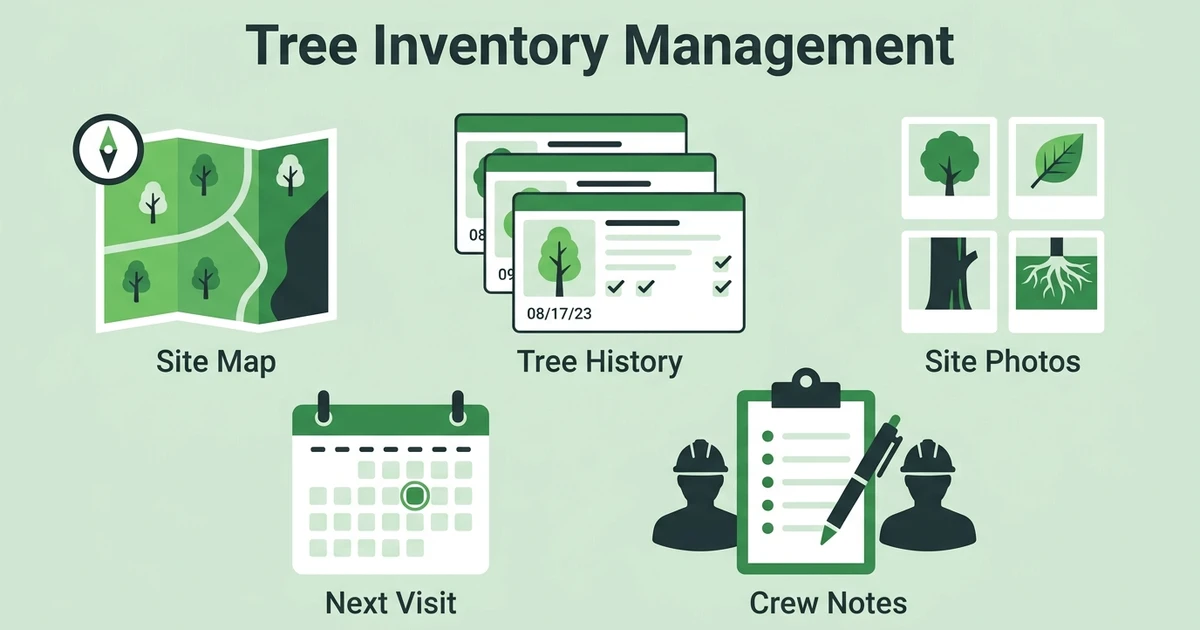





Quick Answer: Tree Inventory Management
Tree inventory management is the process of keeping clear records for each tree or property, including location, condition, photos, work history, risks, recommendations, and follow-up dates. For arborist businesses, it helps crews return with the right context, explain recommendations to customers, and avoid losing site details between visits.
Fieldified helps arborist teams manage customer records, site notes, jobs, scheduling, invoices, and payments in one place. For tree care companies, the hard part is not always the work itself. It is remembering what happened on the last visit when the customer calls again.
The Bureau of Labor Statistics says grounds maintenance workers held about 1.3 million jobs in 2024, including 60,100 tree trimmers and pruners and 29,600 pesticide handlers, sprayers, and applicators for vegetation in its occupational profile. That is a lot of field work, site history, and follow-up detail to keep straight.
Why Tree Inventory Management Breaks When Records Live Everywhere
A tree inventory breaks when every useful detail lives in a different place. The office has the customer name. The estimator has photos. The crew wrote notes on paper. The owner remembers the recommendation, but only if someone asks at the right time.
That setup can survive for a while. It starts to crack when repeat customers call back about the same property.
Picture a homeowner asking what your crew did to the declining oak near the driveway last season. The office checks the inbox. The estimator scrolls through a phone gallery. The crew lead remembers pruning deadwood, but not whether the customer approved the follow-up recommendation.
The customer hears hesitation. Your team feels it too.
The issue is not lack of care. Arborists notice details all day. The issue is that those details need a shared home, especially when work stretches across inspections, pruning, removals, plant health visits, storm checks, and future recommendations.
What Should an Arborist Tree Inventory Track?
An arborist tree inventory should track enough information to help the next person understand the property. It does not need to become a complicated database on day one. It does need to make the next visit easier.
For most tree service companies, the core record should include:
- Customer name and property address
- Tree location or simple site description
- Species when known
- Condition notes and visible concerns
- Site photos before, during, and after work
- Prior pruning, removal, treatment, or inspection notes
- Safety concerns, access notes, and equipment needs
- Recommendations and customer approvals
- Follow-up date or next suggested service
- Estimate, invoice, and payment status
The point is practical. If a crew returns to a property, they should know what was seen, what was promised, what was completed, and what still needs attention.
Research published in Landscape and Urban Planning says urban tree inventories are useful for assessing tree growth and failures, and that long-term monitoring should record tree size, health, and management actions in the 2023 article abstract. Arborist businesses can apply the same operating idea at a smaller property level.
A record does not diagnose the tree by itself. It supports the arborist who does the inspection. Better notes give that professional judgment more context.
How Tree Service Records Help Repeat Visits Run Cleaner
Tree service records matter most on the second visit. The first visit captures the story. The next visit proves whether your team can use it.
Without a shared record, the office re-asks the customer the same questions. The crew arrives without prior photos. The estimator starts from scratch. The customer wonders whether anyone remembers the property.
With a shared record, the office can see the last scope, attach new photos, and schedule the right crew. The arborist can review prior recommendations before walking the site. Billing can see what was completed instead of waiting for a text message at the end of the day.
That helps with pruning cycles, plant health follow-ups, storm damage reassessments, and long-term maintenance. It also helps customer trust. A homeowner is more likely to accept a recommendation when your team can show what changed since the last visit.
Tree service and arborist software should support that kind of continuity. A tree care company does not just sell one job. It manages a property relationship over time.
How to Build a Simple Arborist Inventory Workflow
Start simple. A useful workflow beats a perfect spreadsheet that nobody updates.
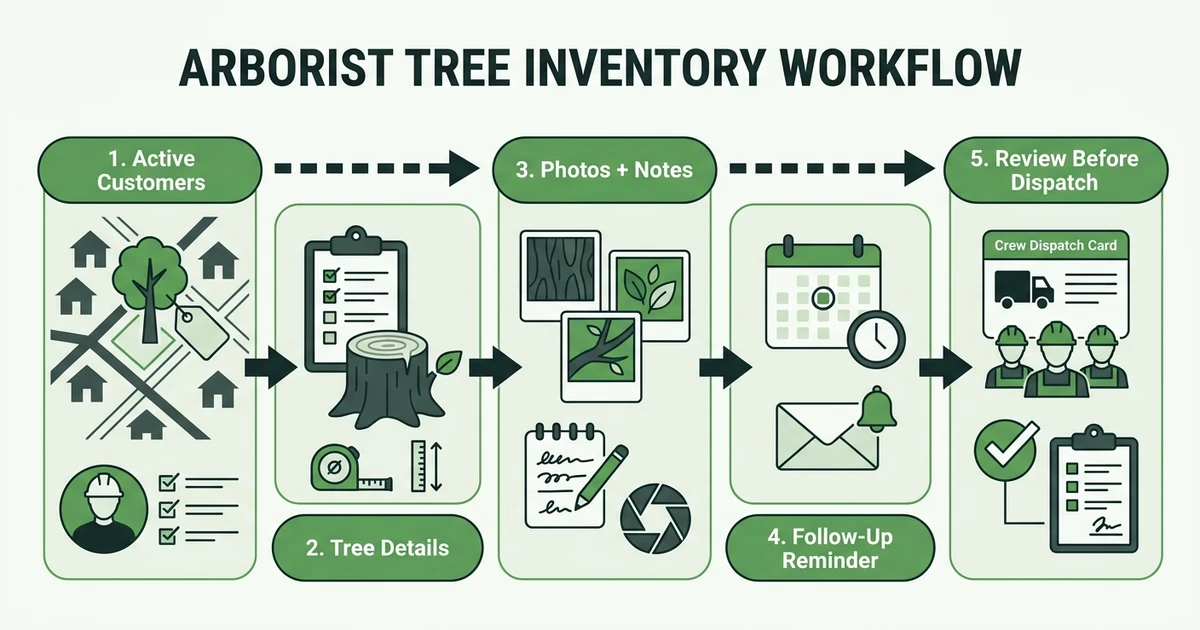
Use this sequence:
- Start with active customers and high-value properties.
- Capture the minimum useful tree and site fields.
- Attach photos and notes to the customer record.
- Set follow-up reminders before the crew leaves.
- Review inventory records before quoting or dispatching.
The first step is important. Do not try to document every old customer at once. Begin with active jobs, recurring customers, commercial properties, and sites where follow-up work is likely.
Before each repeat visit, the office should verify:
- The latest customer contact details
- Prior work and open recommendations
- Photos from the last visit
- Access notes, pets, gates, or parking concerns
- Crew skill and equipment needs
- Follow-up or invoice status from prior work
This is where job tracking for every site visit matters. Tree notes are useful only if the crew can find them when the job is live.
Book a Fieldified demo to see how customer history, job notes, photos, scheduling, and follow-up reminders stay connected for arborist teams.
Tree Inventory Records vs. Spreadsheets and Paper Notes
Spreadsheets and notebooks are common because they are easy to start. They are not always easy to keep current.
A spreadsheet can list customers and dates. A notebook can capture what the arborist saw. A phone can store photos. The problem is that the complete story now lives in separate places.
| Inventory Need | Spreadsheet or Paper Workflow | Connected Job Record |
|---|---|---|
| Property history | Rows, notes, or memory | Customer and job history together |
| Site photos | Phone galleries or folders | Photos attached to the job |
| Follow-up work | Manual reminders | Follow-up tied to the customer |
| Crew context | Verbal handoff | Notes visible before dispatch |
| Billing status | Separate invoice tool | Job and invoice status connected |
Spreadsheets can still help early on. They give a young tree service company a starting point. The trouble starts when the office needs photos, approvals, crew notes, invoices, and future reminders to move together.
That is the difference between a list and a workflow.
How Fieldified Supports Tree Records, Photos, and Follow-Ups
Fieldified helps arborist teams keep customer history and contact records connected to the work. That matters when a returning customer asks about a prior pruning, a past storm call, or a recommendation from the last inspection.
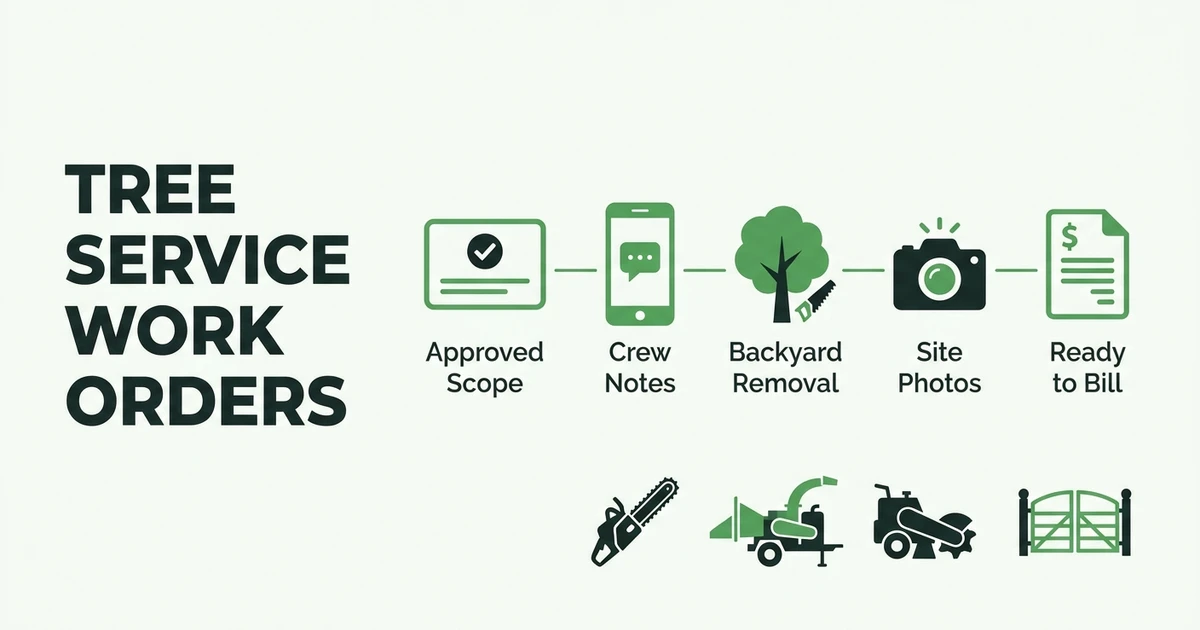
The office can attach job details, assign work, and keep notes with the customer record. Crews can add photos and updates from the field. Follow-up reminders help the team return at the right time instead of relying on memory.
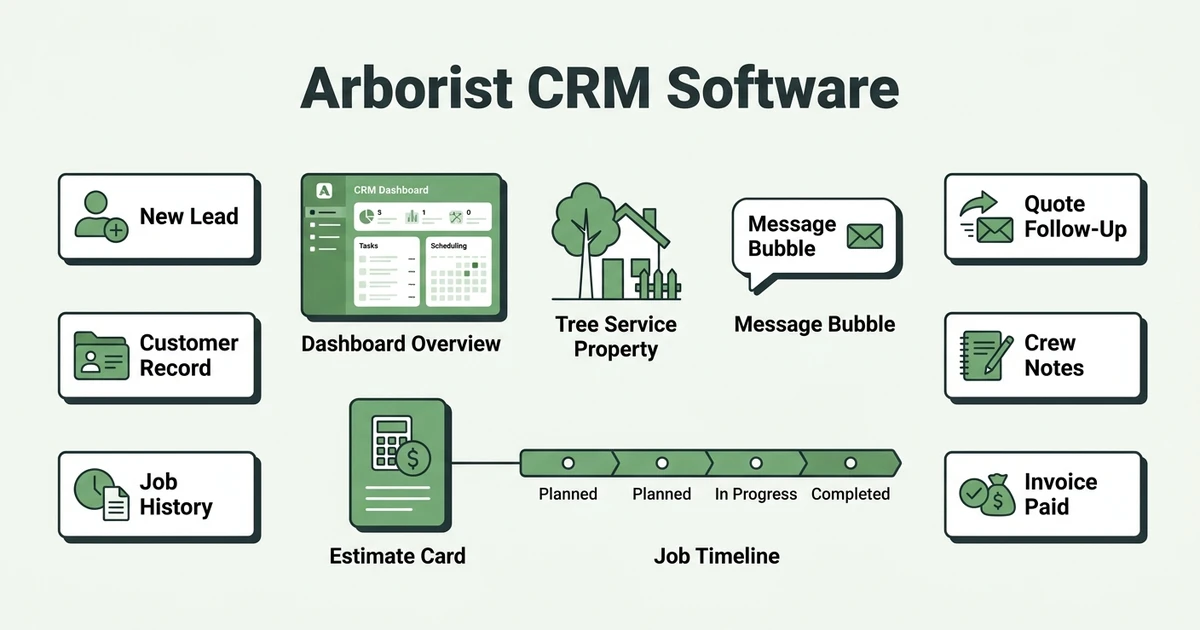
This also connects naturally with arborist CRM software. CRM keeps the customer relationship organized. Tree inventory records give that relationship property-level detail.
USDA Forest Service research on municipal tree management found that municipal structure influenced proactive management practices and tree activity budgets in a 2023 Treesearch abstract. The lesson for private arborist companies is similar: good tree care depends on field skill and operating capacity.
When records are easy to find, crews waste less time reconstructing the past. Customers get clearer explanations. Owners see which follow-up work still needs attention.
Frequently Asked Questions
What is an arborist tree inventory?
A tree inventory is a set of useful records for trees, properties, prior work, photos, risks, recommendations, and follow-up dates. For arborist companies, it keeps site history available to the office, estimator, and crew.
Do small arborist businesses need tree inventory software?
Small arborist businesses need software when the current system depends too much on memory, paper notes, or one person’s phone. If repeat customers, photos, and follow-ups are getting hard to track, a shared system can help.
What should be included in a tree inspection history?
A tree inspection history should include the property, tree location, condition notes, photos, visible hazards, prior work, recommendations, approvals, and next action. It should also show who captured the note and when the record was updated.
Can a tree inventory replace an arborist inspection?
No. A tree inventory cannot replace a qualified arborist’s inspection or judgment. It gives the arborist better history so recommendations are based on what changed over time.
How often should arborist tree inventory records be updated?
Update the record whenever your team inspects, quotes, prunes, removes, treats, photographs, or follows up on a tree. The inventory becomes more useful when it reflects current site conditions.
Conclusion: Keep Tree History Where the Whole Team Can Use It
Tree history should not live in a truck notebook, a personal phone, and a half-updated spreadsheet. Those details are too important once customers start calling back.
A clear record helps your arborist team return with context, explain recommendations, and keep follow-up work moving. It turns scattered site memory into an operating habit.
Book a Fieldified demo to manage tree records, repeat visits, scheduling, invoices, and payment follow-up from one place.