EN
EN DE
DE ES
ES FR
FR NL
NL PT
PT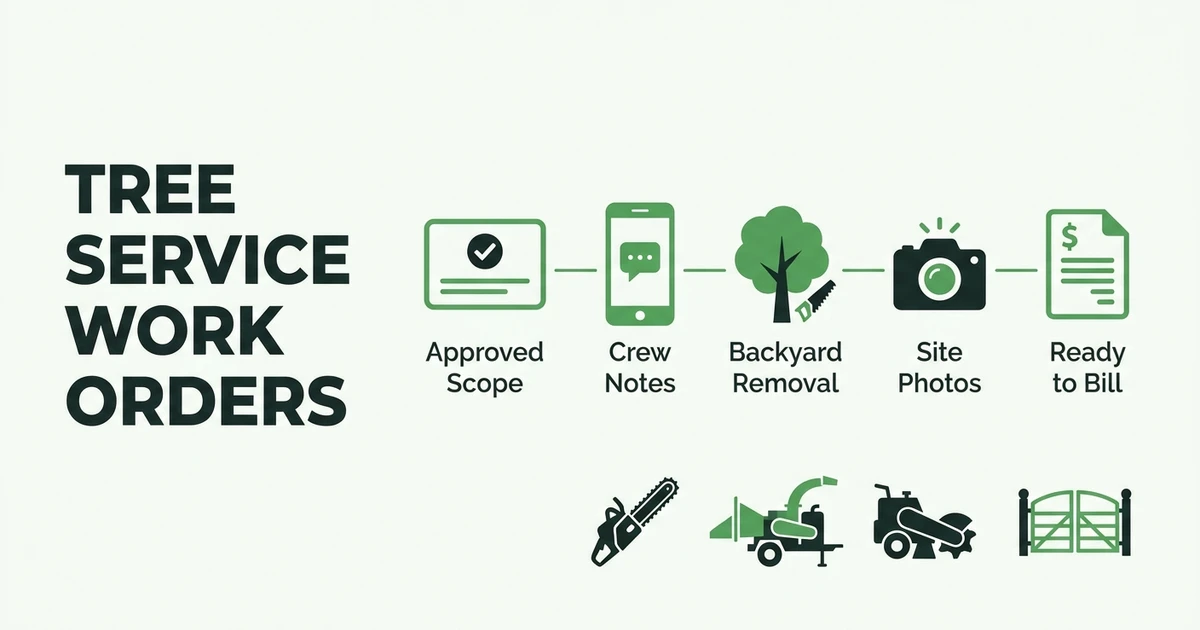





Quick Answer: Tree Service Work Order Software
Tree service work order software helps arborists turn an approved estimate into a clear field job record with scope, site notes, hazards, crew instructions, photos, completion status, and invoice details in one place. It reduces office-to-crew confusion and gives owners a cleaner record of what happened on each removal, pruning job, stump job, PHC visit, or storm cleanup.
Fieldified helps tree service companies keep job details, field updates, invoices, and payment follow-up connected. That matters because a tree job can change between the estimate, the crew arrival, and the final invoice.
A work order is the bridge between the sold job and the completed job. If that bridge is weak, the crew starts with questions. The office waits for updates. The customer may get an invoice that does not match what happened on site.
A connected work order system gives that handoff structure.
Why Tree Service Work Orders Break Down Between the Office and Crew
Tree service work orders break down when the approved scope lives in one place and the field instructions live somewhere else. The estimate says backyard removal. The office remembers limited access. The estimator has photos on their phone. The crew gets a calendar note and a customer name.
That is how details slip. A fence panel needs protection. The chipper cannot park in the driveway. The customer approved stump grinding after the first quote. The crew does not find that out until they call the office from the job site.
BLS says tree trimmers and pruners use chainsaws, chippers, and stump grinders on the job in its occupational profile. When a crew works with that kind of equipment, vague notes are not harmless. They affect timing, setup, safety, cleanup, and billing.
BLS also reports that tree trimmers and pruners had a median hourly wage of $24.25 in May 2024 in its pay data. Every avoidable phone call, wrong equipment choice, or missed add-on burns real labor time.
What Should Tree Service Work Order Software Track?
The right work order workflow should track the details the crew needs before arrival and the details the office needs after completion. A simple calendar entry is not enough.
For tree service work, the work order should include:
- Customer name, property address, and contact details
- Approved scope for removal, pruning, stump work, PHC, or cleanup
- Site access notes, gates, parking, and equipment placement
- Hazard notes, utilities, structures, fences, slopes, and traffic concerns
- Crew assignment and scheduled time
- Photos from estimate, arrival, progress, and completion
- Equipment needs, including chipper, lift, grinder, truck, or traffic control
- Add-ons, change notes, customer approvals, and cleanup expectations
- Completion status, invoice handoff, and payment status
This is where tree service and arborist software should do more than store a job date. It should keep the sold scope, customer history, crew notes, and billing details together.
The best work order is specific enough for the crew to act on. A pruning job, a backyard removal, and storm cleanup do not need the same instructions. Each job has different risk, equipment, photos, and completion steps.
How Work Orders Help Crews Complete Jobs Without Extra Calls
Picture a backyard removal sold after an on-site estimate. The estimator notes limited side-yard access, a low fence, a narrow chipper parking area, overhead lines near the drop zone, and a customer-approved stump add-on.
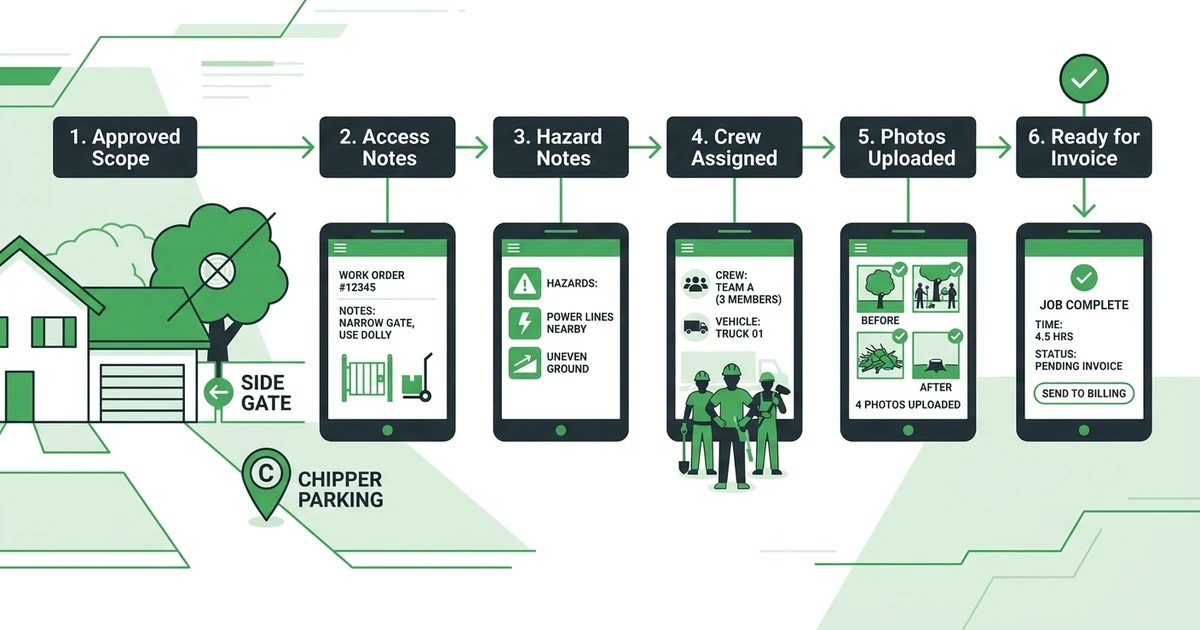
If those notes stay in the estimator’s phone or a separate document, the crew arrives with half the story. They call the office. The office calls the estimator. The customer waits while everyone rebuilds the job from memory.
With a structured work order, the crew sees the scope before leaving the yard:
- Remove the maple behind the garage.
- Protect the fence panel by the side gate.
- Park the chipper at the curb, not the driveway.
- Complete stump grinding after removal.
- Upload final cleanup photos before closing the job.
- Mark the stump add-on ready for invoice.
That does not replace arborist judgment. It gives the crew the context they need to use that judgment without chasing basic information.
Book a demo and see how Fieldified keeps tree service job notes, crew updates, photos, and invoices connected from one work order.
Digital Tree Work Orders vs Paper Job Sheets
Paper job sheets can work for a small crew until jobs start moving faster than the paperwork. The issue is not the paper itself. The issue is that paper does not update the office, attach photos, or connect completion to invoicing.
Tree work also creates field details that paper handles poorly. A customer asks for an extra limb removal. The crew finds an access issue. Cleanup takes longer because debris has to be hauled farther than expected. Those updates need to reach the office while the job is fresh.
| Work Order Need | Paper Job Sheet | Software Workflow |
|---|---|---|
| Approved scope | Printed or handwritten | Attached to the job record |
| Site photos | Separate phone storage | Linked to the work order |
| Crew updates | Phone calls or texts | Status updates from the field |
| Add-ons | Easy to miss | Logged with approval notes |
| Invoice handoff | Recreated later | Connected to completed work |
TCIA says ANSI A300 standards provide standard practices and specification-writing guidelines for arborists, urban foresters, horticulturalists, landscape architects, and contractors on its standards page. TCIA also says the standards became available as one consolidated document starting January 1, 2024.
That same habit applies to operations. Clear specifications and clear records help everyone understand what was supposed to happen, what changed, and what was completed.
How Fieldified Keeps Tree Service Job Details Connected
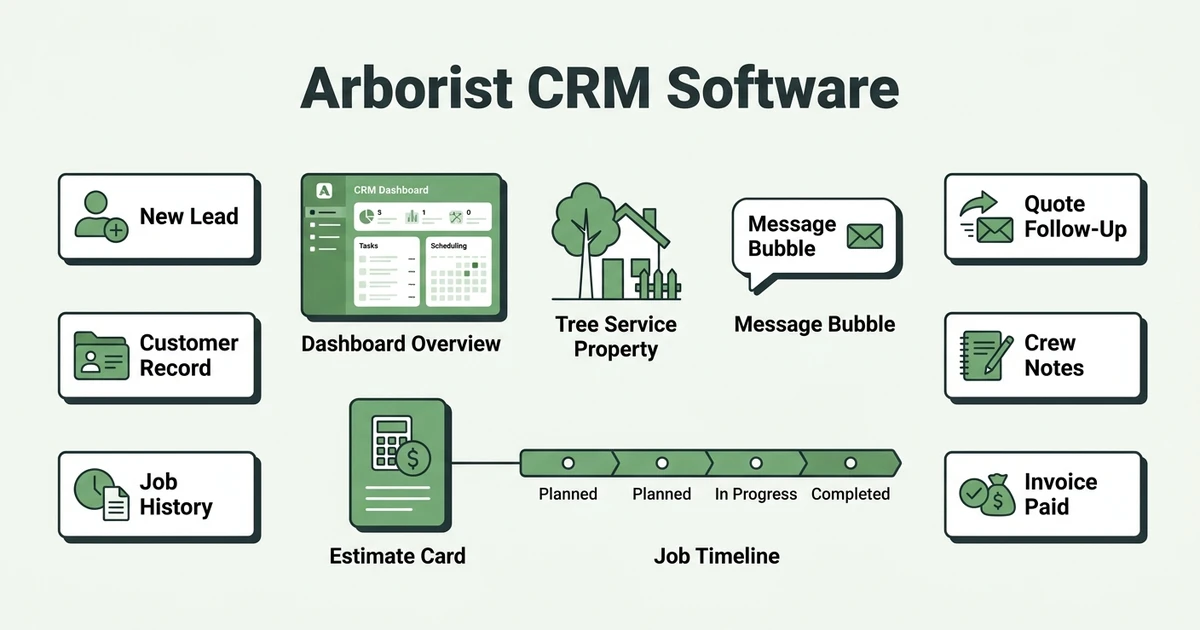
Fieldified helps tree service teams connect the approved job, customer record, crew assignment, field updates, photos, invoice, and payment follow-up. That keeps the work order from becoming another disconnected document.
The office can store job details and customer history. Crews can use mobile access for tree crews to see current job information, update status, and add photos from the field.
Fieldified also helps teams track every tree service job detail, including checklists, notes, photos, signatures, and completion status. That gives the office a cleaner handoff when the job is ready to invoice.
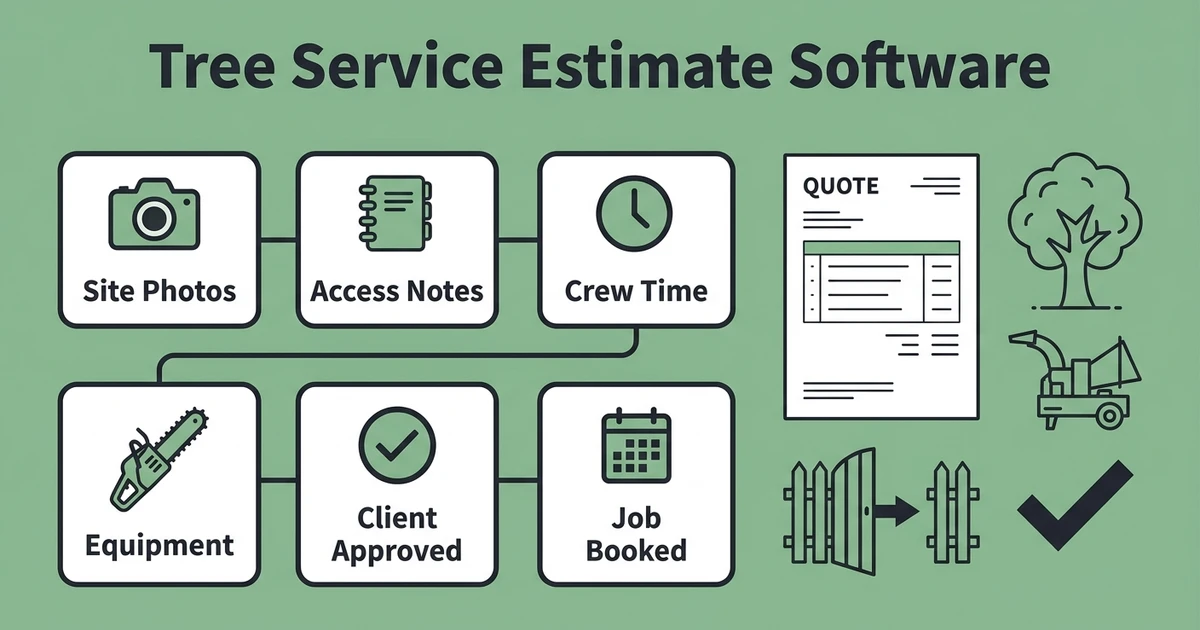
If your workflow already starts with a quote, the work order should carry that quote forward. This guide to tree service estimate software covers the pre-sale side. The work order handles what happens after approval.
What to Look for in Arborist Work Order Software
Arborist work order software should be practical for crews and useful for owners. If the crew will not use it in the field, the office will still end up chasing details by phone.
Use this checklist before choosing a system:
- Can the approved estimate become a job record?
- Can crews see site photos, access notes, and hazard notes?
- Can job updates happen from a phone?
- Can the office track completion without calling the crew?
- Can add-ons and changes be documented clearly?
- Can completed jobs move into invoicing without retyping?
- Can customer history carry forward to future pruning, PHC, or removal work?
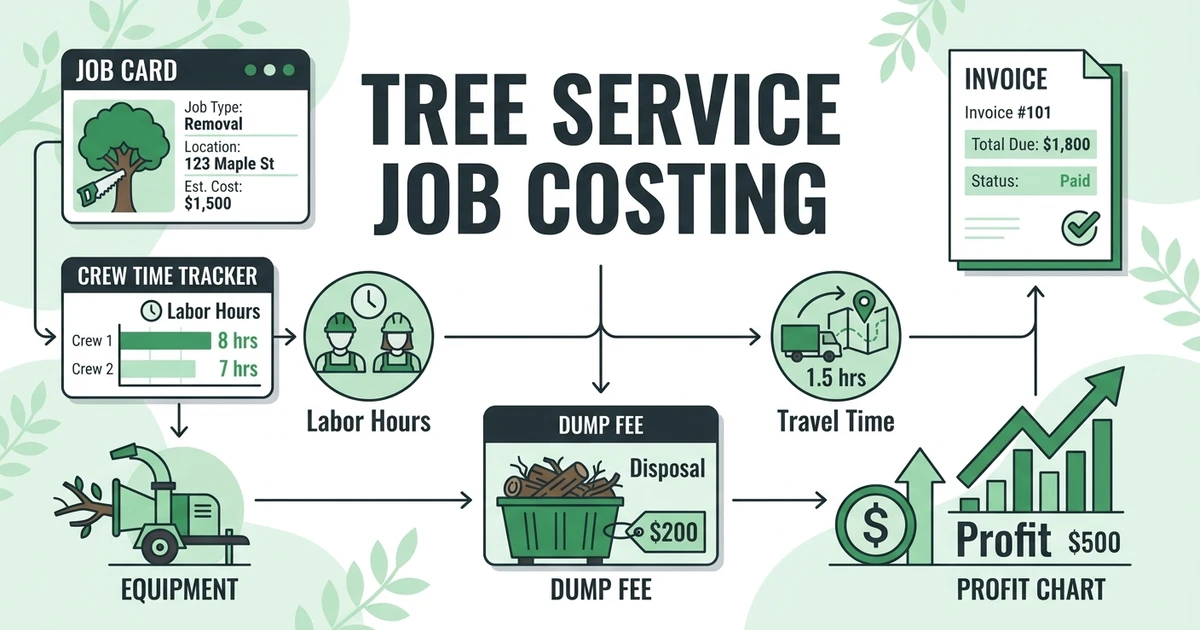
Also think about how work orders support profit review. When the work order captures add-ons, extra time, and completion details, tree service job costing becomes easier because the record is not rebuilt after the fact.
The right system should help your team move through the day with fewer gaps. It should not make the crew do office work. It should give the office the field details it needs without slowing the job down.
Frequently Asked Questions
What is tree service work order software?
A connected work order system helps arborists manage job scope, site notes, crew instructions, photos, completion status, and invoice details in one record. It connects what was approved with what the crew needs to complete in the field.
What should a tree service work order include?
A tree service work order should include the customer, property address, approved scope, access notes, hazards, equipment needs, crew assignment, photos, cleanup expectations, add-ons, completion status, and invoice handoff details. The goal is to give the crew enough context before arrival.
How are tree service work orders different from estimating software?
Estimating software helps create the quote before the customer approves the job. Work order software turns the approved estimate into field instructions, job documentation, completion proof, and billing details.
Can arborist work order software help with photos and job proof?
Yes. A useful work order workflow should let crews attach photos before, during, and after the job. That helps document access issues, hazard notes, completed work, cleanup, and customer-approved changes.
Does Fieldified support tree service work orders?
Yes. Fieldified helps tree service teams connect customer records, job details, crew updates, photos, invoices, and payment follow-up. That gives owners a cleaner workflow from approved estimate to completed job.
Conclusion: Give Every Tree Job a Clear Record
Tree service work gets messy when the job record is scattered. The estimator knows one detail, the crew learns another on site, and the office has to piece together the invoice later.
A connected work order workflow gives each job a clearer record. Scope, site notes, photos, crew updates, completion proof, and invoice handoff all stay closer together.
Book a Fieldified demo to see how your tree service can turn approved work into clear crew instructions, documented completion, and faster invoicing.