EN
EN DE
DE ES
ES FR
FR NL
NL PT
PT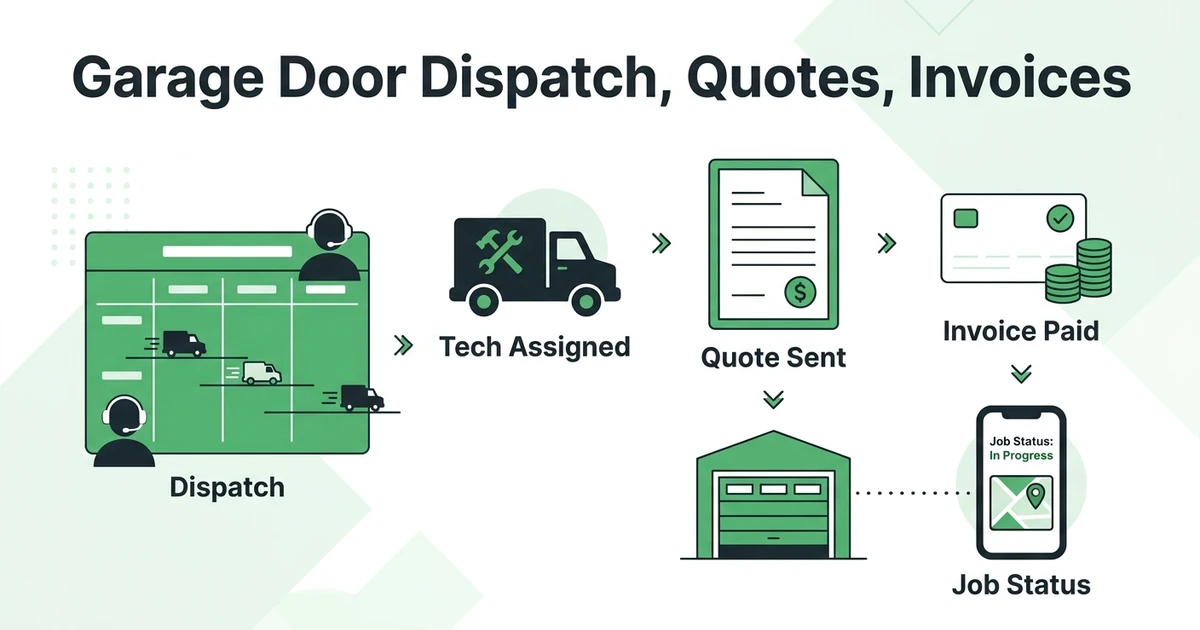





Quick Answer: Garage Door Dispatch, Quote, and Invoice Software
Garage door dispatch, quote, and invoice software helps your office assign the right technician, send a professional quote, convert approval into a booked job, and invoice the customer after the repair or installation. The best garage door dispatch quote invoice workflow keeps scheduling, quote follow-ups, job notes, payments, and customer history in one place.
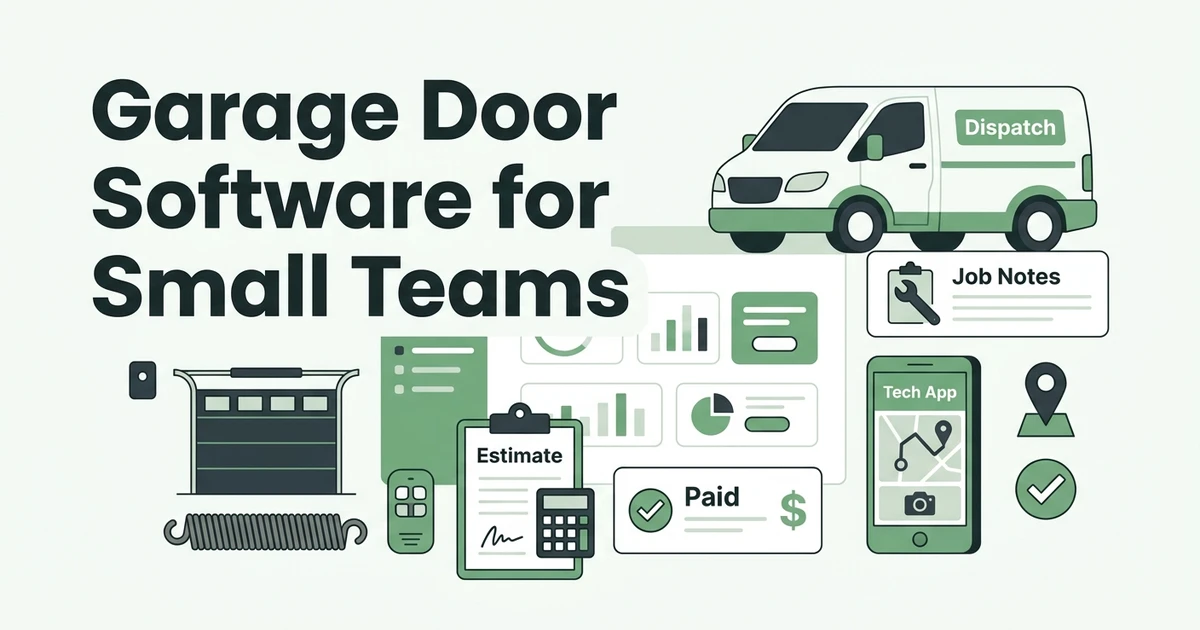
Fieldified helps garage door companies manage the full job lifecycle from the first call to the paid invoice. If you need one platform for scheduling, quotes, jobs, invoices, and payments, see how garage door dispatch software for garage door companies keeps the workflow connected. That matters when a broken spring call, an opener replacement, and a commercial roll-up door repair all hit the board before lunch.
Garage door work moves fast. The customer wants a time window, the technician needs the right job details, and the office needs the quote and invoice to match what happened on site.
The US Garage Door Installation industry is expected to reach $459.3 million in market size in 2026, according to IBISWorld’s industry analysis. For owners competing in that market, the software question is simple: can your team move from dispatch to quote to invoice without losing time or details?
Running a garage door business?
Fieldified helps garage door companies schedule technicians, manage service calls, send quotes, create invoices, collect payments, and track every customer from one platform.
What should garage door dispatch, quote, and invoice software include?
Good garage door software should connect the office workflow with the field workflow. Dispatch cannot live in one place, quotes in another, and invoices in a third if your team is trying to move quickly.
At minimum, look for:
- Scheduling and dispatch for emergency and planned calls
- Mobile job details for technicians in the field
- Quote creation with optional services and follow-up reminders
- Quote-to-job conversion after customer approval
- Invoice creation tied to the completed job
- Online payment collection and payment reminders
- Customer history with prior doors, parts, notes, and invoices
This is where many garage door companies outgrow a shared calendar and a spreadsheet. Those tools may hold the schedule, but they do not connect approval, job status, billing, and customer history.
Why garage door companies lose jobs between the first call and the invoice
Most lost revenue is not dramatic. It is a quote that never got followed up. A technician who did not see the opener model in the notes. An invoice that waited until Friday because the office had to retype the job.
Garage door customers often call because something is urgent. Angi reported that homeowner emergency repair spending was $978 in 2024, down from $1,667 in 2023, in its 2024 State of Home Spending Report release. Even when emergency spending shifts, the expectation stays the same: homeowners want fast answers and clear next steps.
If the office has to chase details after every call, speed drops. If the technician has to call in for pricing, the quote gets delayed. If the invoice is built later from memory, mistakes creep in.
That is why garage door dispatch software should not stop at the calendar. It should carry the job through quote approval, field notes, invoicing, and payment.
How the garage door job workflow should run from request to payment
Picture a homeowner calling at 7:30 AM because a spring snapped and the car is trapped. The office creates the job, adds the symptoms, checks the address, and assigns the closest qualified technician.
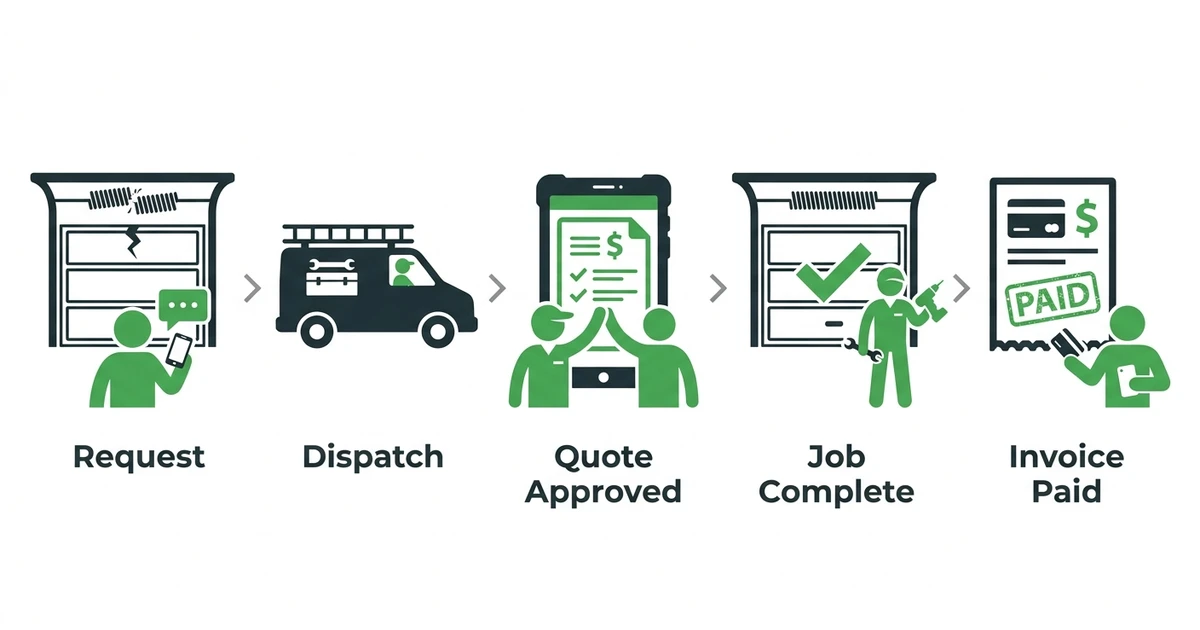
The technician sees the job details on mobile before arrival. On site, they document the spring issue, add photos, and send a quote for the replacement plus an optional opener inspection. The customer approves from the quote.
From there, the approved quote becomes the job scope. The technician completes the work, marks the job done, and the invoice goes out before the truck leaves the driveway.
That is the workflow to aim for:
- Customer request comes in.
- Office schedules and dispatches the right technician.
- Technician confirms details and builds the quote.
- Customer approves the work.
- Approved quote becomes the job.
- Technician completes the repair or installation.
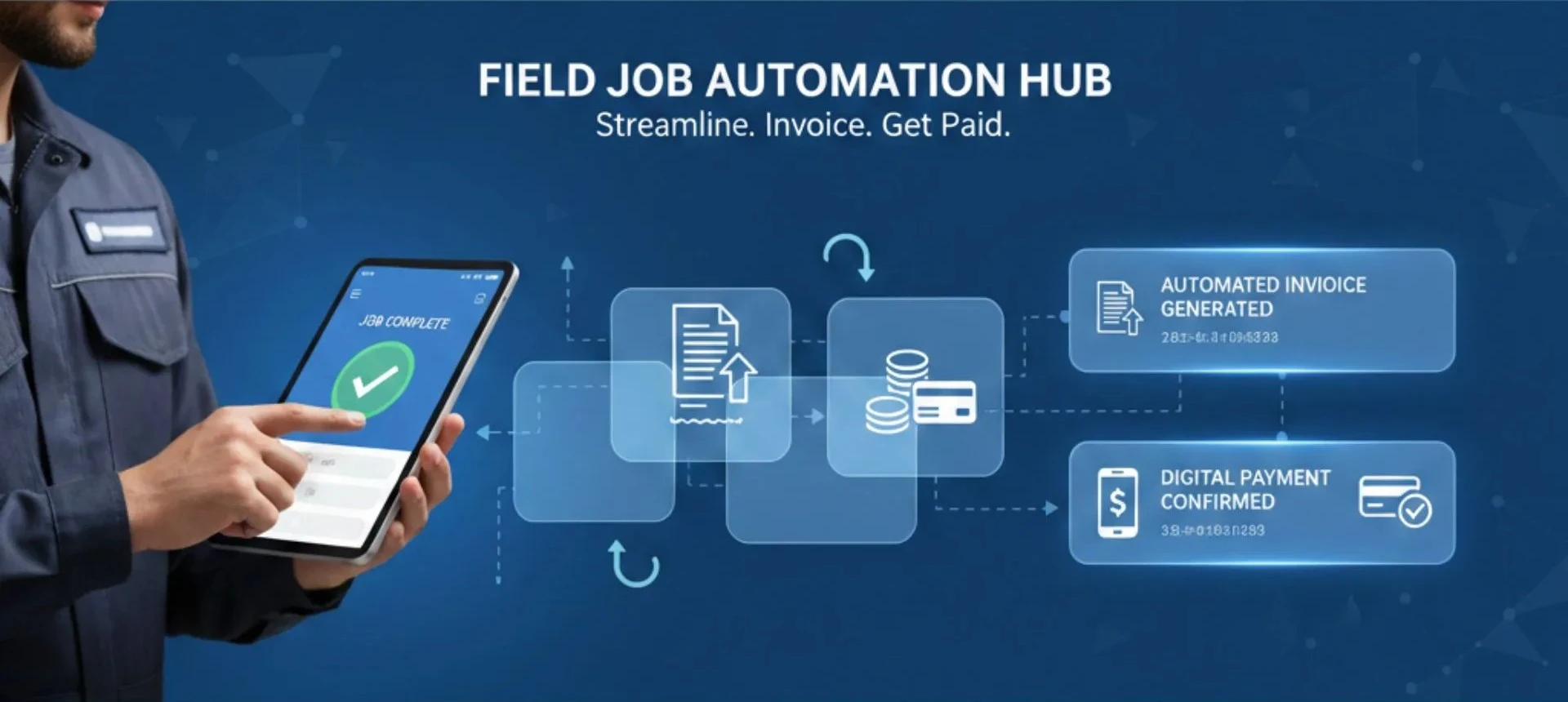
- Invoice and payment request go out right away.
For a deeper look at the broader category, compare garage door business software options and focus on tools that keep those steps connected.
Garage door software checklist for dispatch, quotes, invoices, and payments
Before choosing a system, pressure-test it against a real garage door workday. A nice dashboard is not enough if the technician still texts photos to the office and the invoice still gets rebuilt by hand.
Use this checklist while comparing options:
| Workflow Need | What To Check | Why It Matters |
|---|---|---|
| Dispatch | Can the office assign by availability and location? | Reduces wasted drive time and missed emergency calls |
| Quotes | Can technicians send professional quotes from the field? | Helps customers approve work before momentum fades |
| Invoices | Can invoices pull from completed job details? | Reduces retyping and billing delays |
| Payments | Can customers pay online after the job? | Helps cash come in faster |
| Customer history | Can the team see prior jobs, notes, and invoices? | Makes repeat calls easier to handle |
If you still need a simple document for one-off work, a free contractor invoice generator can help. If you are managing multiple technicians, you need a connected system instead of a one-time form.
See how Fieldified connects garage door dispatch, quoting, invoicing, and payments in one workflow. Book a demo and walk through a real job from first call to paid invoice.
Turn garage door service calls into scheduled jobs and paid invoices.
Use Fieldified to manage dispatch, job details, quotes, invoices, payments, and customer follow-ups in one place.
How Fieldified helps garage door teams manage the full job lifecycle
Fieldified gives garage door teams one place to manage scheduling, quotes, jobs, invoices, payments, and customer records. That keeps the office from rebuilding the same job details over and over.
With garage door scheduling and dispatch workflow, the office can assign work based on availability and job context. Technicians can see where they need to be and what the customer needs before they arrive.
With professional quote management, your team can send clear quotes, track approvals, and follow up when a homeowner has not responded. That matters for higher-ticket work like new doors, opener replacements, or multi-door commercial repairs.
Once the work is done, Fieldified helps you send invoices faster after each job. The goal is simple: stop waiting until the end of the week to bill work that was completed today.
Is Fieldified right for your garage door business?
Fieldified is a strong fit if you have enough job volume that manual handoffs are starting to cost money. That might be a three-technician garage door shop or a larger team handling residential and commercial work.
If you only do a few jobs a month, a calendar and invoice template may still be enough. But once you are juggling emergency repairs, estimates, follow-ups, and payments every day, the manual setup starts to bend.
Fieldified also makes sense if you are tired of paying more every time your team grows. Fieldified uses flat plan pricing, so you can compare the cost clearly on the pricing page before adding another technician or office user.
The best test is practical. Ask whether your current setup can answer these questions in under a minute:
- Which garage door quotes are waiting for approval?
- Which technician is assigned to the next emergency call?
- Which completed jobs still need invoices?
- Which invoices are unpaid?
- What work did we do for this customer last time?
If those answers live in different places, Fieldified can help bring the work together.
Need better garage door dispatch, quotes, and invoicing?
See how Fieldified can help your team reduce admin work and manage jobs faster.
Frequently Asked Questions
What is garage door dispatch quote invoice software?
Garage door dispatch quote invoice software helps a garage door company assign technicians, send quotes, convert approvals into jobs, and invoice customers from one system. It keeps the office, technicians, and customer record connected.
What should garage door dispatch software include?
It should include job scheduling, technician assignment, status updates, customer notifications, job notes, and mobile access. For garage door teams, it should also connect dispatch with quotes, invoices, and payments.
Can garage door quote software help win more repair jobs?
Yes. A clear digital quote helps homeowners understand the recommended repair, approve work faster, and avoid confusion about price. Quote follow-ups also help the office recover jobs that would otherwise go quiet.
Is garage door invoice software useful for small teams?
Yes, especially when the owner also handles scheduling and billing. Sending invoices right after the technician completes the job reduces office cleanup and helps payment requests reach customers while the work is fresh.
Does Fieldified work for a garage door business with a few technicians?
Yes. Fieldified is built for small and growing field service teams that need scheduling, quoting, invoicing, payments, and customer history without adding separate tools for every task.
Conclusion
Garage door teams do not need more disconnected admin. They need a clean path from the customer request to the scheduled job, approved quote, finished work, invoice, and payment.
That is the real value of connected garage door dispatch, quote, and invoice software. It reduces handoffs, protects job details, and helps your office keep work moving.
Book a Fieldified demo to see how Fieldified manages a garage door job from first call to paid invoice.