EN
EN DE
DE ES
ES FR
FR NL
NL PT
PT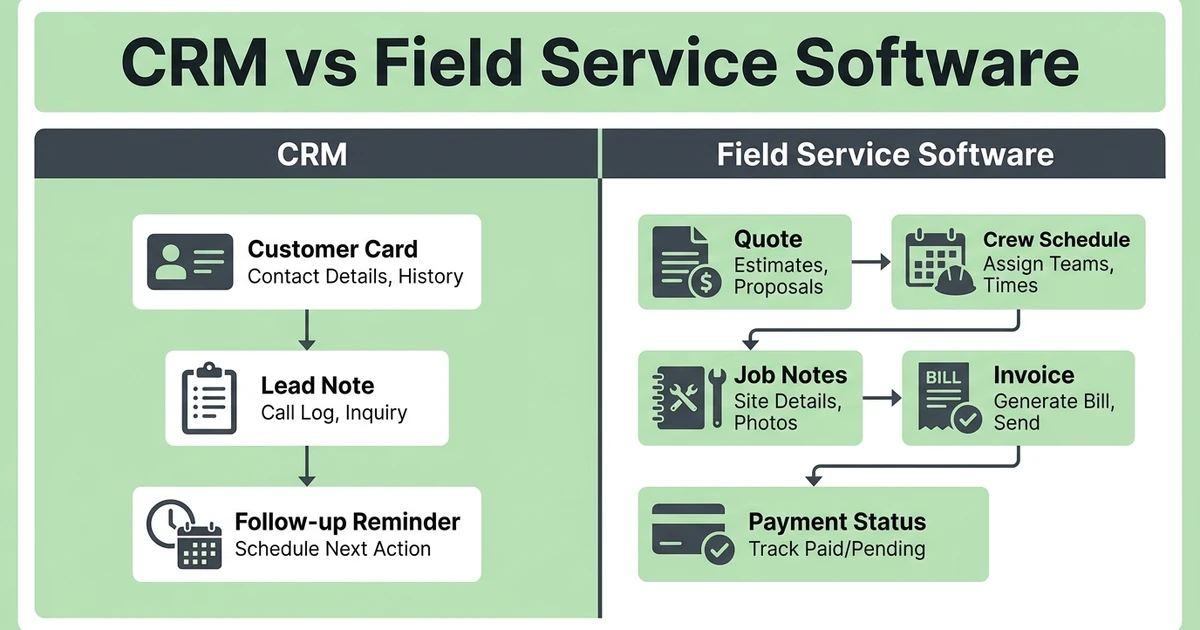





Quick Answer:
A tree service CRM helps arborists manage leads, customers, follow-ups, and job history. Field service software goes further by connecting CRM with quotes, scheduling, dispatch, job tracking, invoices, payments, and crew updates, which matters when the office and field team need one shared workflow.
Tree service CRM vs field service software comes down to how much of the job you need to manage. If your only problem is customer follow-up, CRM may be enough. If the problem continues through quotes, crews, job notes, invoices, and payments, you need more than a customer database.
The US Tree Trimming Services market is $39.5 billion in 2025, according to IBISWorld market size data. Growth creates more competition, and teams that respond faster often win the job.
Why Tree Service CRM vs Field Service Software Is a Buying Decision
Both options sound useful, but they solve different levels of the problem. A CRM keeps customer and lead information organized. Field service software manages the work connected to that customer.
For a small arborist crew, that difference may not feel urgent. The owner may remember the customer, send the quote, schedule the crew, and create the invoice manually.
What a Tree Service CRM Handles Well
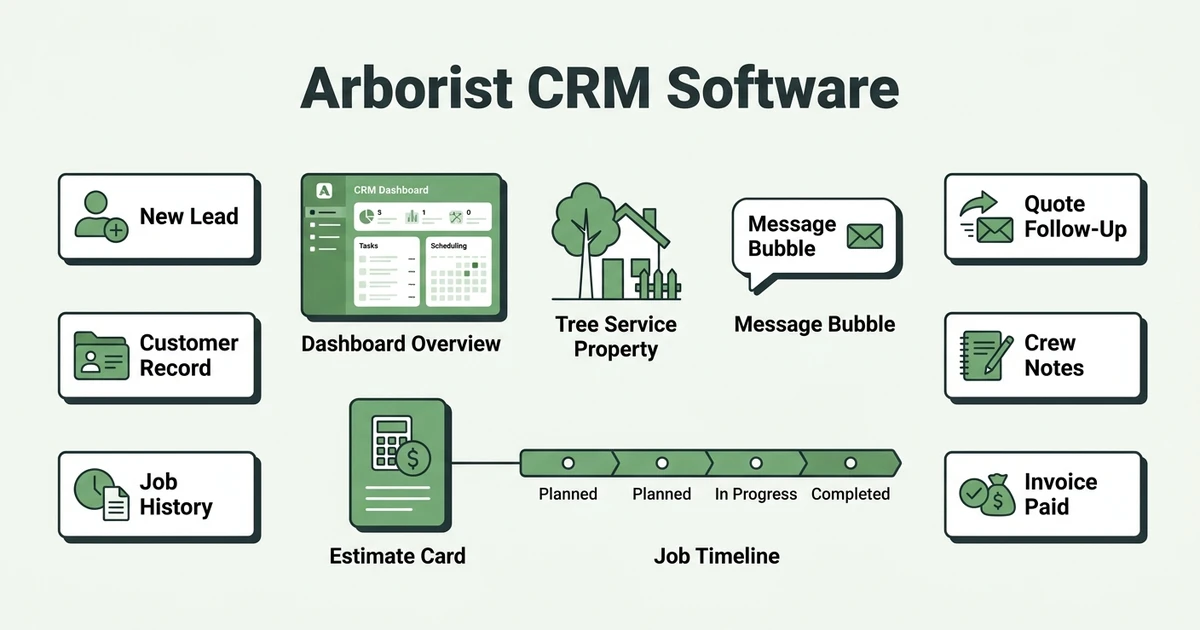
A tree service CRM is useful when your main issue is keeping customer records and follow-ups organized. It helps your office remember who called, what they asked for, which property they own, and what needs to happen next.
A CRM can help with:
- New lead capture
- Customer and property records
- Quote follow-up reminders
- Notes from calls and site visits
- Repeat customer history
This is the core value explained in arborist CRM software. It keeps the customer side of the business from becoming a pile of notebooks and forgotten callbacks.
CRM helps when sales follow-up is the bottleneck. If your tree service loses work because nobody calls back on pruning estimates or storm cleanup requests, a CRM can bring discipline to the office.
What Field Service Software Adds for Arborist Crews
Field service software starts with customer history, then connects it to the work. For arborists, that means the approved quote, crew schedule, property notes, hazard details, photos, invoice, and payment status can live in one connected workflow.
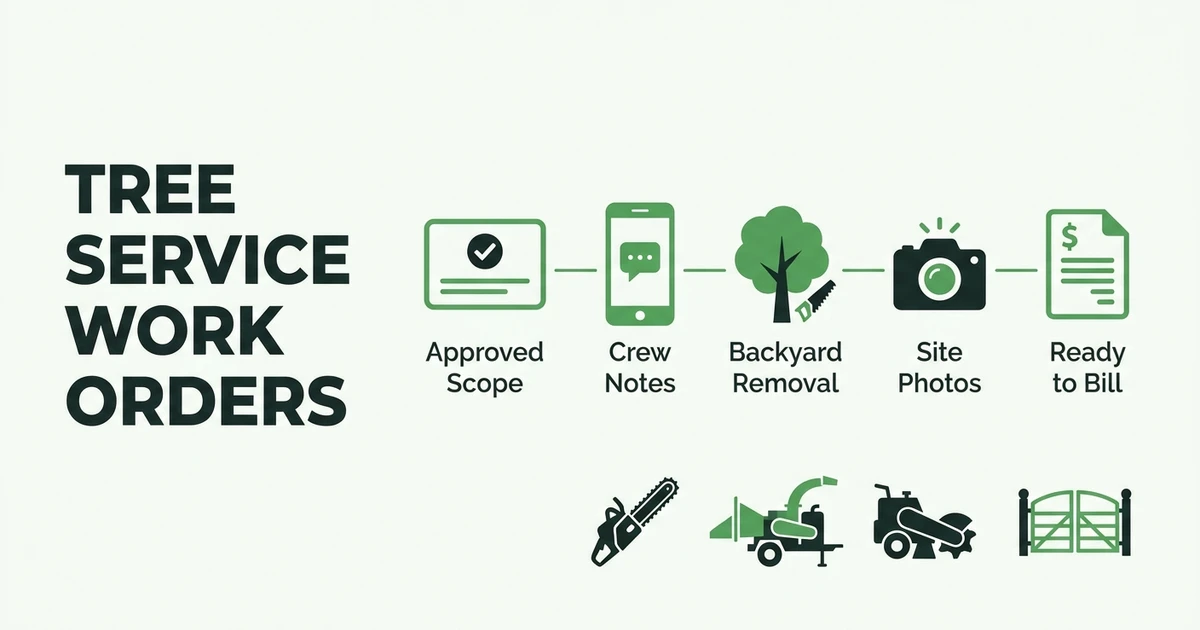
That matters because tree work is not a simple appointment. A removal may need access notes, chipper placement, stump grinding, and cleanup scope. The crew needs more than a name and phone number.
Full field service software helps tree service teams manage:
- Estimates and customer approvals
- Scheduling and crew dispatch
- Mobile job notes and photos
- Work orders and completion status
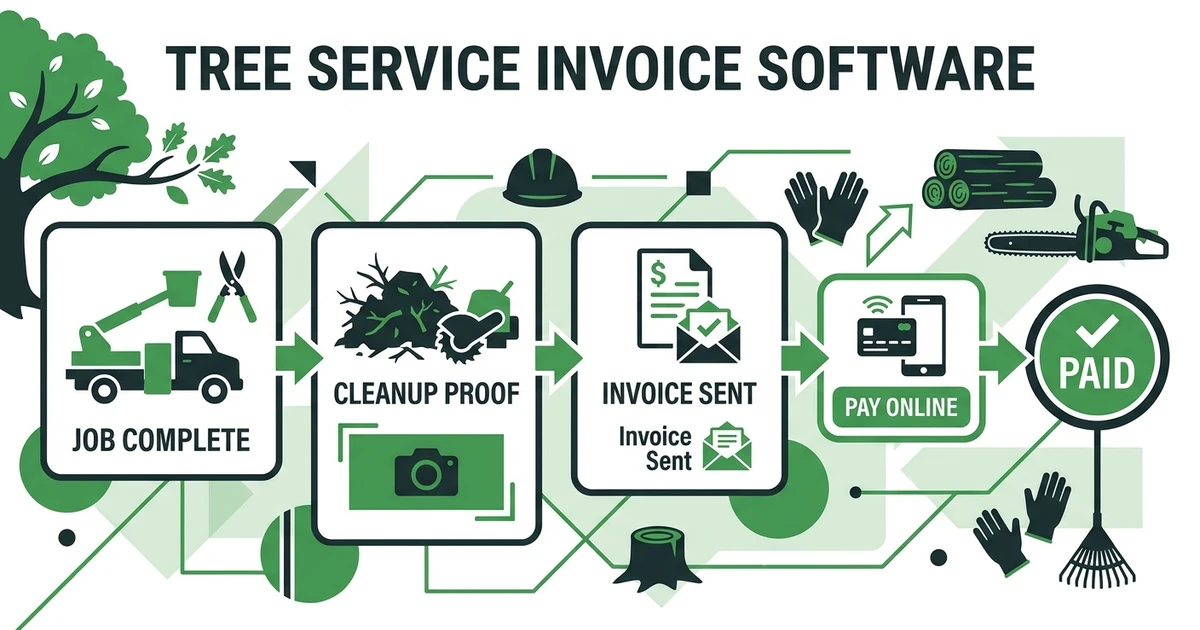
- Invoices and online payments
- Reporting across jobs and crews
Job management software keeps the job record alive after the sale. The office sees what was approved, the crew sees what needs to happen, and billing sees when the job is ready to invoice.
Fieldified connects CRM, quotes, schedules, invoices, and payments for tree service teams. Start a free trial or book a Fieldified demo. Keep the office and crew aligned from first call to final payment.
When a CRM Alone Is Enough for a Tree Service
A CRM alone may be enough if your tree service is still very small and the owner handles most work. If you run one crew, schedule jobs from a calendar, and invoice the same day, a CRM may cover the customer side.
It can also work when your biggest issue is lead organization. If pruning estimates sit in a notebook and nobody calls customers back, a simple CRM can help you stop losing work before it is sold.
When Arborists Need Full Field Service Software
Arborists usually need full field service software when job details move through more than one person. An estimator sells the job, an office manager schedules it, a crew completes it, and someone else sends the invoice.
Each handoff creates a chance for detail loss. The customer asked for wood left on site. The driveway is too narrow for the chipper. The stump grinding was approved as an add-on. If those notes stay in separate places, the job gets harder.
Employment for grounds maintenance workers is projected to grow 4 percent from 2024 to 2034, with about 171,600 openings projected each year, according to the Bureau of Labor Statistics occupational outlook. As labor stays active, tree service owners need systems that help crews work with clear instructions.
Choose field service software when you need:
- More than one crew on the schedule
- Mobile access for crew leads
- Photos and notes tied to jobs
- Job completion updates before invoicing
- Payment reminders after billing
- Reporting that connects work completed with money collected
CRM vs Field Service Software Comparison Checklist
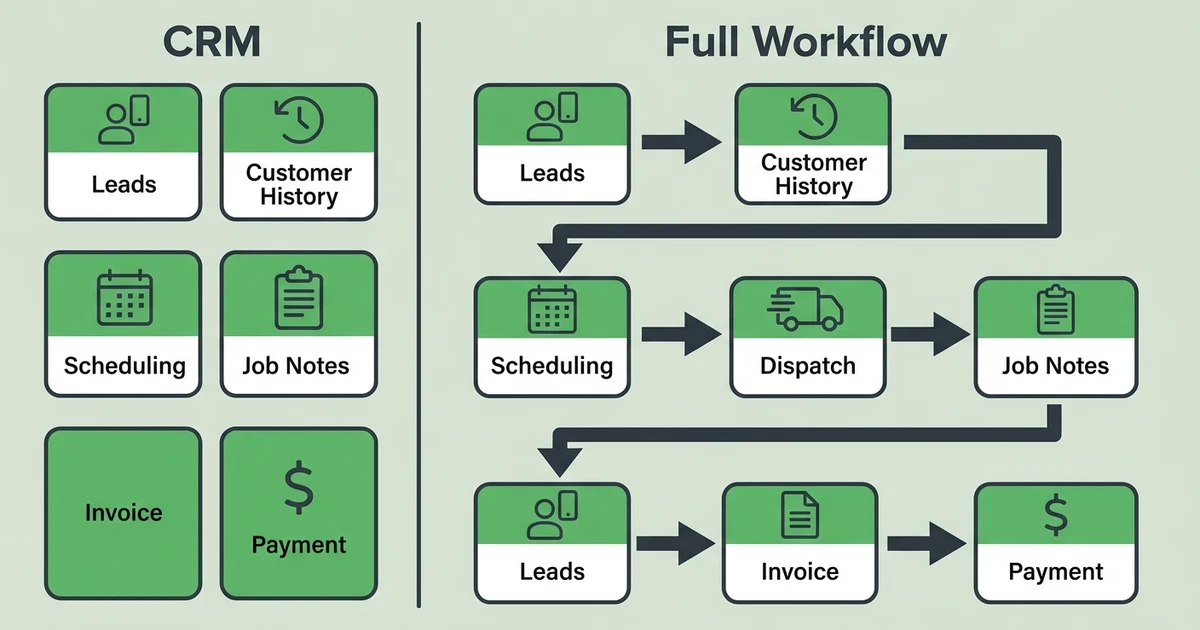
Use this table to decide which system fits your current stage.
| Need | CRM-only fit | Full field service software fit |
|---|---|---|
| Leads and customer records | Strong fit | Included |
| Quote follow-ups | Strong fit | Connected to the job workflow |
| Scheduling | Basic or separate tool | Connected to approved work |
| Dispatch | Usually limited | Built for crew assignment and updates |
| Job notes and photos | Often limited | Connected to the job record |
| Work orders | Usually separate | Built into field workflow |
| Invoices and payments | Often separate | Connected after completion |
| Reporting | Sales-focused | Sales, jobs, crews, invoices, and payments |
The better question is whether CRM should stand alone or sit inside a field service system that handles the work after the customer says yes.
How Fieldified Connects CRM, Crews, Jobs, and Payments
Fieldified gives tree service teams customer management without stopping there. It connects the customer record to estimates, scheduling, dispatch, job tracking, invoices, payments, and follow-ups.
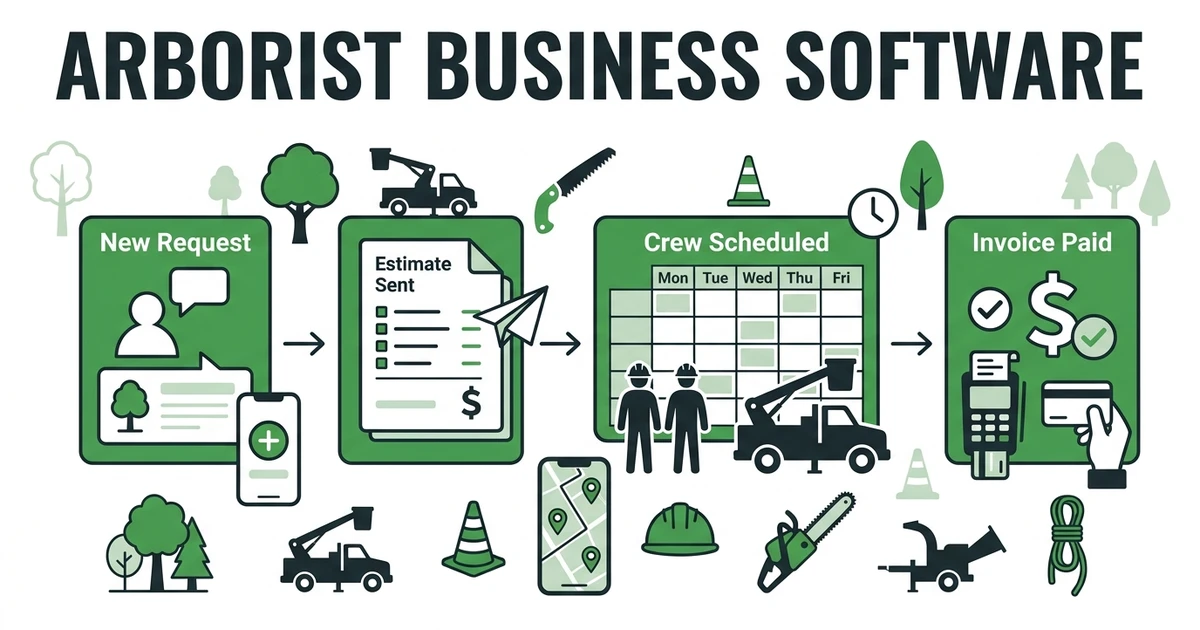
Picture a homeowner asking for a pruning quote. The office captures the lead, the estimator adds photos and scope, the customer approves, and the job moves into scheduling. The crew sees the approved details, marks the job complete, and the office sends the invoice.
That is different from a CRM-only setup, where the customer record may be clean but the job still lives in a calendar, a text thread, and an invoice app.
Book a Fieldified demo to see how customer records, quotes, crew schedules, job notes, invoices, and payments can stay connected from first call to final payment.
Is Fieldified Right for My Tree Service Business?
Fieldified is right for your tree service if you want CRM plus the field workflow. That means customer history, estimates, crew schedules, job details, invoice status, and payment follow-ups in the same place.
It is a strong fit for small and growing teams tired of retyping the same information. If the owner is still carrying the full story in their head, connected software can reduce that pressure.
Fieldified may be more than you need if you only want a contact list and a reminder to call leads back.
If your team is losing time after the quote is approved, a connected field service platform is usually the better category to evaluate.
Frequently Asked Questions
What is the difference between tree service CRM and field service software?
A tree service CRM manages leads, customers, notes, follow-ups, and job history. Field service software adds scheduling, dispatch, mobile job details, invoices, payments, and reporting.
Is tree service CRM enough for a small arborist company?
A CRM may be enough if one owner handles most sales, scheduling, and billing manually. Once you have multiple crews, active estimates, and payment follow-ups, field service software is usually a better fit.
When should an arborist move from CRM to field service software?
Move when customer records are no longer the only problem. If approved quotes, crew schedules, field photos, invoices, and payments are disconnected, you need full job lifecycle management.
Can Fieldified replace a tree service CRM?
Yes. Fieldified includes client management software, customer history, quote tracking, scheduling, job details, invoices, payments, and follow-ups. Tree service teams can manage CRM work and field work in one place.
Should tree service CRM connect to invoices and payments?
Yes. Customer history is more useful when it shows what was quoted, completed, invoiced, and paid. Customer payments are the primary cash source for small businesses, and roughly four of every five small firms face payment challenges, according to the Federal Reserve’s 2024 Report on Payments.
Conclusion
The CRM vs software decision comes down to how much of the workflow you need to control. CRM helps with leads and customers. Field service software helps with the path from request to quote, crew assignment, job completion, invoice, and payment.
For a small arborist team, CRM-only may work for a while. For a growing tree service, the stronger choice usually keeps the customer record tied to the actual work.
Book a Fieldified demo to compare your current CRM, calendar, and invoice process with one connected workflow for arborist teams.