EN
EN DE
DE ES
ES FR
FR NL
NL PT
PT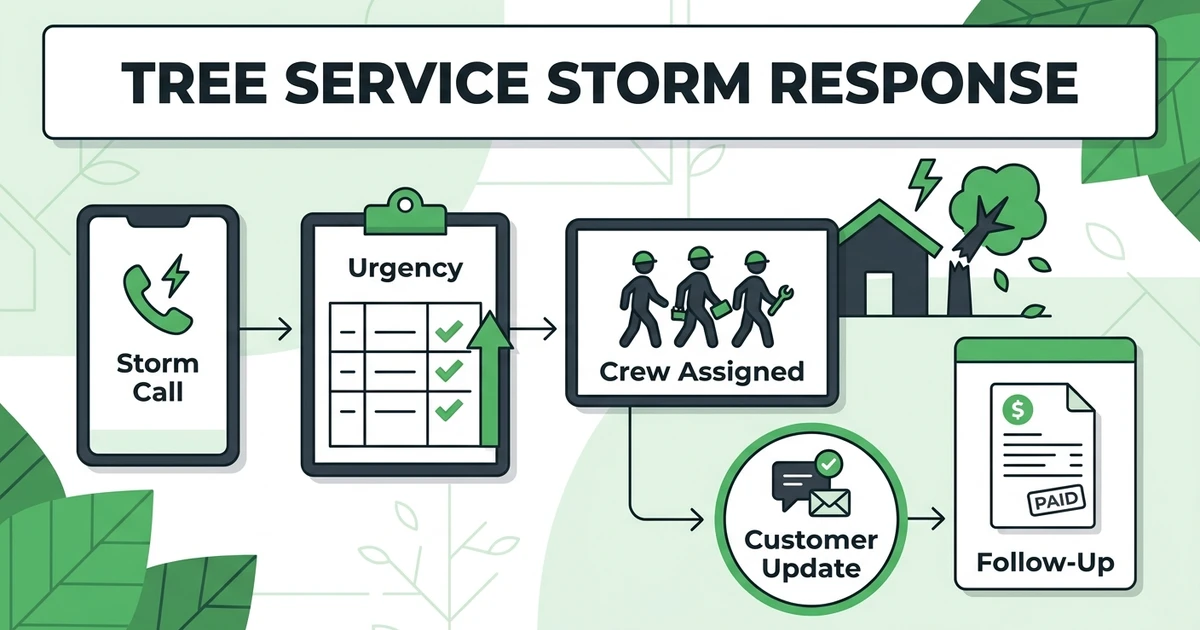





Quick Answer: Tree Service Storm Response
Tree service storm response is the workflow arborist companies use to handle urgent calls after wind, rain, ice, or tornado damage. A strong response system captures every lead, triages danger and access issues, assigns the right crew, keeps customers updated, documents the job, and follows up quickly with estimates, invoices, or future pruning work.
Fieldified helps tree service companies manage urgent calls, scheduling, crew updates, job notes, invoices, and payment follow-up. When a storm hits, the problem is not only the number of calls. It is how fast your team can sort what matters first.
NOAA reports that the U.S. experienced 27 billion-dollar weather and climate disasters in 2024, including 17 severe storms, five tropical cyclones, and two winter storms, with $182.7 billion in total cost in its national climate assessment. For arborist companies, storms turn normal scheduling into urgent triage.
Why Tree Service Storm Response Gets Chaotic Fast
Storm response gets chaotic because every caller feels urgent. A limb is on a roof. A driveway is blocked. A leaning tree looks worse in the rain. The office phone rings while crews are already moving.
Storm days also blur the line between lead intake and emergency operations. The person answering the phone needs enough information to help the estimator, dispatcher, and crew make a sound decision.
NOAA also reports at least 1,735 confirmed tornadoes in 2024, the second-highest confirmed tornado count on record behind 2004 in the same 2024 climate report. That kind of severe weather context explains why tree companies need a repeatable process, not a fresh scramble after every storm.
Without a process, the office starts reacting to whoever called most recently. Crews get sent across town without full notes. Customers call back for updates. Invoices wait because job details are buried in texts.
What an Emergency Tree Service Workflow Should Capture First
The first call should capture enough detail to sort the job safely and quickly. It should not force the office to make an arborist diagnosis over the phone.
At minimum, intake should collect:
- Customer name and phone number
- Property address and access notes
- Photos or video when safe to provide
- Whether a limb or tree is on a structure
- Whether a driveway, road, or entrance is blocked
- Any visible power line concern
- Whether the customer needs documentation for insurance
- Preferred text, email, or phone updates
This information helps the estimator decide what needs a fast site visit and what can be scheduled after higher-risk calls. It also helps the crew arrive with better context.
The Bureau of Labor Statistics says tree trimmers and pruners must be comfortable working high off the ground when cutting limbs and branches, and reports 60,100 tree trimmers and pruners in 2024 in its occupational profile. Storm intake should respect that field reality: the work is physical, skilled, and risk-aware.
How to Triage Storm Cleanup Scheduling Across Multiple Crews
Storm cleanup scheduling needs a triage lens. The question is not only which crew is open. The question is which job needs attention first and which crew is qualified to handle it.
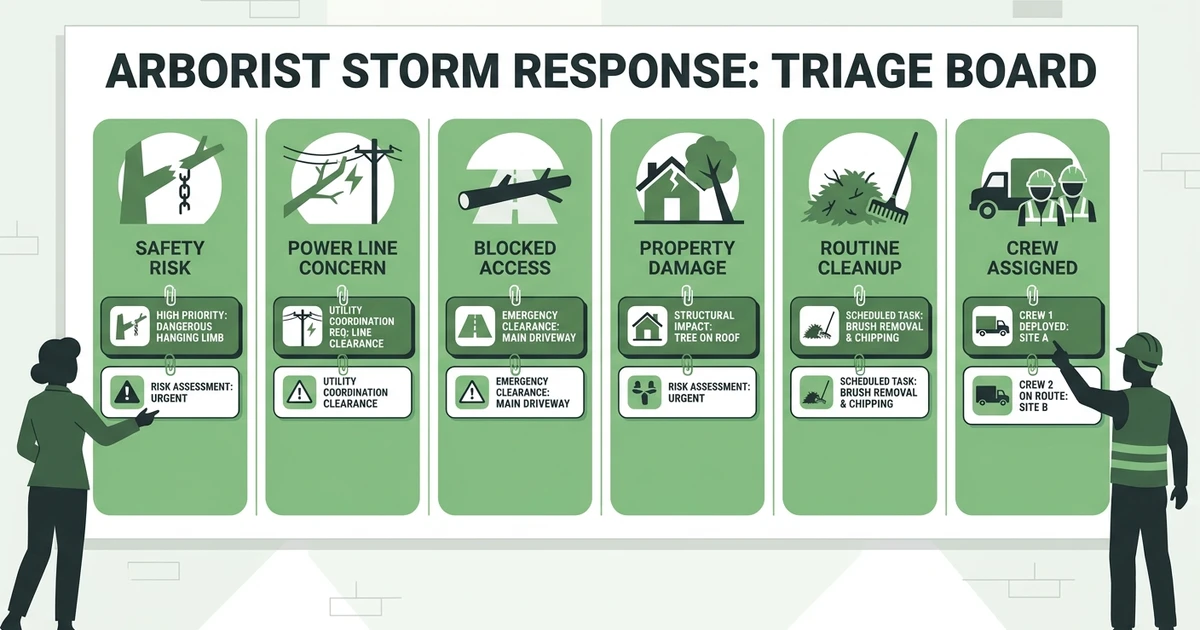
Useful priority groups include:
- Immediate safety risk
- Utility or power line proximity
- Blocked road, driveway, or building access
- Active roof, fence, or vehicle damage
- Large hanging limbs over use areas
- Routine debris cleanup
- Non-urgent pruning requests after the storm
This keeps dispatch from becoming a popularity contest. A calm caller with a dangerous hanging limb may need attention before a loud caller with brush in the yard.
Keep the process visible. If a crew is assigned to a hazard call, the office should know. If a job is waiting on photos, the office should know. If a customer needs a same-day update but not same-day work, that should also be clear.
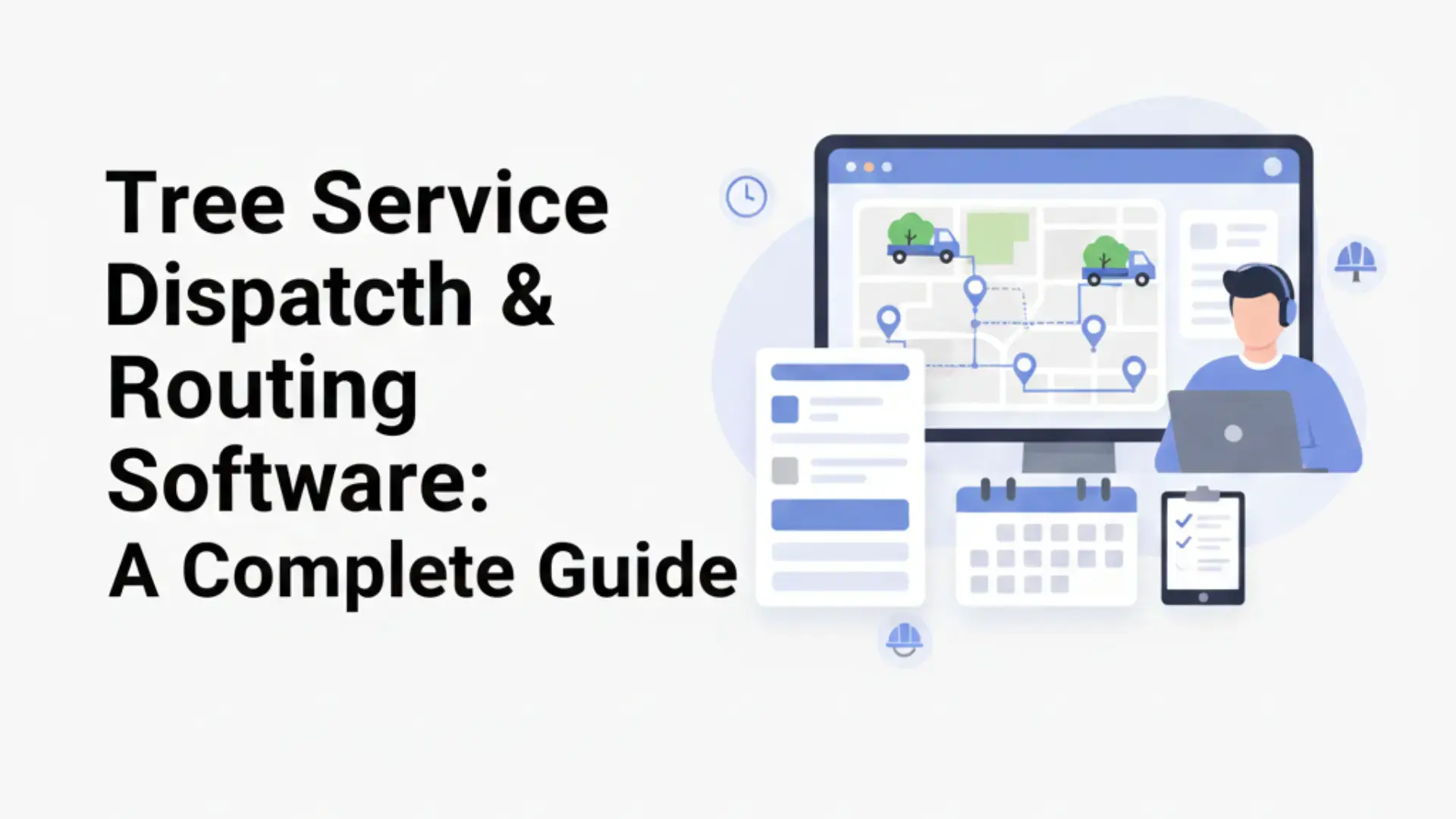
This is related to tree service dispatch and routing software, but storm triage is its own problem. Routing helps crews move efficiently. Storm triage helps the office decide what should move first.
What to Look for in Arborist Dispatch Software During Storm Season
Arborist dispatch software should help your team capture storm demand without adding more office work. During a surge, the tool has to support fast decisions.
Look for:
- Fast call capture and lead creation
- Mobile photos and job notes
- Crew status visibility
- Customer text and email updates
- Estimate and invoice handoff
- Flat pricing that does not punish seasonal hiring
- Job history that carries into follow-up work
The pricing point matters for growing crews. If you add seasonal help after a storm, per-user pricing can make software costs climb at the exact moment your team is under pressure.
Fieldified is built for teams that want scheduling, dispatch, customer records, job tracking, invoicing, and payment follow-up in one workflow. For owners comparing options, the Fieldified vs Jobber comparison explains how flat plan pricing differs from per-user pricing.
Storm Response Software vs. Phones, Whiteboards, and Spreadsheets
Phones, whiteboards, and spreadsheets can work on a normal day. Storm volume exposes their weak spots.
Imagine a Monday morning after a windstorm. Calls come in before lunch. Some are true emergencies. Some are quote requests. Some customers only need debris cleanup next week. The office has to sort them while crews ask where to go next.
| Storm Need | Manual Workflow | Connected Software Workflow |
|---|---|---|
| Call capture | Voicemail, texts, and paper notes | Leads and jobs logged in one place |
| Triage | Memory and caller pressure | Priority notes attached to each request |
| Crew assignment | Phone calls and whiteboard changes | Schedule updates visible to the team |
| Customer updates | Repeated callback loops | Text or email updates from the record |
| Billing | Waiting for job details | Invoice handoff after completion |
Manual systems also make it hard to see what was missed. A voicemail can sit unanswered. A photo can stay on one phone. A completed job can wait too long for billing because nobody has the final notes.
Storm response software should reduce that fog. It should help your team see what is urgent, what is assigned, what is waiting, and what needs follow-up.
How Fieldified Helps Arborist Teams Manage Storm Calls
Fieldified helps arborist teams capture calls, schedule crews, track job notes, communicate with customers, and send invoices from one workflow. That matters when storm work moves faster than a normal calendar.
AI Receptionist for after-hours calls can help capture requests when storms hit outside office hours. The next morning, the office has a cleaner list to triage instead of only missed calls and scattered voicemails.
Scheduling and dispatch tools help assign urgent work to available crews. Job tracking keeps notes and photos with the work. Customer communication in one place helps the office update homeowners without repeating the same message across personal phones.
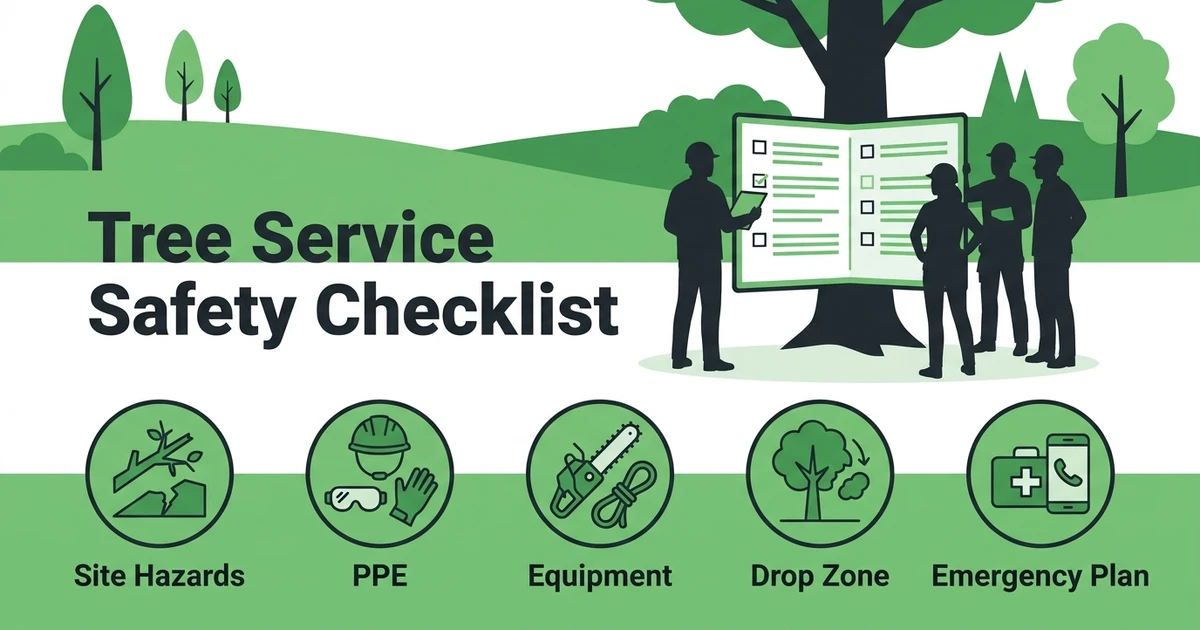
The safety side still belongs to trained professionals. OSHA reported a 2024 fatal electrocution involving an arborist whose stabilizing line contacted a residential power line, and said the company exposed employees to electrical hazards by allowing tree work within 10 feet of an energized ungrounded power line while using a conductive stabilizing line in a Department of Labor release. Software should surface hazard notes and job context, not replace safety training.
Book a Fieldified demo to see how storm calls, crew scheduling, job notes, customer updates, invoices, and payment follow-up can stay connected.
Frequently Asked Questions
What is an arborist storm response workflow?
An arborist storm response workflow is the process tree companies use to manage urgent calls after wind, rain, ice, tornadoes, or other storm damage. It includes intake, triage, crew assignment, documentation, customer updates, billing, and follow-up work.
How should tree companies prioritize storm calls?
Tree companies should prioritize safety risk, power line concerns, blocked access, active property damage, and urgent structural hazards. Routine cleanup and non-urgent pruning can usually be scheduled after higher-risk jobs.
What information should the office capture during an emergency tree call?
The office should capture contact details, address, photos, access notes, visible hazards, blocked areas, utility concerns, insurance needs, and communication preferences. Good intake helps the arborist and crew make faster decisions.
Can software help after-hours storm calls?
Yes. Software can help capture calls, create job records, store photos, and organize requests for triage when the office opens. It helps reduce missed leads during the busiest storm windows.
How do arborist teams follow up after storm cleanup?
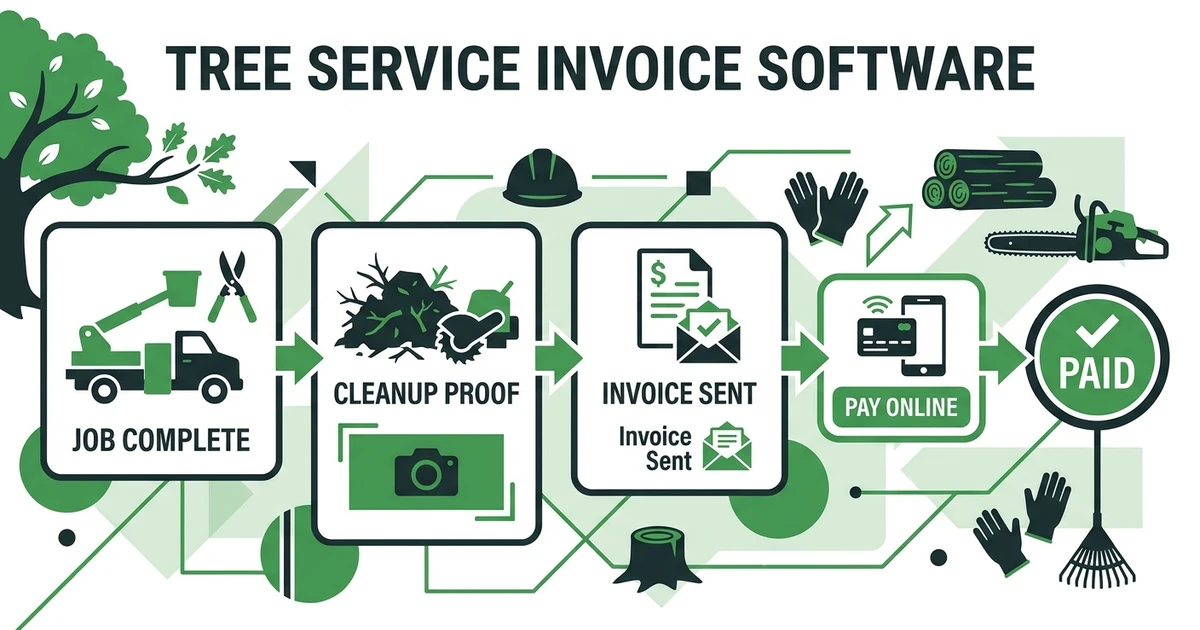
After cleanup, teams should send the invoice, collect payment, attach completion notes, and schedule recommended follow-up work. That may include pruning, removal, inspection, or plant health recommendations after the immediate hazard is handled.
Conclusion: Turn Storm Chaos Into a Repeatable Response System
Storm work will always feel urgent. The goal is not to make it calm. The goal is to make it controlled enough that your office, crews, and customers know what happens next.
A strong response workflow captures the call, sorts the risk, assigns the crew, updates the customer, documents the work, and follows through on payment and future recommendations.
Book a Fieldified demo before the next storm season so urgent calls, crew updates, job notes, invoices, and payment follow-ups do not live in separate tools.