EN
EN DE
DE ES
ES FR
FR NL
NL PT
PT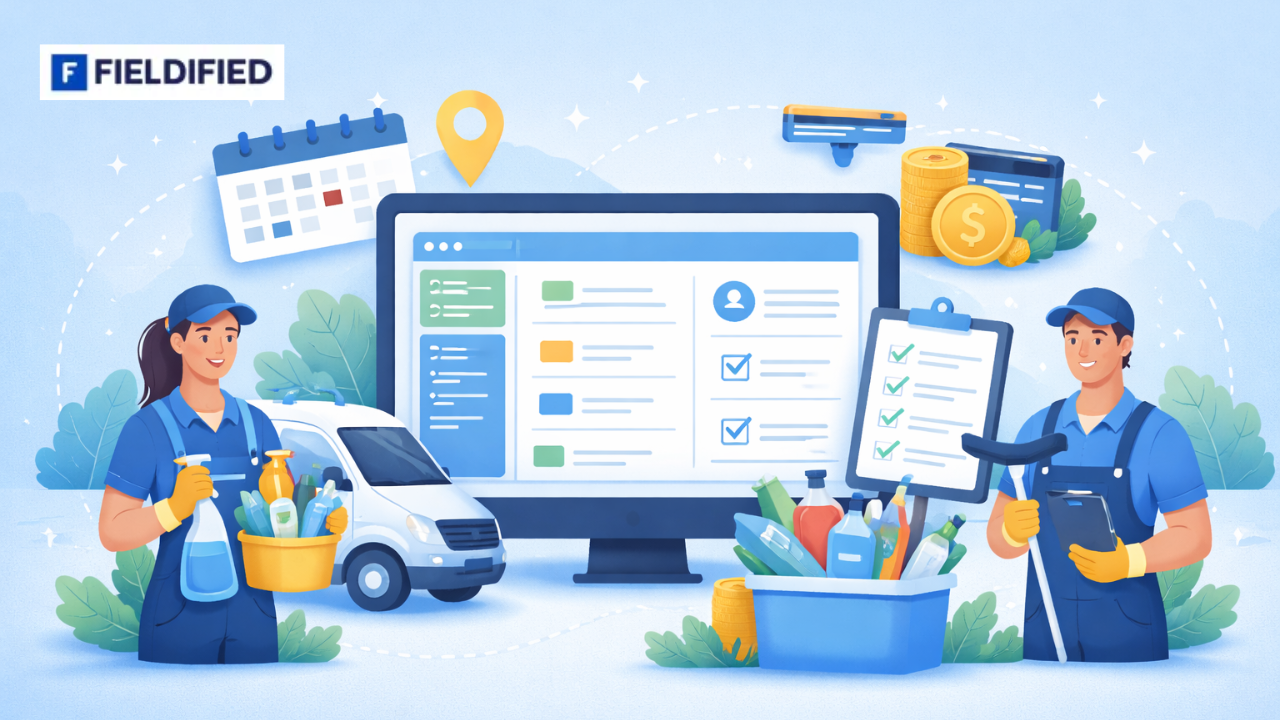





Running a cleaning business looks simple from the outside. Book jobs. Send staff. Get paid. Repeat.
But in reality, most owners struggle with messy schedules, missed updates, and delayed payments. Notes are scattered across WhatsApp, spreadsheets, and phone calls. Invoices are created days after jobs are completed. Payments take even longer.
This is where a cleaning CRM becomes more than just software. It becomes the system that connects your jobs, your team, and your money in one place. When paired with a reliable cleaning job tracker, it removes guesswork and brings clarity to daily operations.
If you are managing multiple cleaners, recurring contracts, or growing demand, this blog will help you understand how to simplify job tracking and payments without adding complexity.
What Is a Cleaning CRM?
A cleaning CRM is a centralised system designed specifically for cleaning businesses. It manages customer details, job schedules, team assignments, invoices, and payments from one dashboard.
Unlike a generic CRM, cleaning management software connects operational workflows with billing. That means:
- Jobs are scheduled and tracked
- Staff assignments are recorded
- Completion status updates automatically
- Invoices can be generated immediately
It is not just a database of contacts. It is an operational control system for service delivery.
Research on business automation shows that structured systems help small service businesses reduce manual errors, streamline workflows, and improve operational efficiency over time.
Why Job Tracking Is Difficult for Growing Cleaning Businesses
Job tracking becomes complicated as soon as you move beyond a small team.
Here’s why:
- Multiple jobs run at the same time
- Staff work at different locations
- Clients request last-minute changes
- Recurring contracts overlap with one-time bookings
- Office staff must confirm completion before invoicing
When tracking is manual, information gets lost. A cleaner may complete a job but forget to report it. The admin team may not know a contract visit was skipped. Invoices may not match the actual work completed.
As the number of clients increases, so does operational confusion.
Without structured job tracking, you rely on memory and messages instead of data.
Related Read: Why Field Teams Switch from WhatsApp to Field Service CRM
What Is a Cleaning Job Tracker and How Does It Work?
A cleaning job tracker is a system that monitors every stage of a job:
- The job is scheduled
- Staff is assigned
- Work begins
- The job is completed
- Status updates are recorded
In a proper cleaning CRM, the job tracker is integrated. It shows real-time updates from the field to the office.
For example:
- A cleaner marks a job as complete through a mobile app
- The system updates the dashboard instantly
- The invoice can be generated without delay
This connection between job completion and billing is critical. It prevents missed invoices and improves payment cycles.
A cleaning job tracker reduces uncertainty. You no longer ask, “Was this job done?” The system shows you.
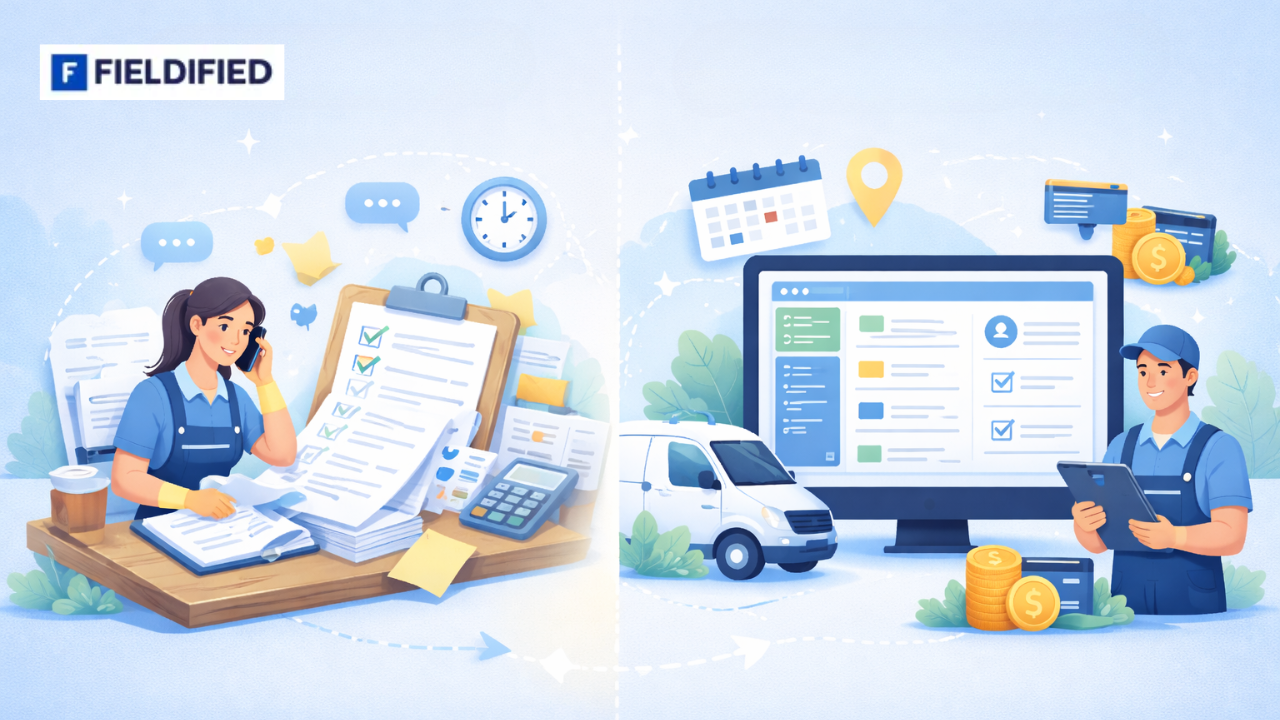
Manual Tracking vs Cleaning CRM Software
Many cleaning businesses start with manual systems. They work at low volume but break down as the business grows.
Manual Tracking
- Notes in notebooks or spreadsheets
- Updates shared verbally or through chat
- Job status remembered, not recorded
- Invoices created manually
- Payment follow-ups are done individually
Risks include missed steps, duplicate bookings, and delayed billing.
Cleaning CRM Software
- Central dashboard for all jobs
- Updates visible to the whole team
- Scheduling adjusted in one place
- Automated invoicing
- Payment tracking is built in
The difference is not just convenience. It is operational stability.
Manual systems depend on people remembering things. A cleaning CRM depends on defined workflows.
Research on business process standardisation shows that implementing structured workflows improves coordination, eliminates guesswork, reduces rework, and makes operations more predictable as teams grow.
How Cleaning CRM Software Simplifies Payments
Job tracking and payments are deeply connected. If you do not track jobs accurately, you cannot bill accurately.
Here is how cleaning business software simplifies payments.
Automated Invoicing
Once a job is marked complete, the system can generate an invoice automatically.
Benefits:
- No delay between job and billing
- Reduced admin workload
- Fewer forgotten invoices
Automation ensures every completed job becomes revenue.
Related Read: How to Automate Follow-Ups and Invoicing for Field Jobs
Online Payment Integration
Modern cleaning CRM platforms integrate online payments.
Clients can:
- Pay through secure links
- Use credit or debit cards
- Receive automated reminders
This reduces the need for manual follow-ups. Payment collection becomes part of the system, not a separate task.
Recurring Billing for Contracts
Many cleaning businesses rely on recurring contracts.
Cleaning management software allows:
- Automated recurring invoices
- Scheduled service reminders
- Clear contract tracking
Instead of recreating invoices each month, the system handles repetition.
Real-Time Payment Tracking
You can see:
- Paid invoices
- Outstanding balances
- Overdue accounts
This visibility improves financial planning. It also reduces awkward conversations with clients because the data is clear.
Related Read: 5 Signs Your Contracting Business Has Outgrown Spreadsheets
Benefits of Using Cleaning Business Software
When job tracking and payments are connected, the business becomes easier to manage.
1. Reduced Administrative Work
Fewer manual entries. Less follow-up. More structured workflows.
2. Better Accountability
Each job has a status. Each staff member has assigned tasks.
3. Faster Payment Cycles
Invoices go out immediately after job completion.
4. Clear Performance Tracking
You can analyse job volume, team productivity, and revenue patterns.
5. Improved Client Experience
Clients receive timely invoices and service confirmations.
Cleaning business software removes chaos and replaces it with clarity.
How to Choose the Right Cleaning CRM
Not all systems are built for service businesses.
When evaluating a cleaning CRM, look for:
- Mobile access for field staff
- Real-time job tracking
- Automated invoicing
- Online payment integration
- Reporting dashboards
- Scalability for team growth
It should feel simple to use. If your team avoids using it, the system fails.
A solution like field service software designed for cleaning businesses connects operations and billing without unnecessary features.
Related Read: How to Choose the Right CRM for Your Service Business
Can a Cleaning CRM Improve Cash Flow?
Yes, and here’s why.
Cash flow problems in cleaning businesses usually come from:
- Delayed invoicing
- Missed jobs
- Poor tracking of unpaid balances
- Inconsistent billing cycles
When job tracking connects directly to invoicing, revenue becomes predictable.
For example, if invoices are delayed by five days and you complete 50 jobs per week, you are constantly waiting on money already earned.
With automated invoicing and integrated payment tracking:
- Invoices are immediate
- Payment reminders are automated
- Outstanding balances are visible
This shortens the revenue cycle.
Linking job tracking directly to cash flow is one of the most overlooked operational improvements in service businesses.
Common Mistakes Cleaning Businesses Make When Managing Jobs
Many issues are not caused by a lack of effort. They are caused by a lack of systems.
Common mistakes include:
- Using multiple disconnected tools
- Relying only on messaging apps
- Not linking job completion to billing
- Forgetting recurring contracts
- Delaying invoice creation
- Tracking payments in separate spreadsheets
These methods may work for very small teams. They create stress at scale.
A cleaning CRM reduces these risks by centralizing everything.
Realted Read: What Challenges Field Teams Face (And How CRM Solves Them)
Long-Term Impact of Using Cleaning Management Software
Over time, structured systems improve more than daily operations.
They improve:
- Decision-making through data
- Team coordination
- Service consistency
- Financial visibility
When workflows are defined:
- New staff can be onboarded faster
- Service quality becomes more consistent
- Growth becomes manageable
Operational visibility allows business owners to focus on expansion instead of daily confusion.
Realted Read: How To Manage Clients, Jobs, Invoices In One Tool| Best Job Management Software.
Scalability Limitations of Manual Systems
Manual systems depend heavily on the owner.
You must:
- Remember bookings
- Confirm assignments
- Create invoices
- Track payments
As job volume increases, the workload increases linearly.
With cleaning management software, the workload increases more slowly than job volume. Systems handle repetition.
This is the difference between staying small and scaling sustainably.
Linking Job Tracking Directly to Cash Flow
Every completed job represents revenue.
If job tracking is disconnected from invoicing, revenue leaks happen.
A structured cleaning CRM ensures:
- Jobs completed → invoices generated
- Invoices sent → payment reminders triggered
- Payments received → accounts updated automatically
This closed loop protects revenue.
It also reduces financial uncertainty.
Related Read: What is a Field Service CRM & Why Small Business Needs It
Bringing It All Together
Simplifying job tracking and payments is not about adding complexity. It is about reducing friction.
A structured cleaning CRM connects your schedule, your team, and your revenue in one place. It removes guesswork. It shortens payment cycles. It supports growth without operational chaos.
If you are exploring ways to modernise operations, platforms like Fieldified’s cleaning business software are designed specifically for service-based workflows.
Better systems create better stability. When you are ready, consider reviewing tools that align with your growth plans.
FAQs
What is a cleaning CRM used for?
A cleaning CRM manages customer data, job scheduling, staff assignments, invoicing, and payments in one system designed specifically for cleaning businesses.
How does a cleaning job tracker improve efficiency?
A cleaning job tracker records job progress in real time, reducing missed tasks, improving coordination, and connecting completed work directly to invoicing.
Can cleaning management software handle recurring contracts?
Yes, most cleaning management software supports recurring scheduling, automated billing, and contract tracking to simplify long-term client management.
Is cleaning business software suitable for small teams?
Yes, small teams benefit from structured scheduling and automated invoicing, which reduces administrative work and prevents missed payments.
Does a cleaning CRM help improve cash flow?
Yes, by automating invoicing and tracking payments in real time, a cleaning CRM shortens billing cycles and reduces overdue balances.